Sony WH-CH720N Speaker Replacement
ID: 171846
Description: This repair guide will detail how to replace...
Steps:
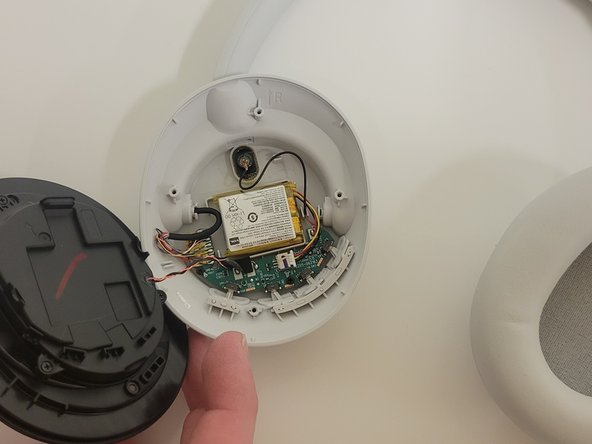
- Place the headphones down on a table, and orient them in this way.
- Remove the ear pad.
- Check introductions to ensure you remove the correct side earmuff for each repair guide!
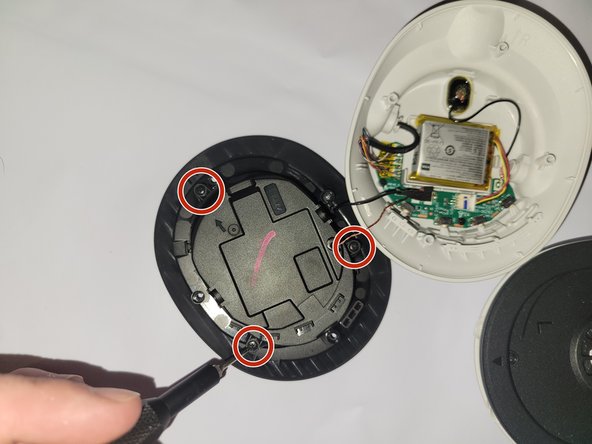
- Remove the four 5 mm screws holding the speaker housing onto the headphones.
- Move the now detached speaker housing to the side, being careful of the wires.
- On the backside of the speaker housing, remove the four 3 mm screws to detach the panel.
- With the speaker panel removed, desolder the wires connecting the speaker.
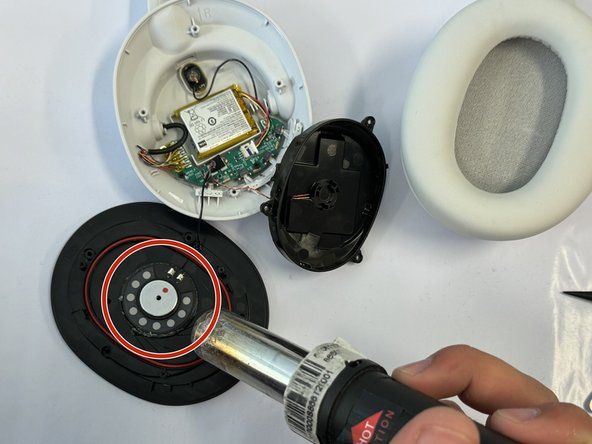
- Use a heat gun to loosen the glue around the speaker inside the housing.
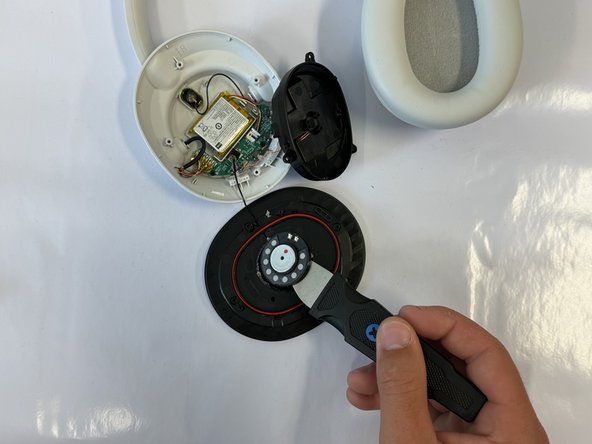
- Finally, take the metal prying tool, and carefully remove the speaker.