Turtle Beach Recon 70P Microphone Replacement
ID: 171944
Description: If you find that your microphone has broken...
Steps:
- Before continuing, remove the left ear pad with the earpad replacement guide.
- Ensure that you are removing the side that houses the microphone.
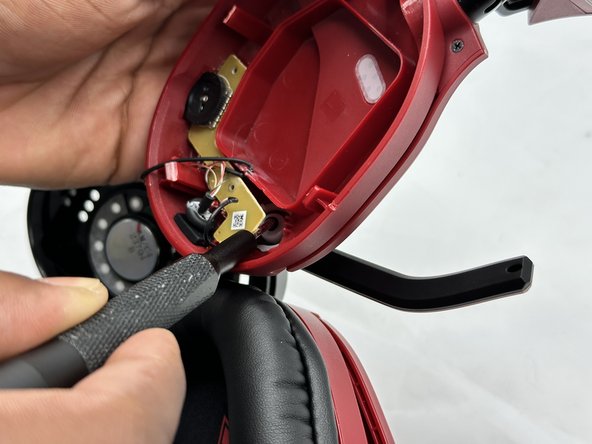
- Use a spudger to pry up the black plastic housing.
- Remove the plastic cover.
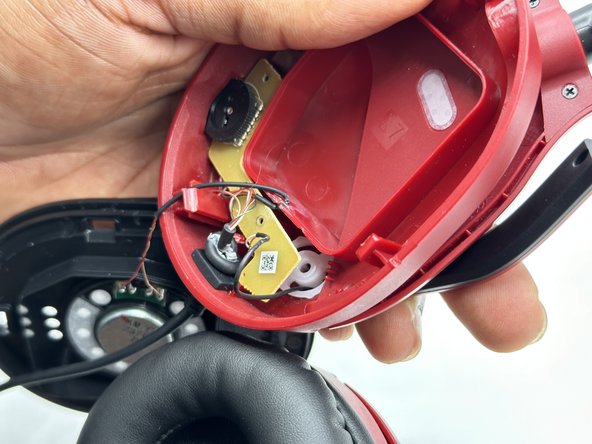
- Use a Phillips screwdriver remove the two 5 mm screws that secure the motherboard.
- Use a Phillips screwdriver to remove the single 8 mm screw under the motherboard that secures the microphone.
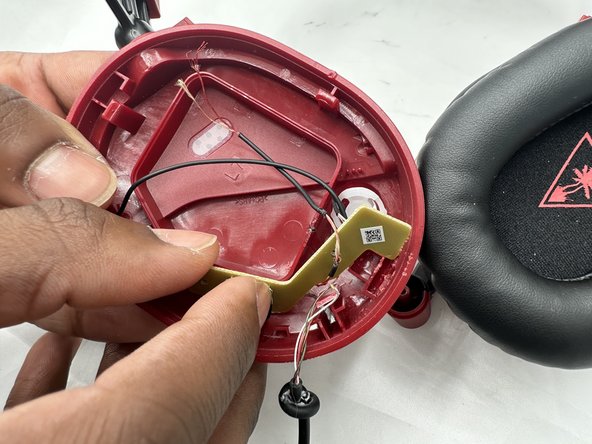
- You may need to move the wire connecting to the speaker to easily remove the motherboard.
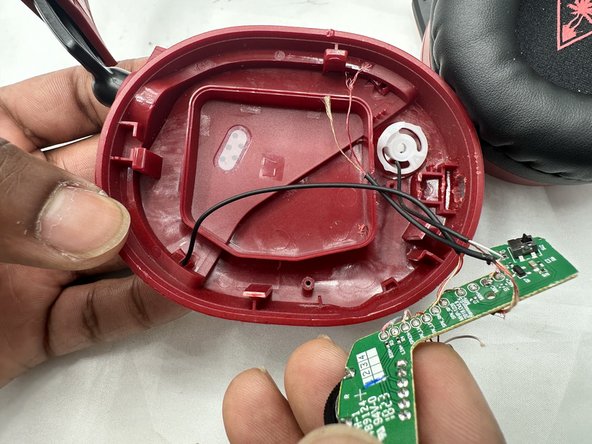
- Remove the circuit board from the housing.
- Take care not to strain the wires.
- Desolder the microphone connections.
- Soldering irons can cause burns and fires. Always solder and desolder in a well-ventilated workspace.