why! NS5xAU Lower Frame Replacement
ID: 172086
Description: This guide shows you how to replace the lower...
Steps:
- Unscrew the screws circled in red.
- Unscrew the screws circled in blue.
- Insert the opening pick.
- Lift the cover.
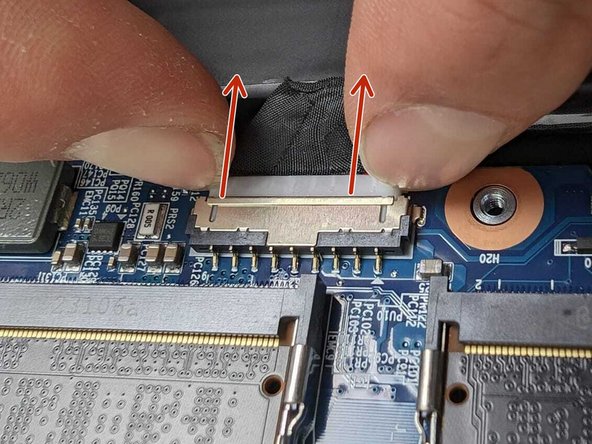
- Unplug the cable.
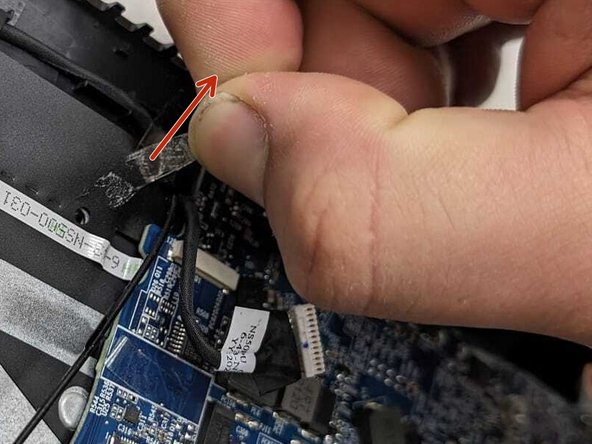
- Peel off the adhesive strip.
- Unscrew the 6 screws, following the numerical order.
- Finish unscrewing the screws.
- Unplug the cable.
- Remove the heat sink.
- Unscrew the screws and disconnect the cables outlined in orange.
- Peel off the adhesive.
- Lift the clutch hinges.
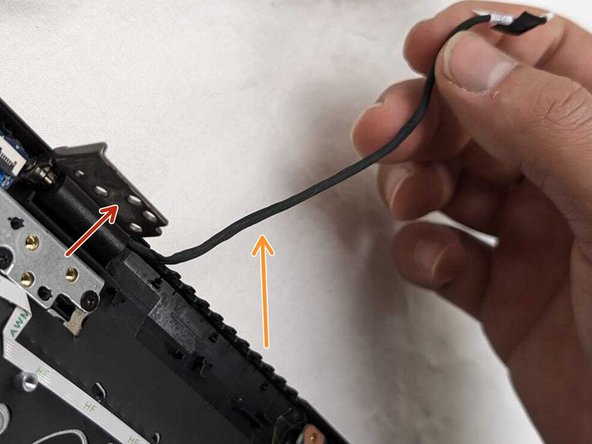
- Remove the cables from the lower module.
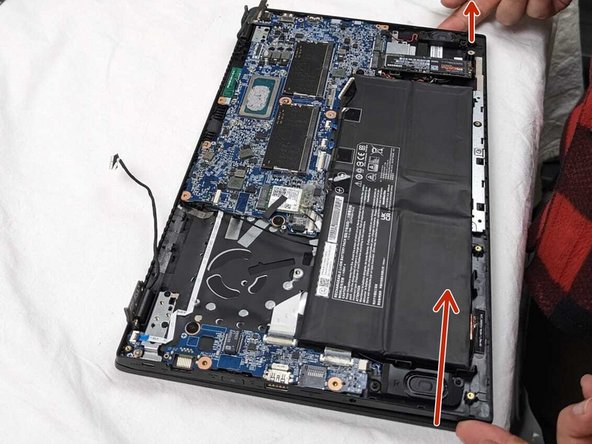
- Lift the lower module to a 90° angle.
- Release the lower module.
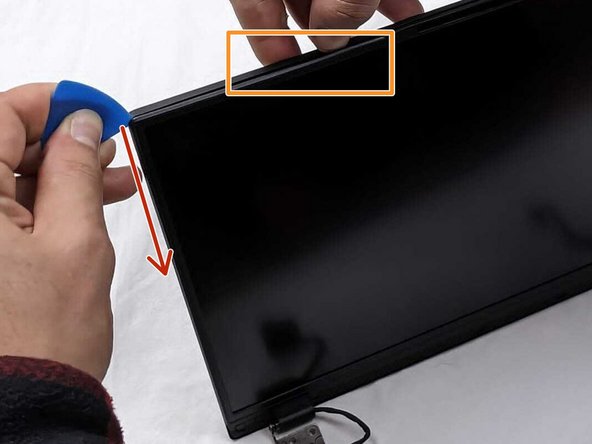
- Insert the opening pick into the frame seam and slide it around the edge.
- Slide the opening pick from top to bottom.
- Unclip the top of the frame.
- Remove the frame.
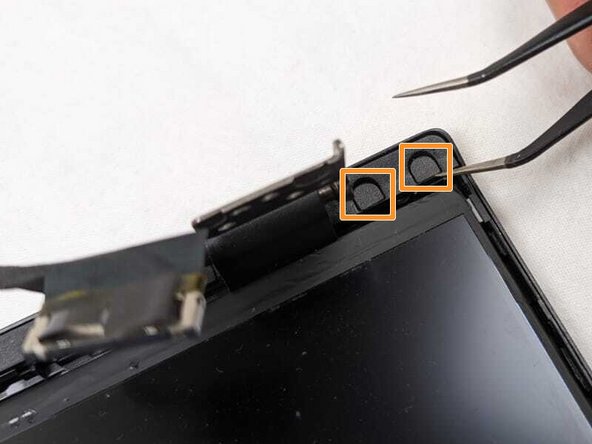
- Remove the covers.
- Unscrew the 7 screws.
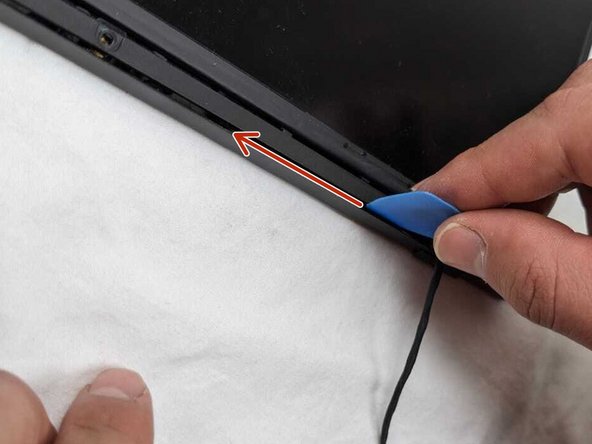
- Slide the opening pick along the lower case.
- Unclip the lower case and remove it.