Logitech Gamepad F310 Joystick Cover Replacement
ID: 171957
Description: If your joysticks are cracked, old, or broken,...
Steps:
- Use a Phillips #1 screwdriver to remove all seven 3 mm screws that secure the rear case.
- Press along the seams of the controller and gently pull the front and rear case apart.
- If necessary, use an opening tool to help pry the front and rear case apart.
- Make sure to open the controller with the front facing down so that the buttons do not fall out.
- Separate the front and rear case.
- There are two side panels on the controller that come apart as well. When putting them back together, they slot into place on the sides of the controller.
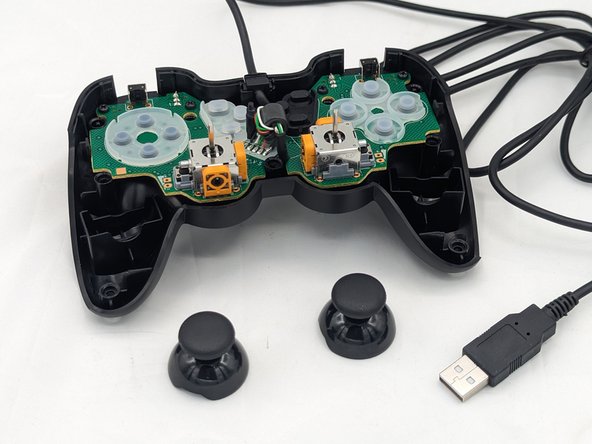
- Pull the joystick covers straight up and off the modules.