HP 14-cf2112wm RAM Replacement
ID: 172028
Description: If you are considering replacing your RAM on...
Steps:
- Before you begin, shut down your laptop and disconnect all cables.
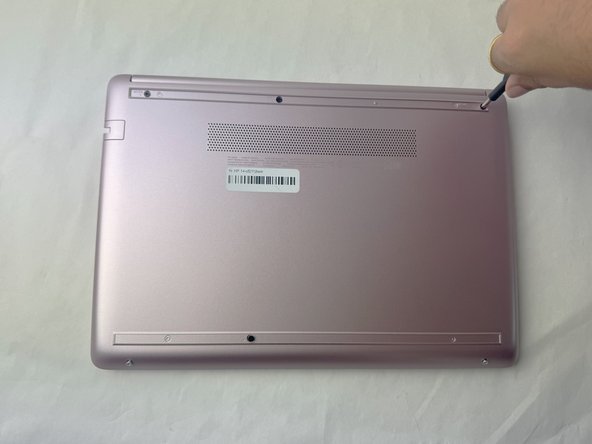
- Turn the laptop over so the bottom case is facing up.
- Use a spudger to pry under the end of the screw cover.
- When the edge is lifted up, use your fingers to pull the rest of the strip off.
- Try to keep the strip intact so you can replace it at reassembly.
- Use a Phillips #1 screwdriver to remove six 6 mm screws from the back case.
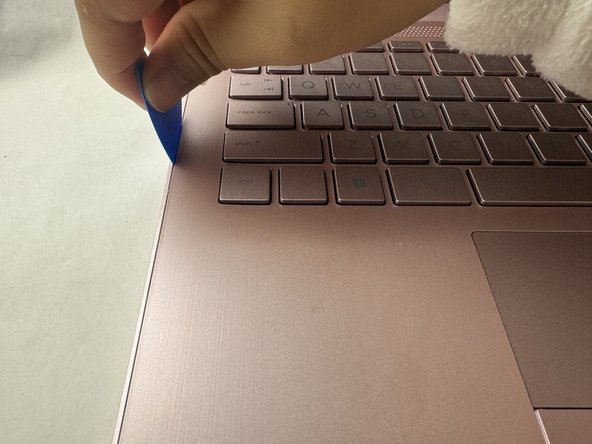
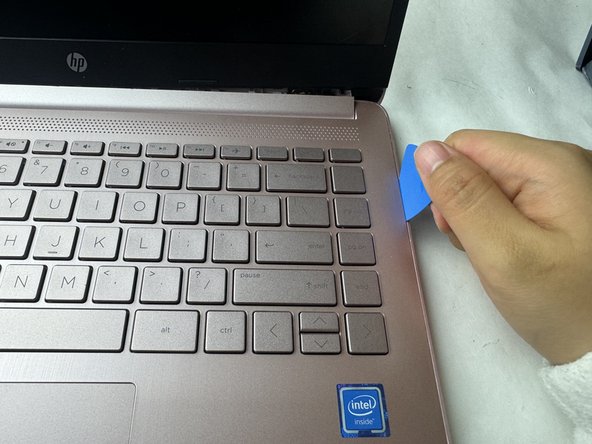
- Use a pick or opening tool to pry along the edges of the back cover from the keyboard side of the laptop.
- Be careful as the case edges are sharp.
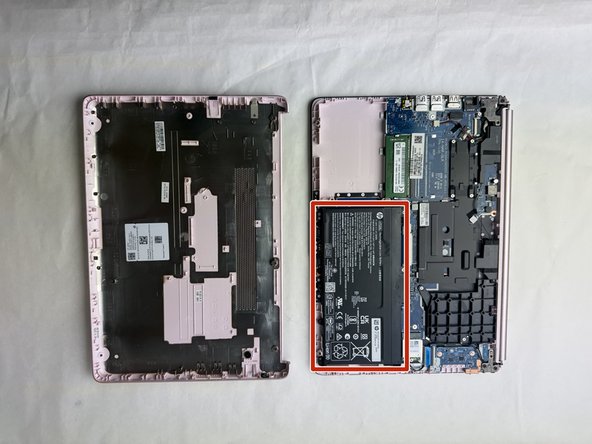
- Lift the back cover off the laptop.
- Place your opened laptop on a flat surface.
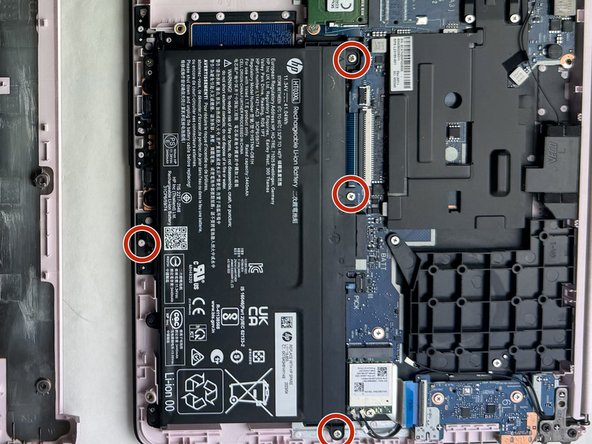
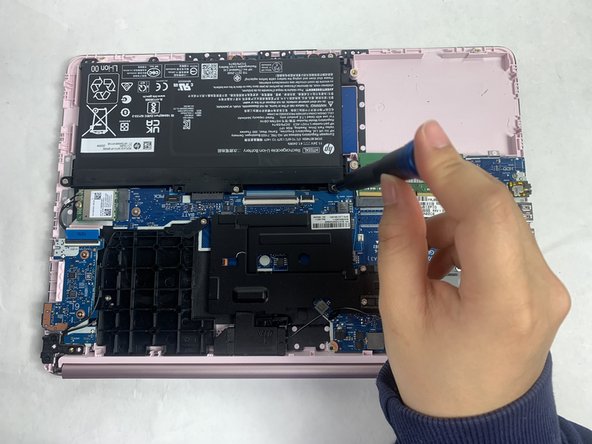
- Use a Phillips #1 screwdriver to remove the four Phillips 3.0 mm screws securing the battery.
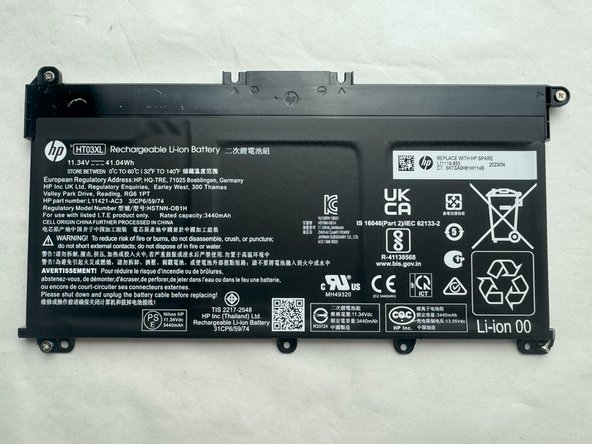
- Slide the battery out from the connector on the motherboard.
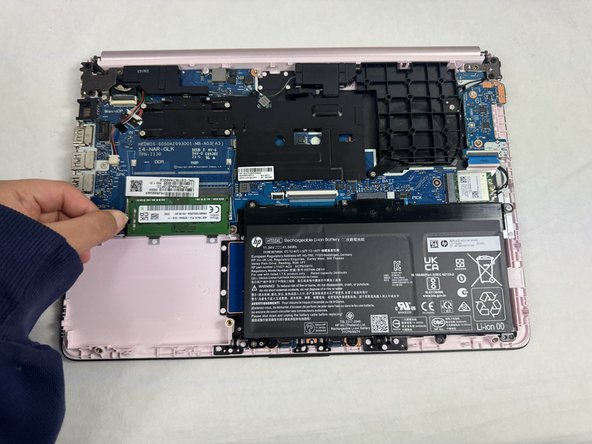
- Pull the metal arms (located on both sides of the RAM stick) slightly away from it .
- The RAM will pop up by a few millimeters.
- Gently slide the RAM stick from the socket.
- Remove it at an angle and not straight up so you don't damage the socket.
- After you slide the new RAM stick back into the socket, push it down and it will click into place.