Turtle Beach Recon Controller Face Plate Replacement
ID: 172065
Description: This guide will demonstrate how to remove and...
Steps:
- Use a Phillips #00 screwdriver to remove seven 10 mm screws from the back plate.
- When replacing the screws, ensure that the screwdriver is perpendicular to the screw in curved areas.
- Use an opening tool to separate the back plate from the grips of your Turtle Beach Recon.
- Use your fingers to remove the back plate from the body of your Turtle Beach Recon.
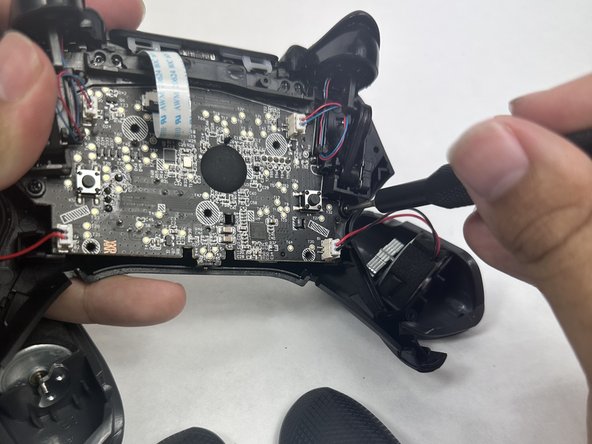
- Remove the four 10 mm screws from the motherboard using a Phillips #00 screwdriver.
- Use your fingers to grab the motherboard.
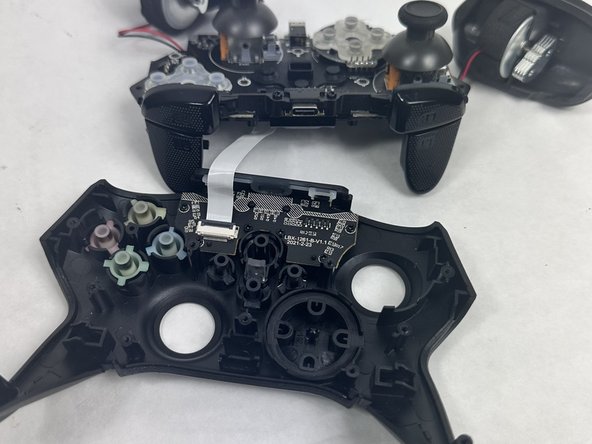
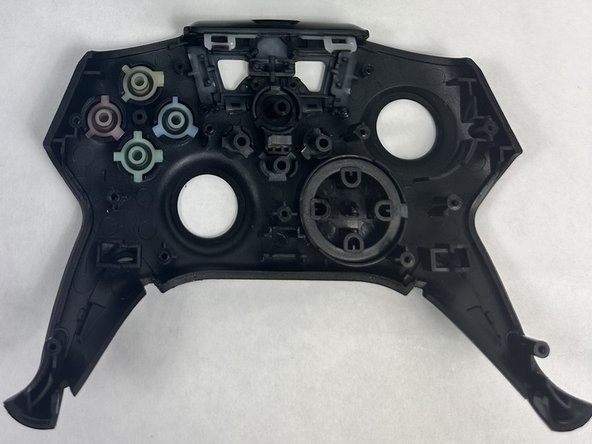
- Gently pull the motherboard and joystick caps away from the face plate.
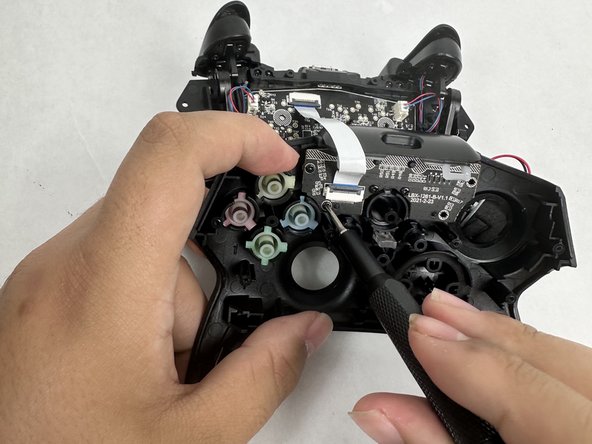
- Use a Phillips #00 screwdriver to remove six 10 mm screws from the motherboard.