OnePlus Nord N200 Back Cover Replacement
ID: 172092
Description: This guide demonstrates how to remove the back...
Steps:
- Due to its surface, the suction tool won't hold onto the phone's rear glass. A thin slicing tool is required.
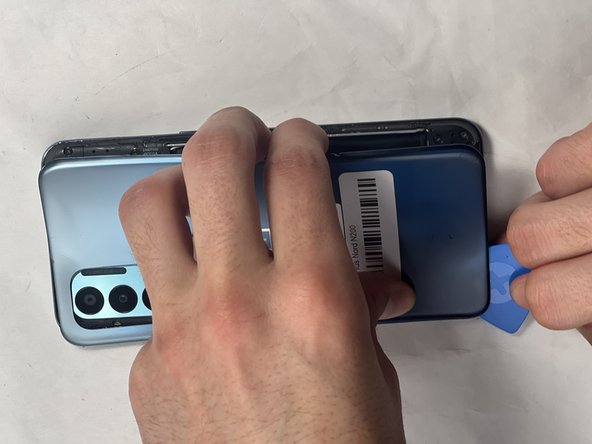
- Insert the Jimmy into the seam between the rear glass and the midframe at the bottom edge of the phone to create a gap.
- This may require some force.
- Leave the Jimmy in place for a few seconds to prevent the adhesive from resealing.
- Insert an iFixit opening pick into the gap you created with the Jimmy.
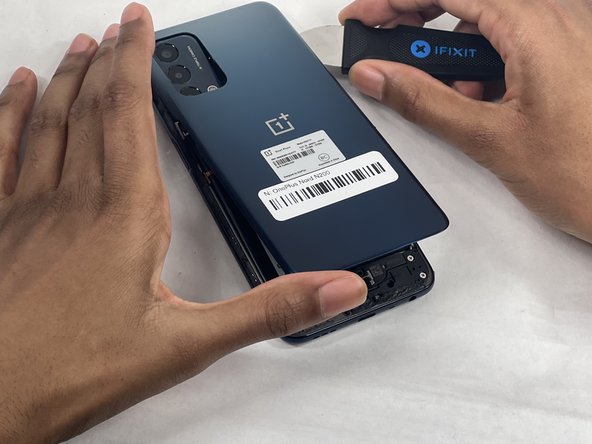
- Slide the Jimmy around the phone to slice the adhesive.
- Insert a second iFixit opening pick at the spot you have sliced open to keep it open.
- Slide the iFixit opening pick along the top edge to slice the adhesive.
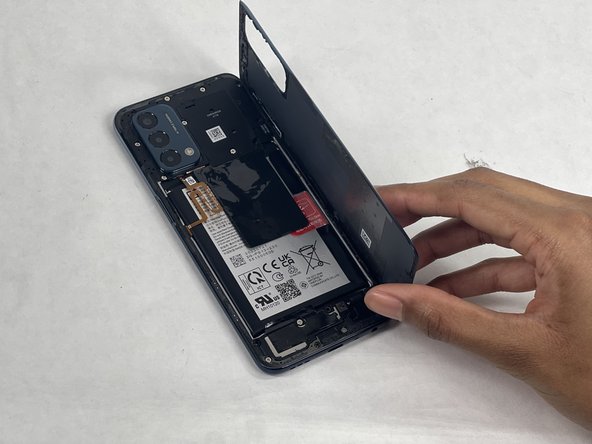
- Start prying the back plate off the phone.
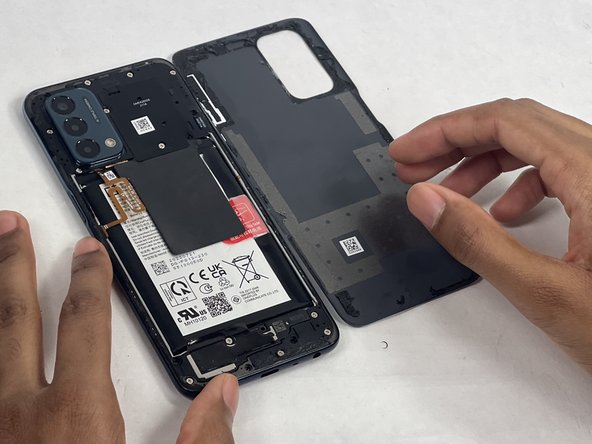
- Remove the back cover.