Marshall Stanmore II Power Jack Replacement
ID: 172101
Description: This guide is intended to replace the internal...
Steps:
- Turn off the device and unplug the cable from the wall and the speaker.
- Lay the speaker with the back panel facing up on a flat, stable work surface.
- Use a Phillips #2 screwdriver to remove the ten 20.5 mm screws that secure the rear panel to the chassis.
- Carefully lift the rear panel and let it rest on an object, like a stack of books, to avoid straining the cables.
- Do not attempt to fully remove the panel, as this will damage the connections inside.
- Set the panel back in place.
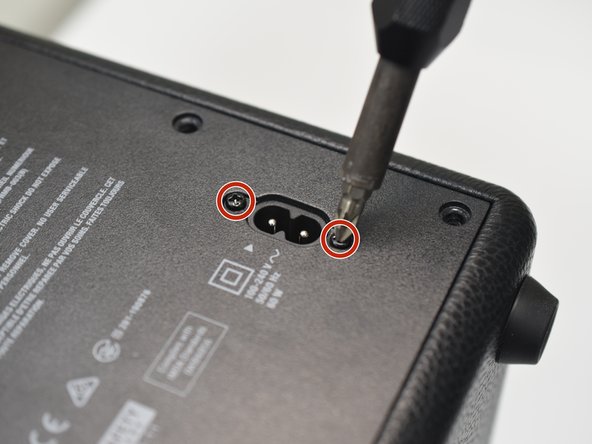
- Use a #1 Phillips screwdriver to remove the two 11.7 mm screws that secure the power jack.
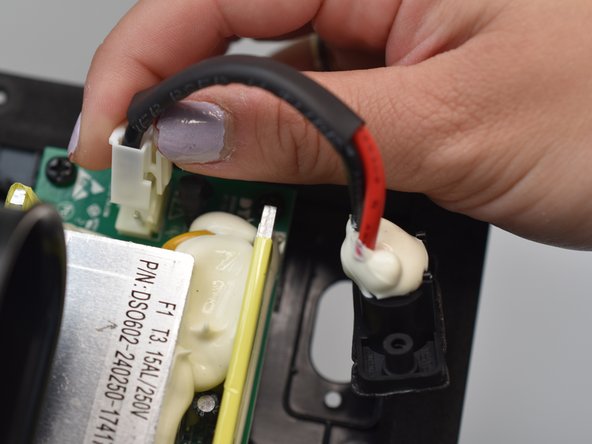
- When removed for the first time, the jack will remain in place until it is pulled out.
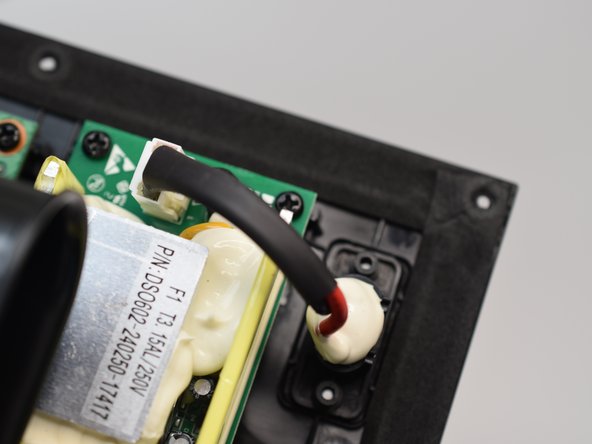
- Find the power jack cable inside of the removable panel. It is located in the upper, right corner of the panel interior.
- Depress the white plastic clip while pulling the connector up.
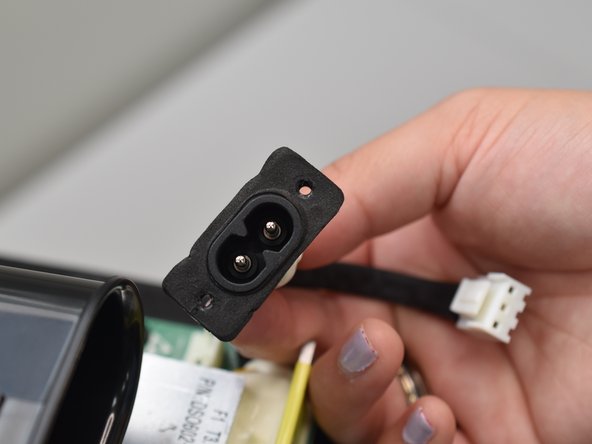
- Remove the power jack.