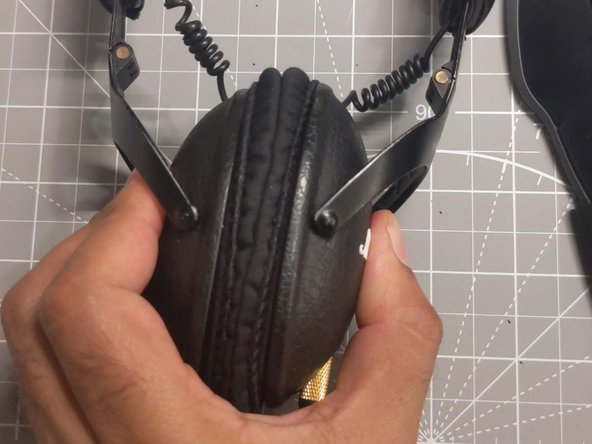
Marshall monitor pads replacement
ID: 175725
Description: If the holder for the metallic piece got...
Steps:
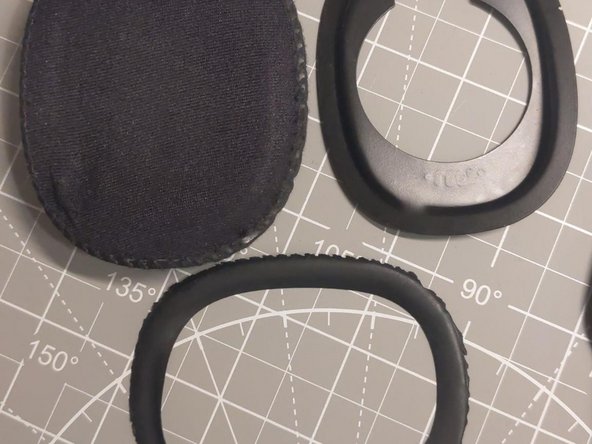
- Remove the holder
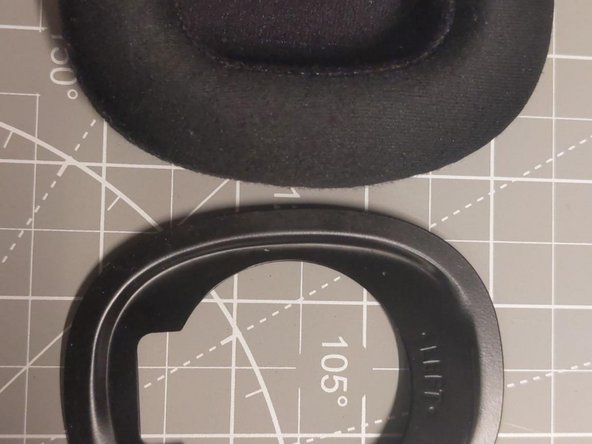
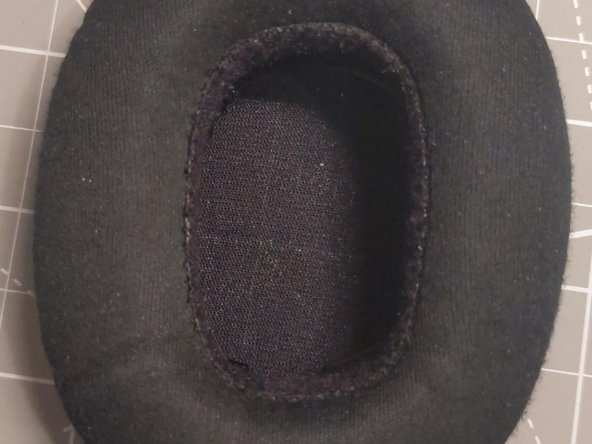
- Insert the metallic piece inside the cushion with letters (left or right word) not facing you.
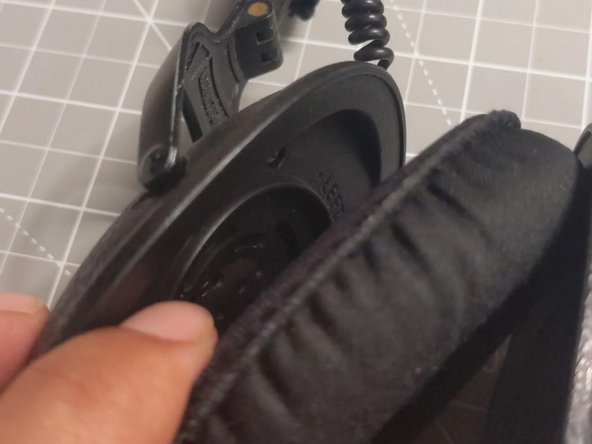
- Keep in mind that letters (left or right word) will face the letters (left or right word) in the headset.
- It should attach strongly.
- If it does not attach strongly check the step 2 (letters facing headset)