Shark Rocket IX141 Battery Replacement
ID: 177850
Description: If your Shark Rocket IX141 is not charging or...
Steps:
- Remove the handle base from stick portion of the vacuum for easiest handling. Press the indigo button and slide the handle base away from the stick.
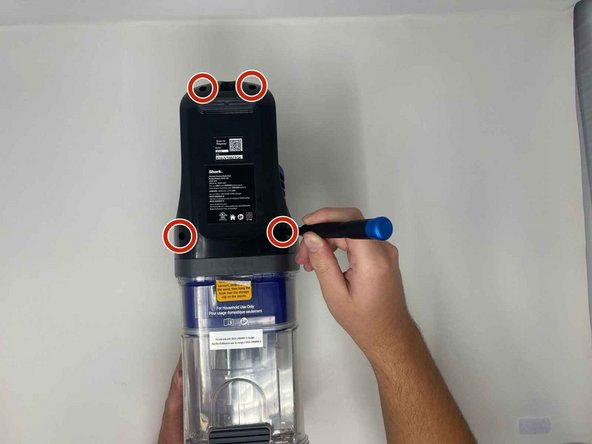
- The battery is located on the back of the handle base in the dark grey piece of plastic labeled with the model number.
- Use a Phillips #1 screwdriver to remove the four 14.5 mm screws in the top and bottom two corners
- The plastic piece from here can be popped off. It may take some effort, so use an opening pick to pry the piece from the base.
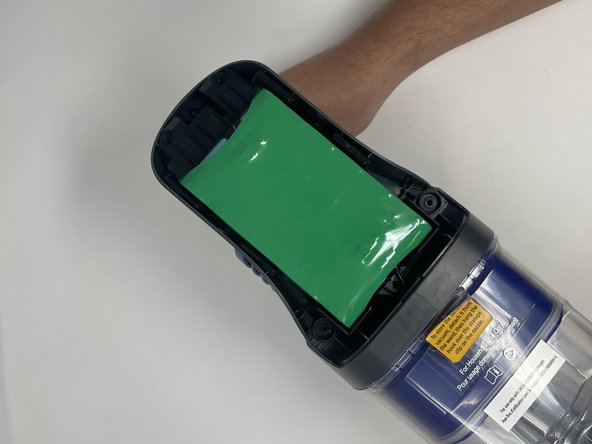
- The battery will now be exposed.
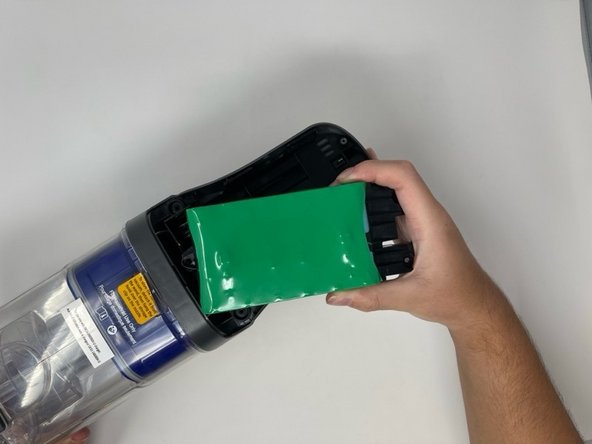
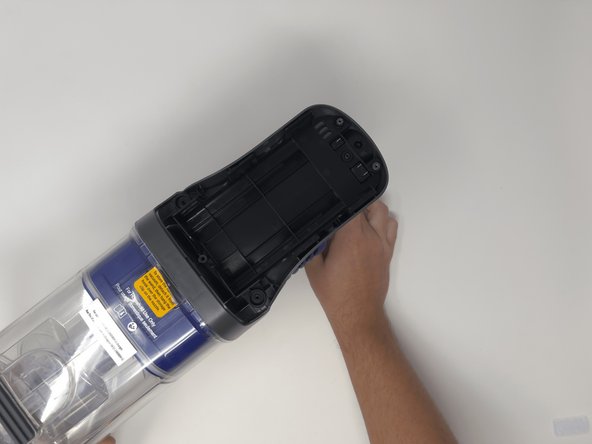
- You can now remove the battery by lifting it gently from the compartment.
- Be careful not to damage the metal prongs on the top of the battery.