Apple Watch SE Watch Band Replacement
ID: 177898
Description: This guide will lead you through the steps of...
Steps:
- Turn off your device by holding down the side button until the slider appears.
- Tap the Power button at the top right hand corner.
- Slide the Power Off slider to the right.
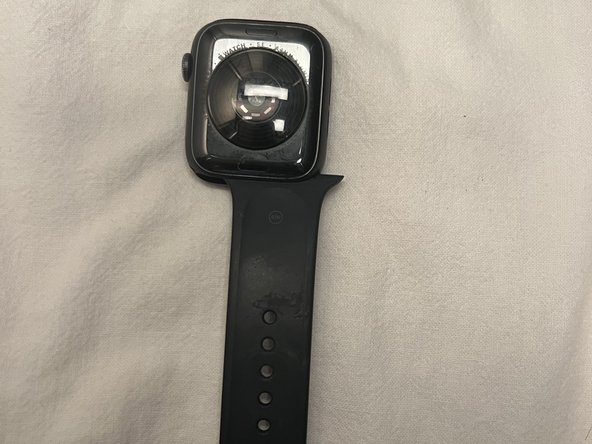
- Lay your Apple Watch face down on a soft, clean surface to avoid scratching the screen.
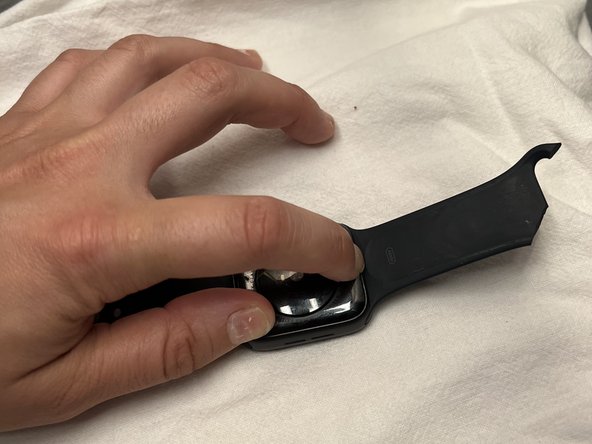
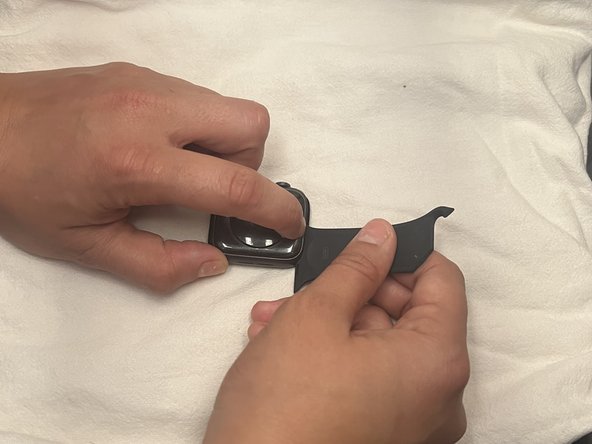
- Hold down one of the release buttons on the back of the device, and slide out its corresponding band at the same time.
- This may take some effort. If the band does not slide out, press down the release button again and make sure to hold it down.
- Repeat Step 3 with the other side of the band.
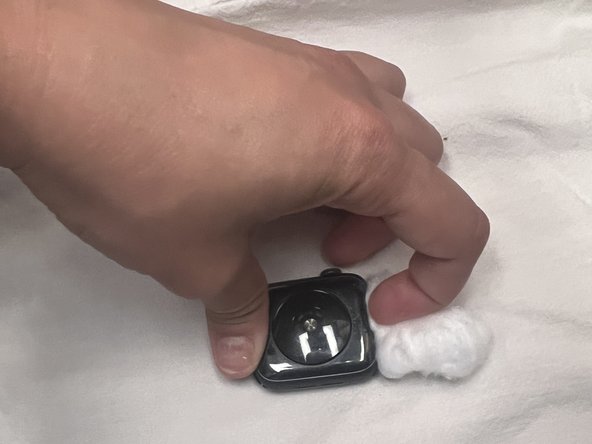
- Gently wipe any residue off of the back of the watch using a gentle towel, cotton swab, or cotton ball.
- Do not use any abrasive chemicals.
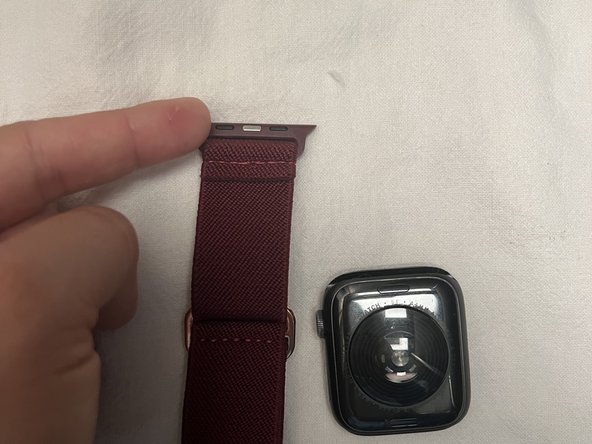
- Take the new watch band and make sure the side of the band with metal connectors is facing the watch, and the correct orientation is followed.
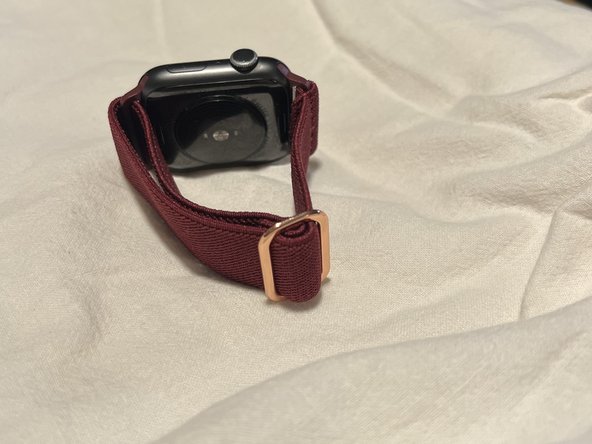
- Gently slide the new band into the slot.
- It will click into place when it is properly secured.
- Repeat on the other side.