Toptro TR23 Speaker Replacement
ID: 178970
Description: Have you been experiencing distorted sound or...
Steps:
- Set the projector on its side so the the front is facing to your left.
- Insert an opening tool into the seam between the black chassis and the silver case.
- Pry around the perimeter until the case fully releases.
- When removing the cover, be careful as there is an internal connector attached to the lid and the projectors motherboard. You’ll have to carefully detach that before fully removing the projector case.
- Remove the case.
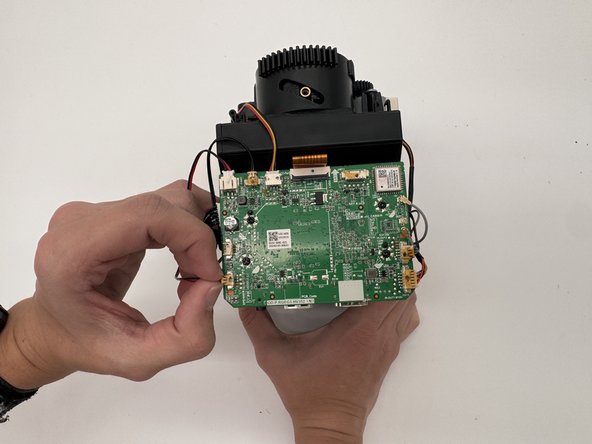
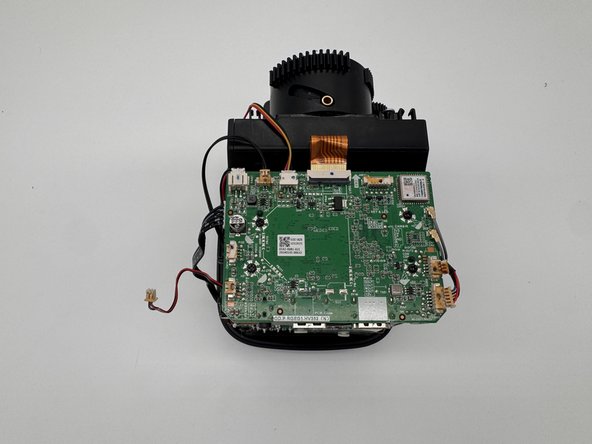
- Disconnect the motherboard speaker connector on the lower-left side of the motherboard.
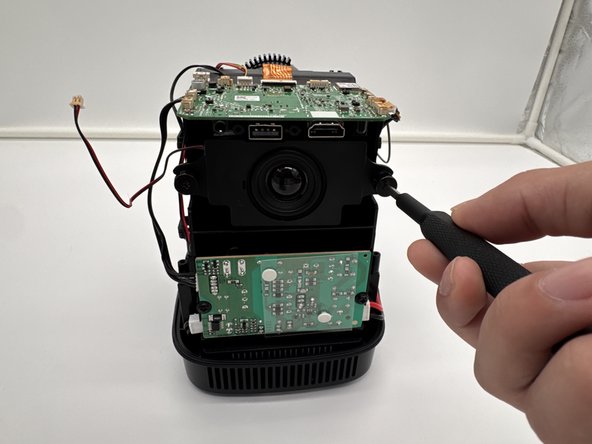
- Remove the two 18.8 mm screws that secure the speaker to the Toptro TR23 with a Phillips #1 screwdriver.
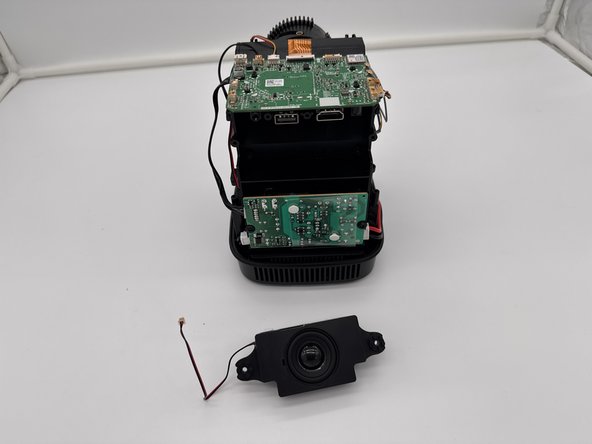
- Remove the speaker.