TOZO HT2 Battery Replacement
ID: 179064
Description: Every electronic device powered by batteries...
Steps:
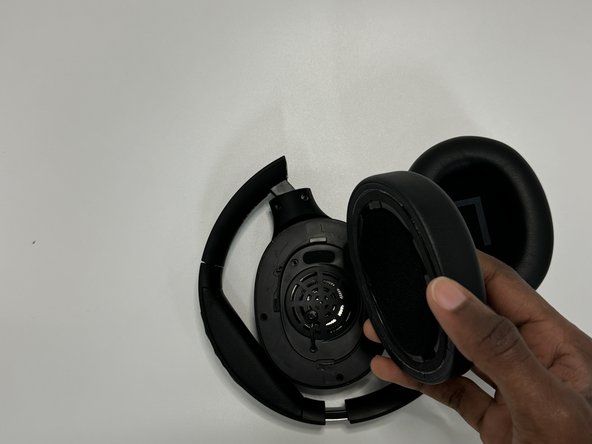
- Firmly hold the headphone housing in one hand to hold the device steady and put the other hand on the ear pad you intend to replace.
- Note: Do not force the ear pad to come off or you risk breaking the tabs that keep the pads in place.
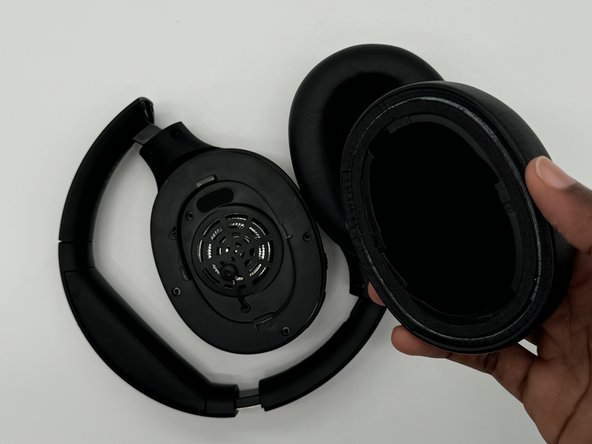
- Twist the ear cover counterclockwise until it pops off.
- Repeat for the other ear pad if necessary.
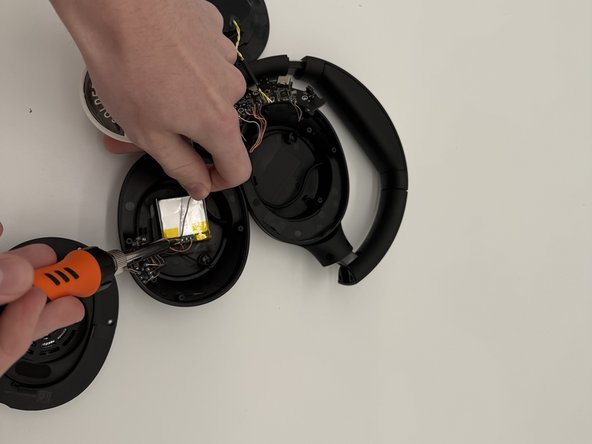
- Remove the four Phillips screws securing the speaker housing.
- Use a spudger to gently pry the battery out of its housing.
- Do not use a metal spudger as demonstrated in the photo. Take care not to puncture or bend the battery.
- Take wire cutters and carefully snip the battery free, cutting as close to the battery as possible.
- Solder the wires onto the new battery.
- HANDLE WITH CARE: Soldering iron can be VERY hot (reaching temperatures up to or above 400°C or 800°F).
- Wear eye protection while soldering and only do so in a well ventilated area and/or with a fume extractor.
- Remove all possible fire hazards from the surrounding area.