PDP Rematch Advanced Triggers Replacement
ID: 179075
Description: Triggers may need to be replaced if they become...
Steps:
- Orient the controller so the back side is facing you.
- Use a Phillips #000 screwdriver to remove the seven 9 mm screws that secure the back shell.
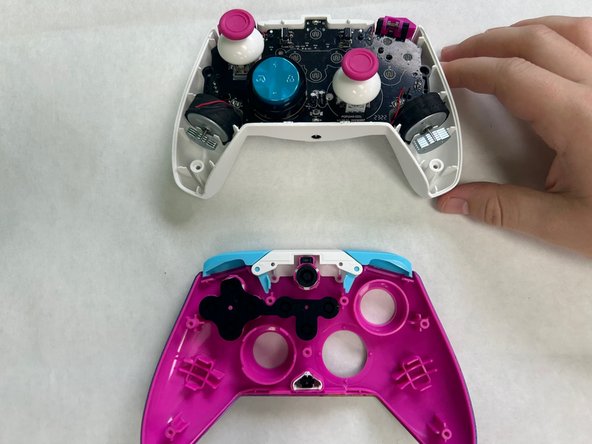
- Pull apart the controller's front and back shells with moderate force.
- Orient the controller so that the front shell is facing the floor to prevent the face buttons from falling out.
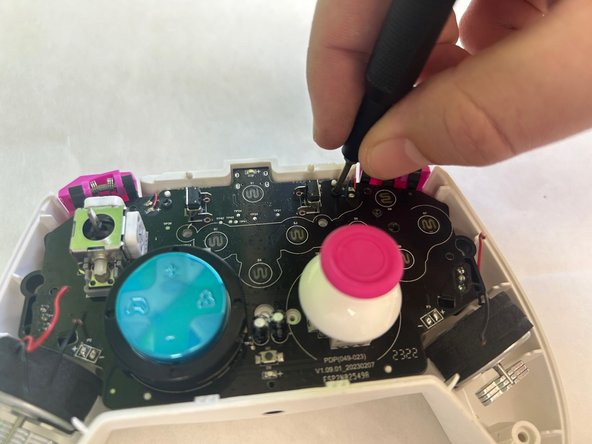
- Use a Phillips #00 screwdriver to remove the two 5 mm screws that secure the motherboard.
- Remove the motherboard from the back shell using moderate force.
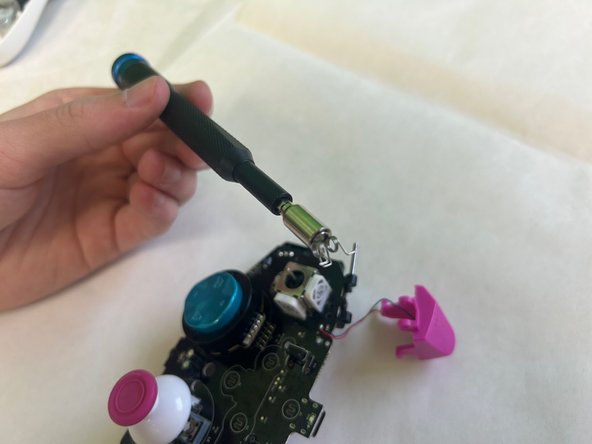
- Use a Phillips #00 screwdriver to remove the two trigger springs from the motherboard.
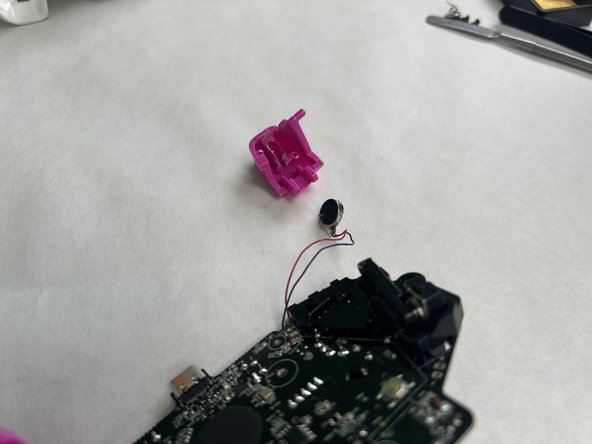
- Use a hair dryer to remove the trigger from the motherboard.