How to setup God Mode
ID: 179121
Description: This guide will show you how to setup God Mode...
Steps:
- Select New
- Select Folder under New.
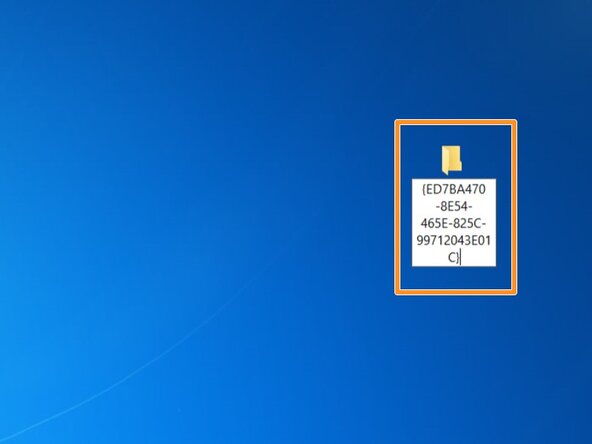
- Copy this exactly as shown. DO NOT deviate: God Mode.{ED7BA470-8E54-465E-825C-99712043E01C}
- Look for an icon that looks similar to the control panel. If you see this, God Mode is setup correctly.
- Select New
- Select Folder under New.
- Copy this exactly as shown. DO NOT deviate: God Mode.{ED7BA470-8E54-465E-825C-99712043E01C}
- Look for an icon that looks similar to the control panel. If you see this, God Mode is setup correctly.
- If you created your "God Mode" folder correctly, this is what you will see: