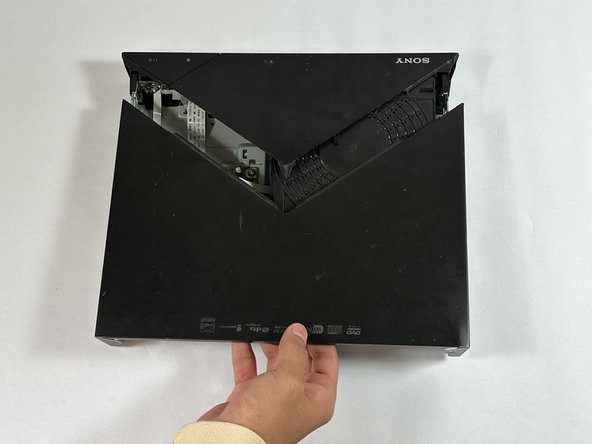
Sony BDP-BX320 Outer Case Replacement
ID: 179172
Description: If you need to access the internal components...
Steps:
- Power off and unplug the device from any power source.
- Place the Blue-ray player on a clean, stable surface.
- If preferred, use the Magnetic Mat to organize screws.
- Use a Phillips #1 screwdriver to remove the three 8.3 mm screws on the back of the device.
- Slide the back section of the top case off the device.
- Use your hands or a metal spudger to gently disconnect the case from the small tabs on the bottom and sides of the device.
- Slide off the front section of the top case to expose the internal components.