HP 15-dw0037wm Fan Replacement
ID: 179261
Description: If your HP 15-dw0037wm laptop is freezing or...
Steps:
- Before you begin, discharge your laptop battery below 25%. A charged lithium-ion battery can catch fire and/or explode if accidentally punctured.
- Power off your laptop and disconnect the charger and any peripheries before beginning disassembly.
- Set the laptop down with the lower case facing up.
- Lift a corner of the lower silicone foot and peel it completely off.
- Repeat for the upper silicone foot.
- Use a Phillips screwdriver to remove the five 8 mm screws.
- Remove the two 5 mm Phillips screws.
- Insert an opening pick into the gap between the lower case and chassis.
- Starting from a corner is recommended.
- Slide the pick around the entire perimeter of the device until the lower case fully releases.
- Remove the lower case.
- Use a Phillips screwdriver to remove the the four 4 mm screws that secure the battery.
- Lift the battery out slowly to disconnect it from the socket that connects it to the motherboard.
- Removing the battery quickly can damage the socket that the motherboard is connected to.
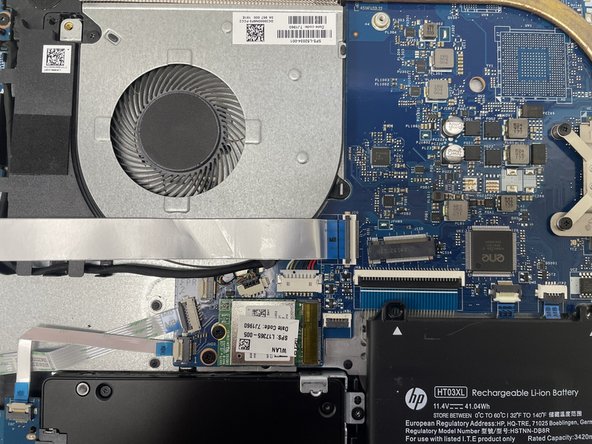
- Use your fingernail or a spudger to gently lift the black ZIF locking flap that secures the ribbon cable.
- Repeat the previous bullet on the other end of the ribbon cable.
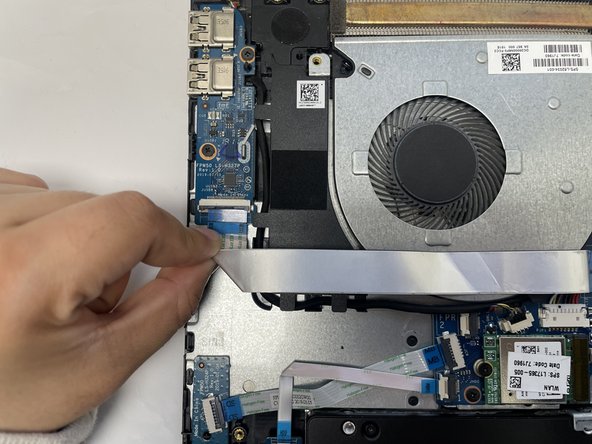
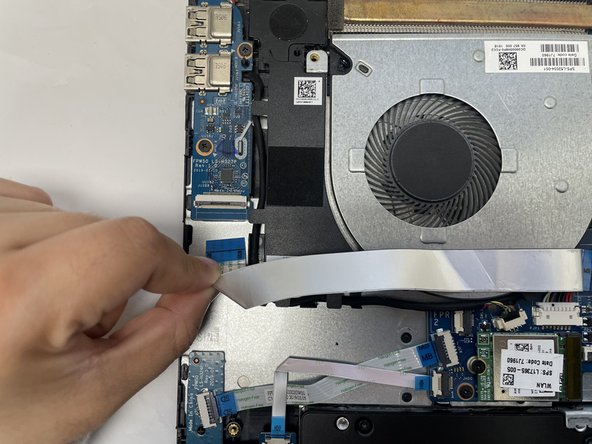
- Slide the ribbon cable out from the socket gently.
- Repeat on the other end of the ribbon cable.
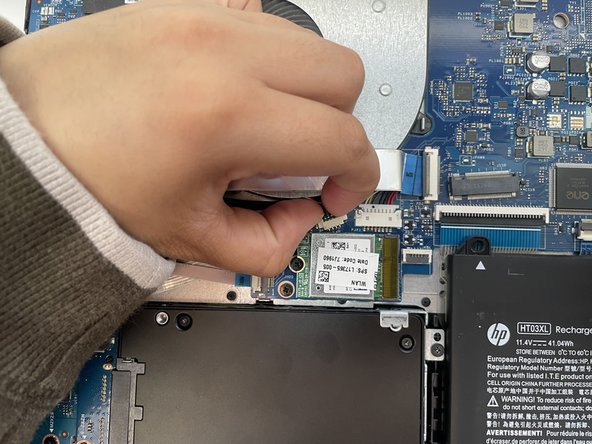
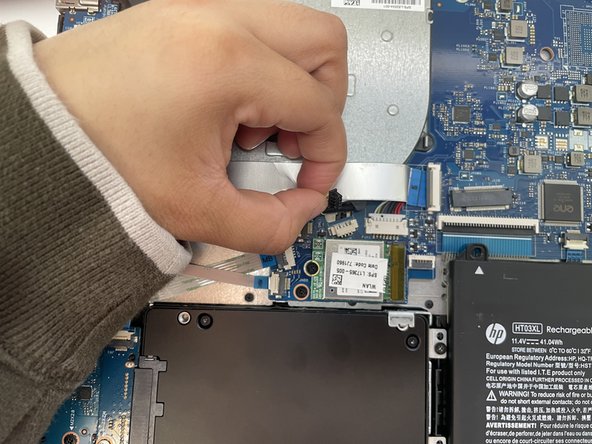
- Gently using your fingernails to push the fan connector out of its motherboard socket.
- Remove the one 4 mm screw securing the fan with a Phillips #1 screwdriver.
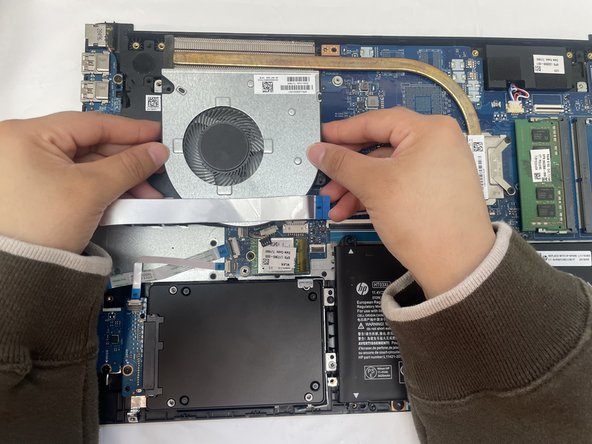
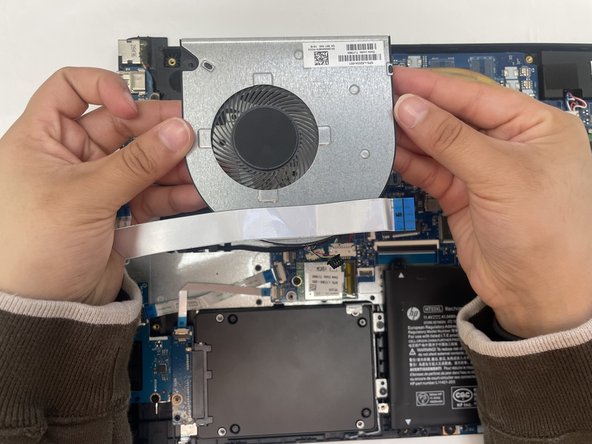
- Grip and lift the fan up and out of the chassis.