Lenovo ThinkPad L590 Lower Case Replacement
ID: 180347
Description: Use this guide to replace the lower case on...
Steps:
- Shut down your ThinkPad L590 before beginning; do not put it to sleep or hibernate. Disconnect the AC adapter and any peripheral devices (USB drives, external monitors, etc.).
- Set the computer down with the lower case facing up.
- Use a Phillips screwdriver to remove the following screws securing the lower case:
- Six 10 mm screws
- Three 5.5 mm screws
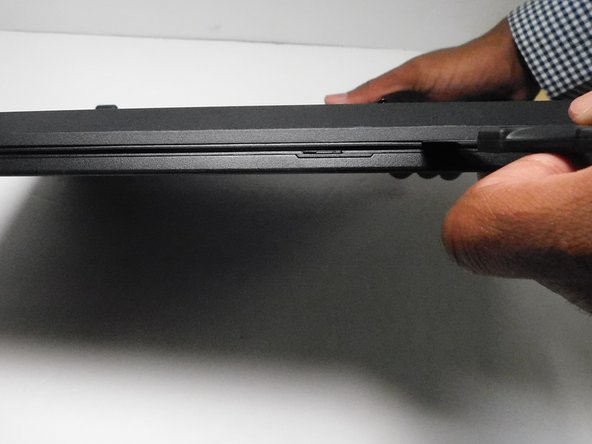
- Insert an opening pick into the gap between the lower case and chassis.
- Gently pry around the entire perimeter of the laptop until all of the retaining clips fully release.
- Lift off the lower case.