VIA GO Teardown
ID: 181512
Description: Explore internals of the device: layout,...
Steps:
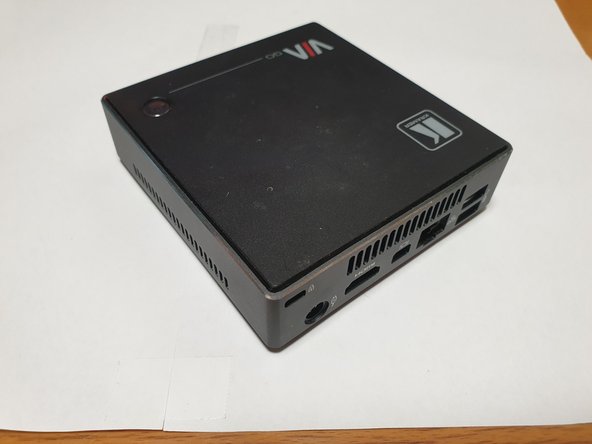
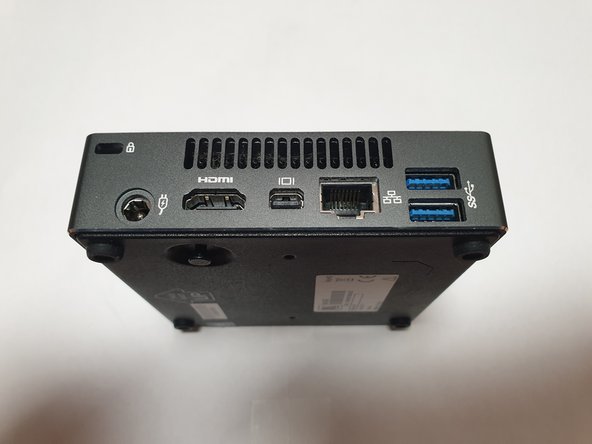
- USB and audio ports at front and rest of I/O are at the back. power button is on top.
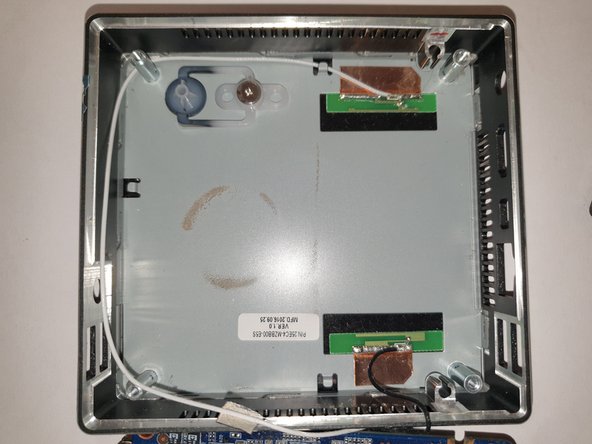
- Remove four (phillips) screws on the bottom of the device, these are located inside of rubber feet.
- remove screws that hold motherboard in the case.
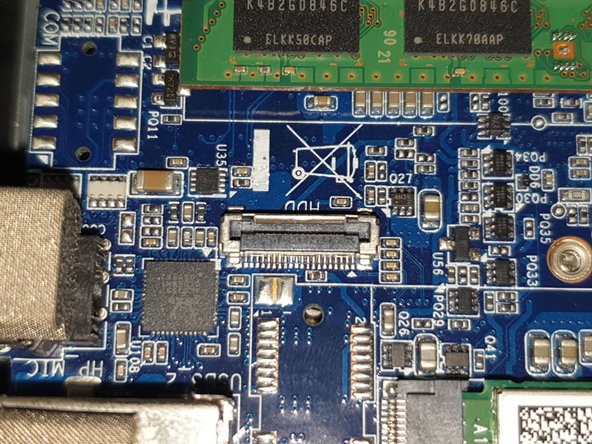
- LPDDR3 slot (there is no internal memory).
- M.2 slot with Intel 3160NGW (Dual-band AC-WiFi + BT)
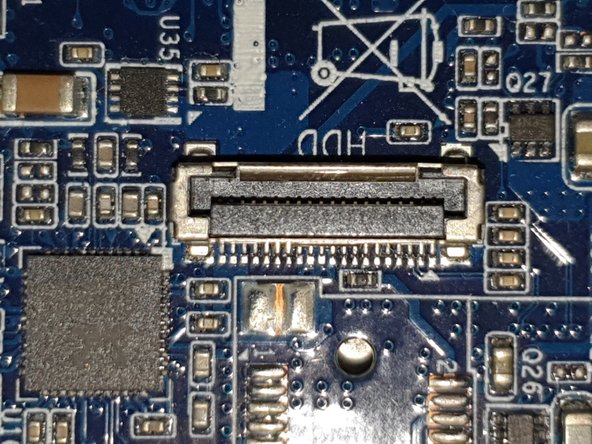
- 20-pin connector for external SATA hard drive.
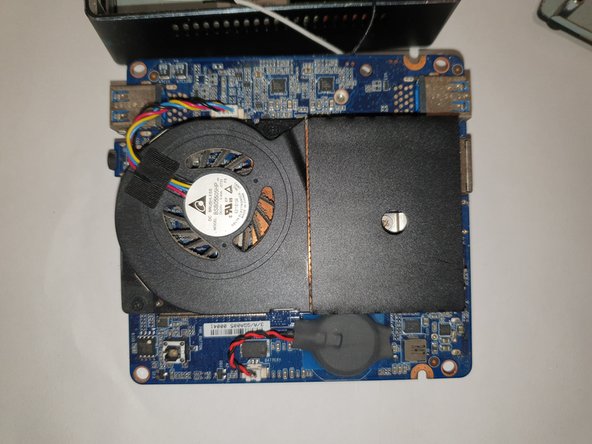
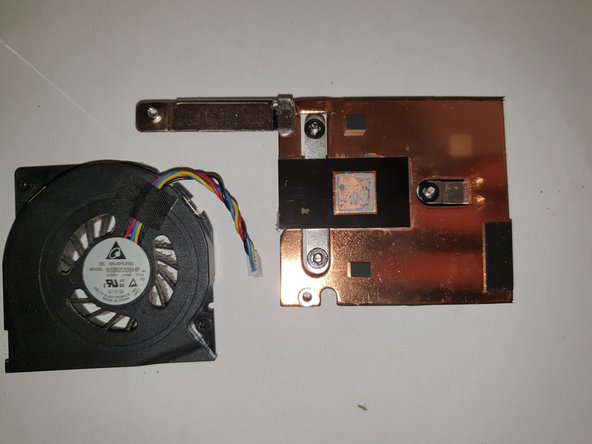
- screws to remove fan assembly
- screws to remove heatsink
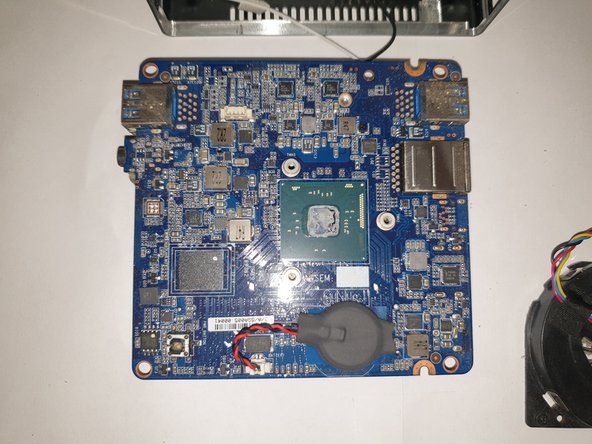
- RTC battery
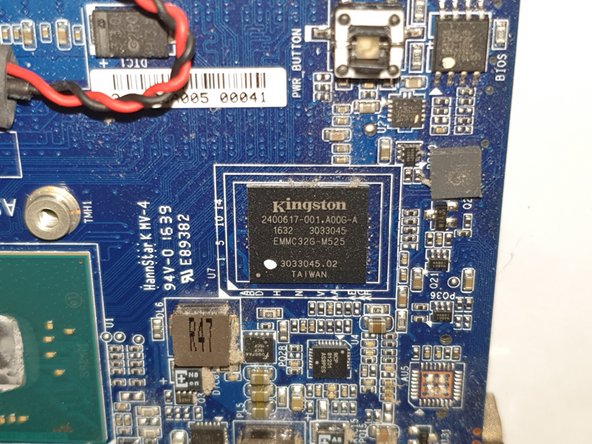
- eMMC (SD) chip
- power button
- closeup of Intel N3010 SoC and eMMC chip.
- component overview. also closeup of 20-pin external sata connector.