Shark UltraCyclone CH951 U4 Filter Replacement
ID: 182187
Description: This guide will provide instruction on how to...
Steps:
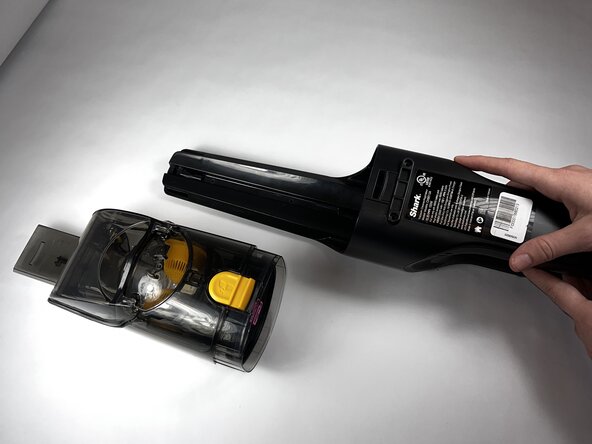
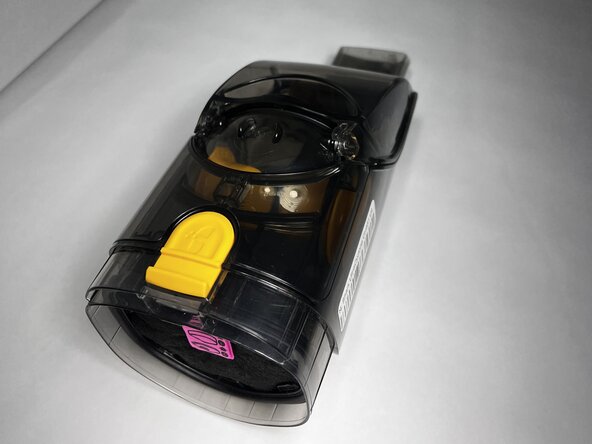
- Press the dust cup release button and gently pull the dust cup away from the body of the vacuum.
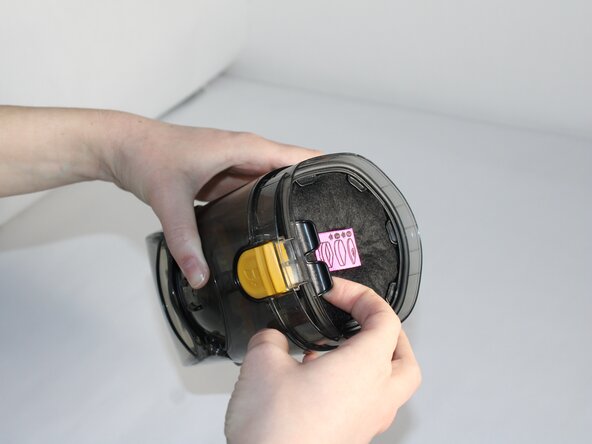
- Place your fingers under the black tab on the plastic holder. Gently pull towards you.
- The entire component should come out.
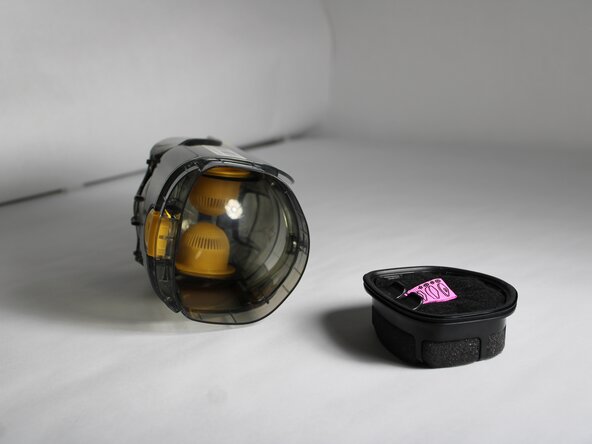
- Gently pull on the pink tag tab to remove the covering.
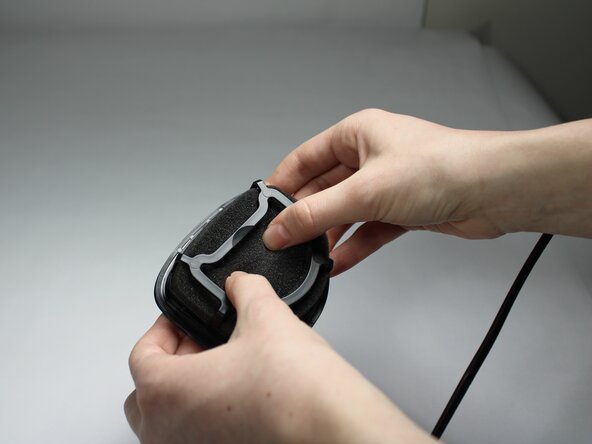
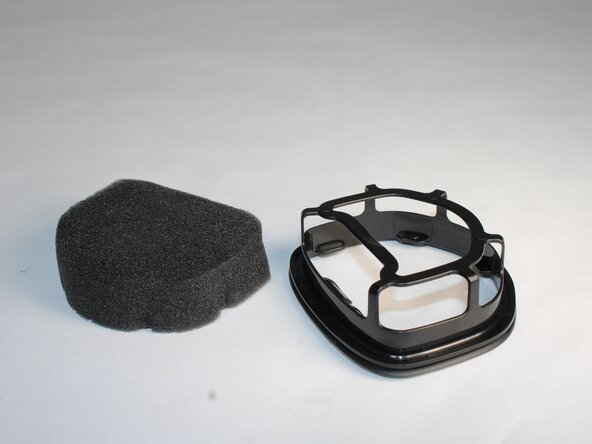
- Rotate the component, and gently push from the bottom to dislodge the filter from the plastic holder.
- Clean the filter if there is dirt or debris that is clogging the suction by running it under water and letting it dry completely before reassembling.
- Replace the component if there is a defect.