Lenovo Flex 3-1580 Back Cover Replacement
ID: 182191
Description: This guide will show you how to remove the back...
Steps:
- Remove eleven 6.0 mm screws from the bottom cover using a JIS #1 screwdriver.
- Loosen the backing cover by sliding a spudger along the edges.
- You’ll hear and feel a pop as you loosen the edges. This lets you know the backing is loosening up.
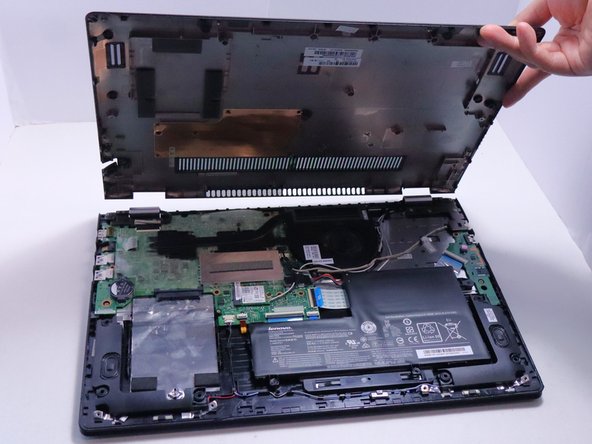
- Remove the bottom cover from the laptop.