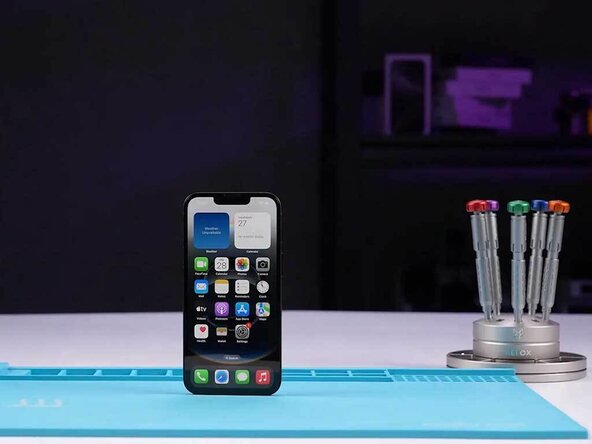
iPhone 16e Disassembly
ID: 182375
Description: Apple has introduced the iPhone 16e to the...
Steps:
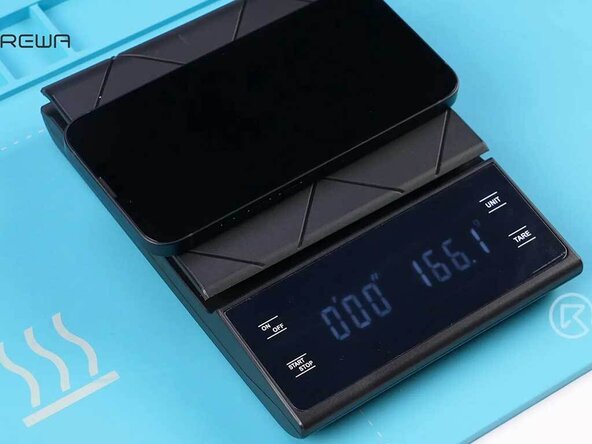
- The iPhone 16e weighs 166.1 grams, which is lighter than the other iPhone 16 models, and even standard for modern smartphones.
- Remove the two Pentalobe screws located at the bottom of the phone.
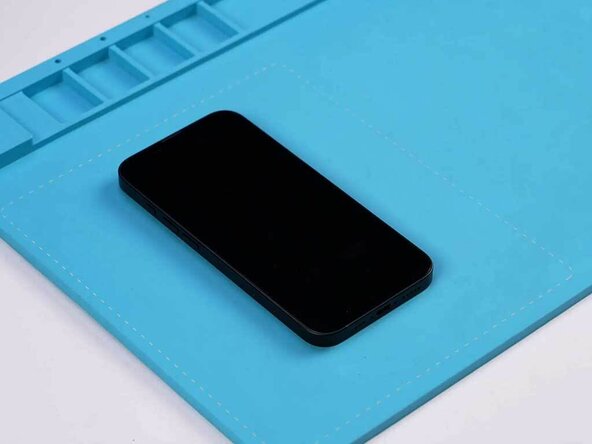
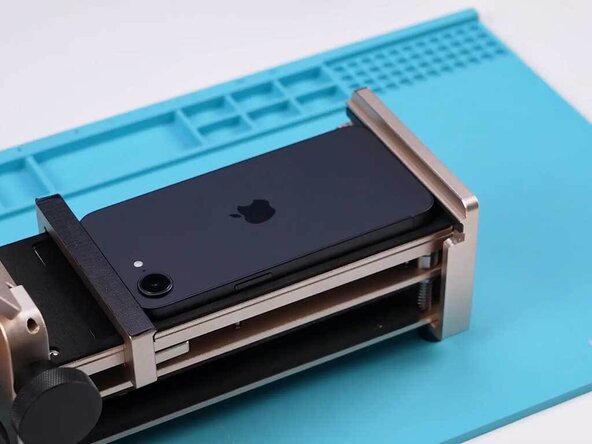
- Place the iPhone face up on a heating mat to loosen the adhesive holding the back cover in place.
- Use a phone opening tool to create a gap between the back cover and the middle frame.
- Insert a pick into the gap and slide it along to open the device.
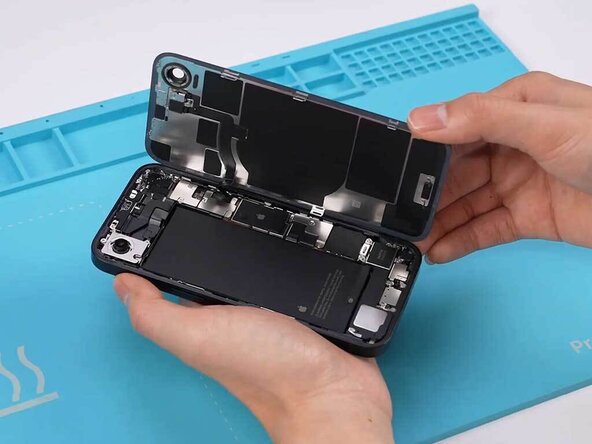
- Open the iPhone by swinging the back cover up
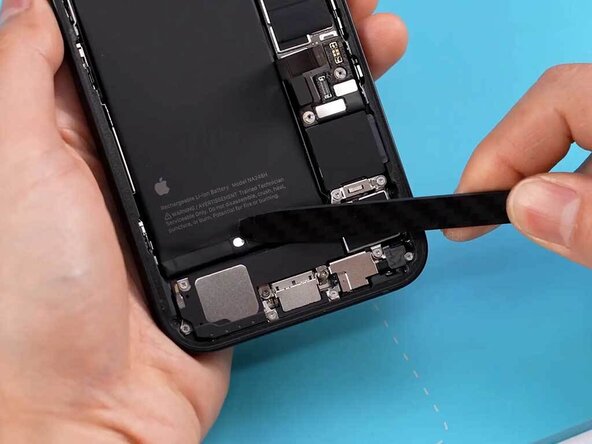
- Disconnect the battery cable and wireless charging coil cable, then remove the back cover.
- The internal design looks very similar to the iPhone 15
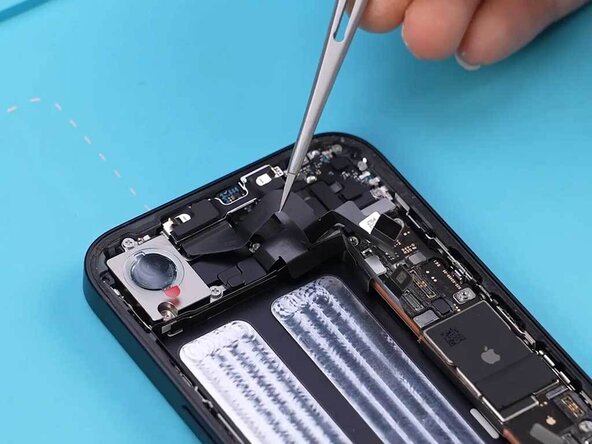
- Disconnect the SIM holder base cable first.
- The battery itself does not have pull tabs; instead, it uses a special adhesive that releases when an electric current is applied.
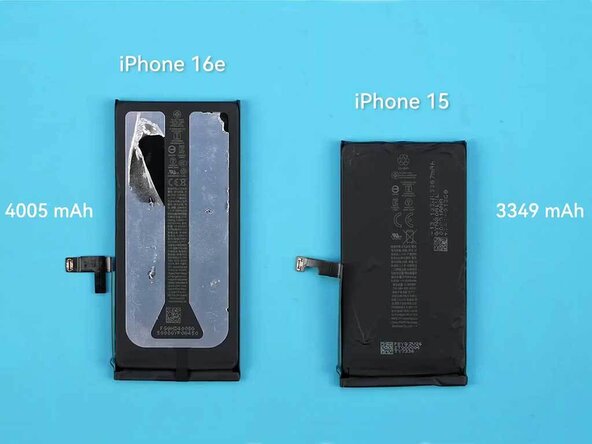
- According to Apple, the new internal structure allows the iPhone 16e to accommodate a larger battery. In our observations, the smaller camera makes room for a larger battery.
- The iPhone 16e has a 4005mAh battery, which is larger and more powerful than the iPhone 15.
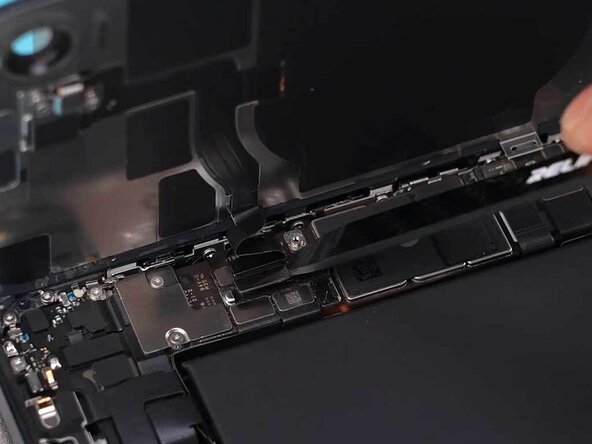
- Disconnect the flex cable
- Remove the SIM tray
- Remove front camera assembly
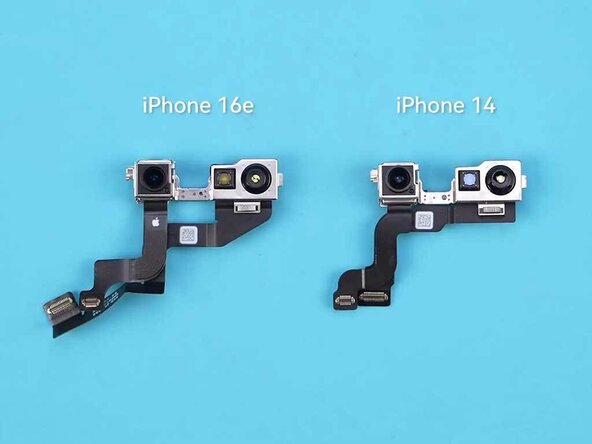
- The iPhone 16e's front camera is essentially the same as the iPhone 14 because there is no Dynamic Island.
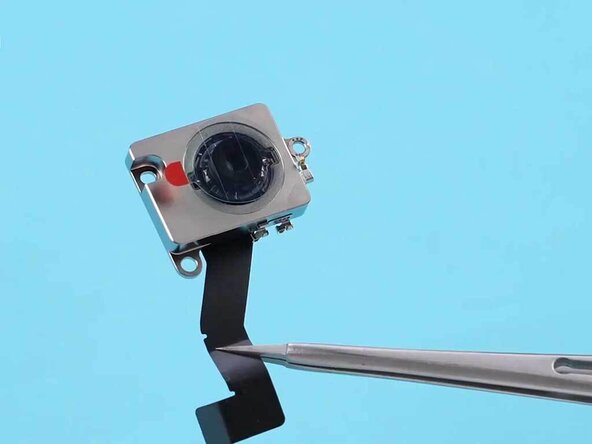
- Remove the screws securing the rear camera
- The iPhone 16e features a 48-megapixel sensor paired with a 2x telephoto lens.
- There is no wide-angle camera and LiDAR on it, so it cannot be used for ultra-wide shots, cinematic mode, spatial video, or macros.
- Remove the screws and take out the earpiece.
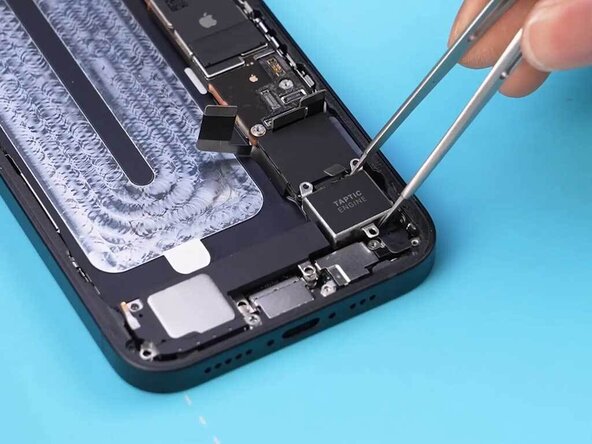
- Remove the taptic engine and speaker.
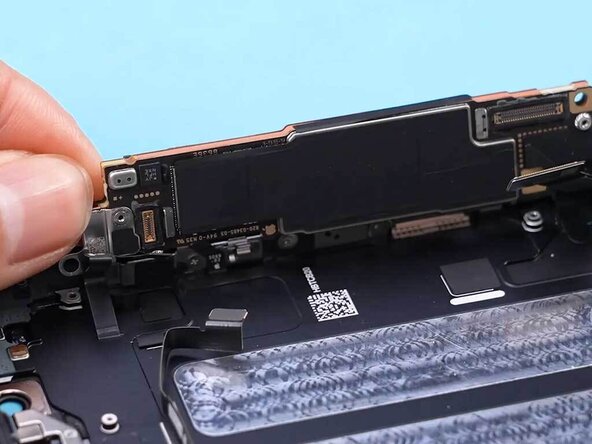
- Remove the motherboard screws and flip off the motherboard.
- In the iPhone 16e, the motherboard is connected to the display cable and proximity sensor cable. Make sure you disconnect them properly.
- Remove the sim holder base, antenna, and charging port flex cable before removing the screen.
- Once again, place the iPhone face down on the heating mat.
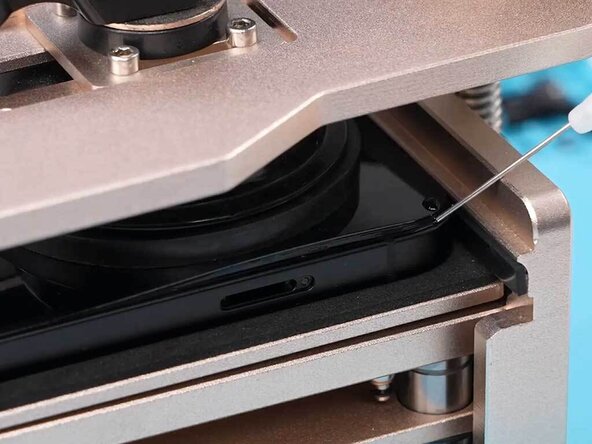
- Use a phone opening tool or a suction cup to create a gap between the screen and the middle frame.
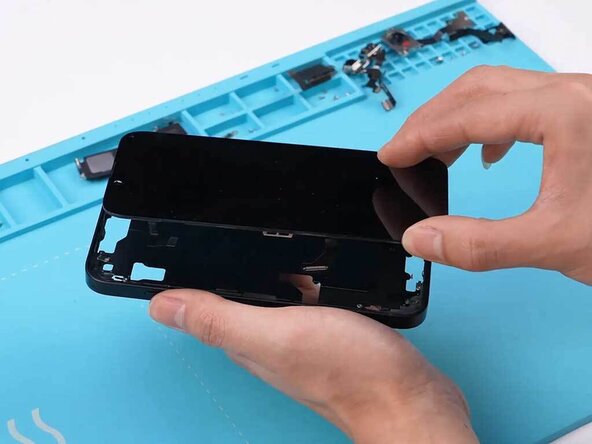
- Insert a pick into the gap and slide it. Swing the screen and open it.
- The iPhone 16e features a 6.1-inch OLED display. What's interesting is that the screen connector on the iPhone 16e is the same as the iPhone 14. We tested this by swapping the screen onto an iPhone 14, and it worked perfectly, suggesting cross-compatibility between the two models.
- Use heat and separate the motherboard.
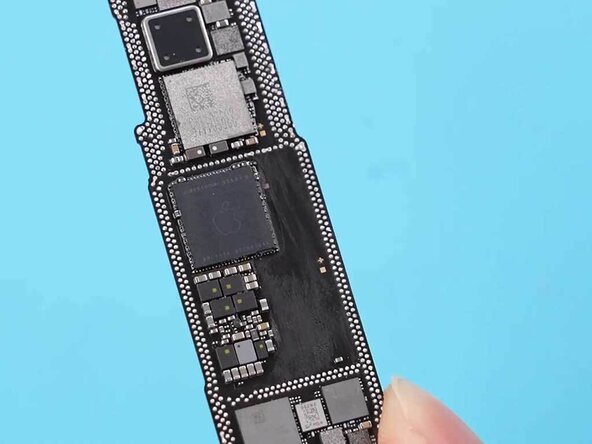
- In the middle layer, the solder pads are wider, and the component distribution is less compact, which simplifies the layering process.
- The A18 chip has made CPU repair more challenging because it is embedded deeper. The Apple C1 chip is Apple's first in-house cellular modem, utilizing 4-nanometer baseband technology and 7-nanometer transceiver technology. It is described as the most power-efficient modem ever integrated into an iPhone, resulting in longer battery life.