SGIN X15S Back Panel Replacement
ID: 184976
Description: This is the guide for removing the back panel...
Steps:
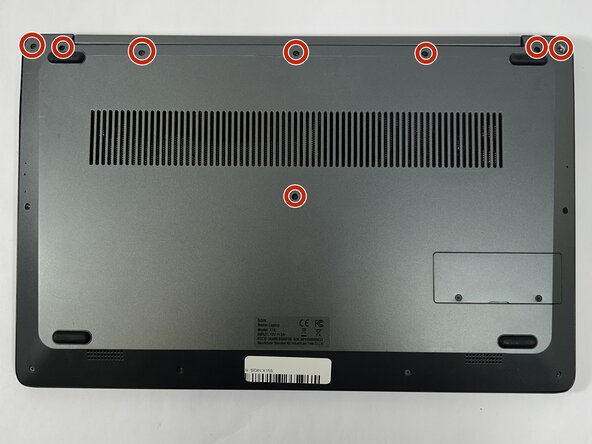
- Remove the eight top and middle 7.3 mm screws using the Phillips #0 screwdriver.
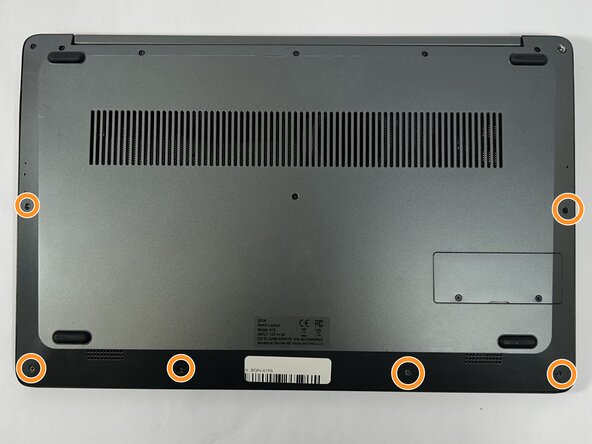
- Remove the six bottom and side 4.4 mm screws using the Phillips #0 screwdriver.
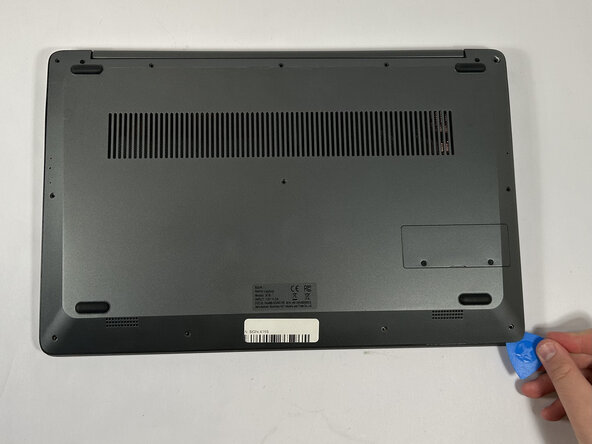
- Use the nylon spudger to gently pry a bit of the back panel open. With the opening pick, go all the way around until the back panel is loose.
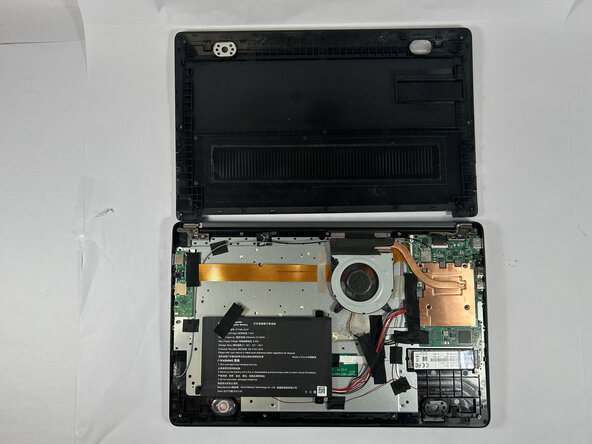
- Pull the back panel off the laptop.