Asus L410MA-Ts02 Battery Replacement
ID: 185018
Description: This guide will walk you through how to replace...
Steps:
- Remove ten 6 mm screws that secure the lower case using a Phillips #1 screwdriver.
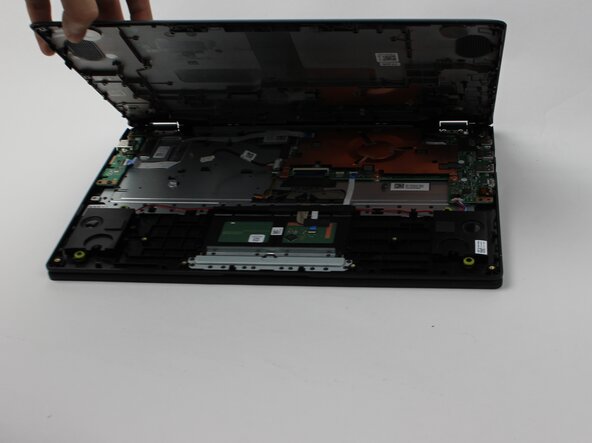
- Carefully remove the lower case.
- Remove the 4 mm screws that are securing the battery using a Phillips #1 screwdriver.
- Grip the white battery connecter found on its side and pull it directly out of its battery port.
- Do not pull at an angle or roughly tug it out.
- Carefully lift the battery and remove it from the laptop.