Lenovo IdeaPad 1-15ALC7 Lower Case Replacement
ID: 185039
Description: Use this guide to replace the lower case on a...
Steps:
- For your safety, unplug all peripheries, discharge the battery below 25%, and power down your device before beginning disassembly.
- Unscrew and remove the T5 Torx screws that secure the lower case:
- Six 6.5 mm screws
- Four 5 mm screws
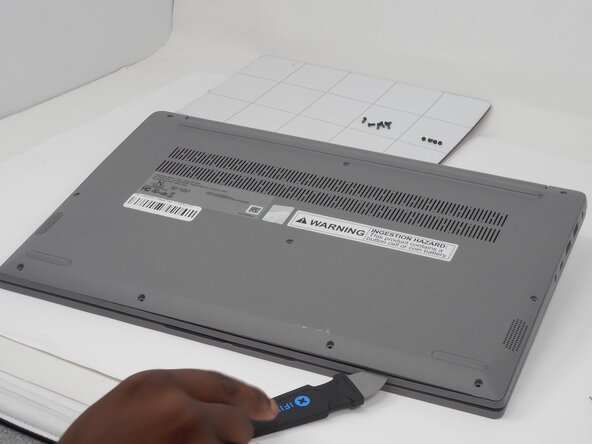
- Insert a Jimmy into the seam between the lower case and chassis.
- Pry around the entire perimeter until the lower case fully releases.
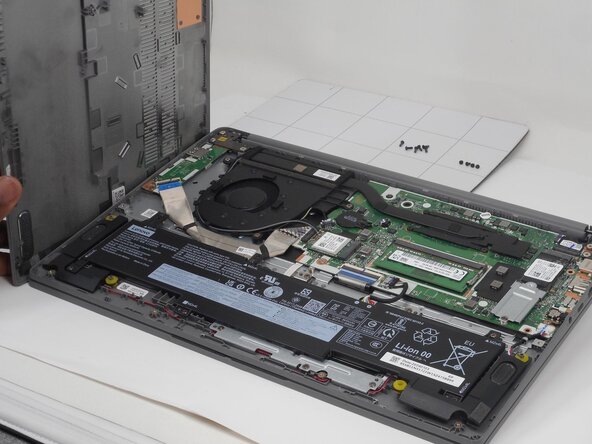
- Remove the lower case.