OnePlus 9 Pro Bottom Loudspeaker Replacement
ID: 185166
Description: Does your OnePlus 9 Pro have no sound playing?...
Steps:
- For your safety, discharge your battery below 25% before disassembling your phone. This reduces the risk of a dangerous thermal event if the battery is accidentally damaged during the repair. If your battery is swollen, take appropriate precautions.
- Unplug any chargers/peripheries and power off your phone.
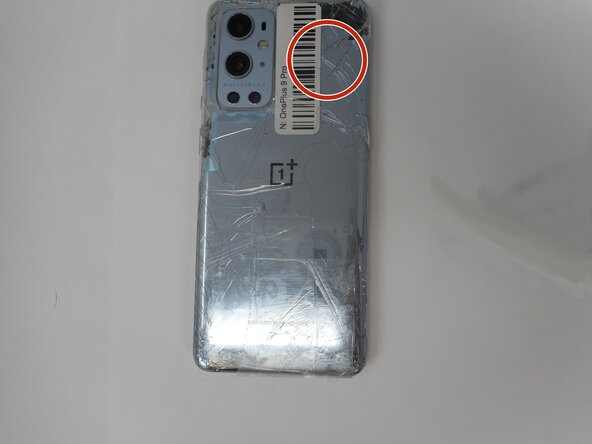
- If the rear glass is cracked, be sure to tape over the glass panel before moving on.
- Use a hair dryer to lightly heat the perimeter of the rear glass.
- Additionally, heat the top-right corner, as there is adhesive further inside of phone in that one spot.
- Do not hold the hair dryer in one spot on the phone for too long to prevent damage to internal parts of the phone.
- Apply a suction handle as close to the bottom edge as possible.
- Pull up on the suction handle with strong, steady force to create a gap between the glass and the frame.
- If you have trouble creating a gap, apply more heat to further soften the adhesive.
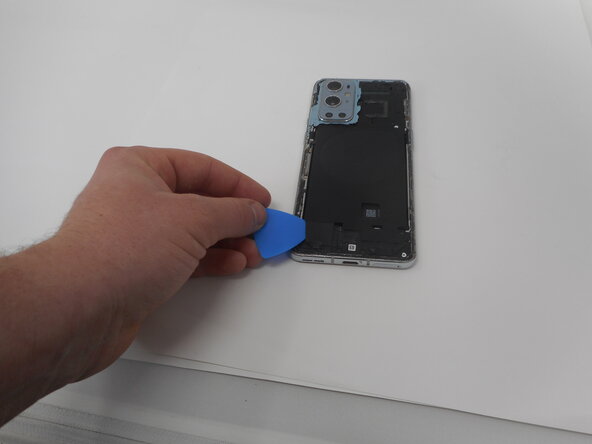
- Insert an opening pick into the gap.
- Slide the opening pick around the perimeter of the rear glass to slice the adhesive.
- Insert additional opening picks as you slice the adhesive to prevent the adhesive from resealing.
- If the adhesive becomes hard to cut, it has most likely cooled down. Use your hair dryer to reheat it.
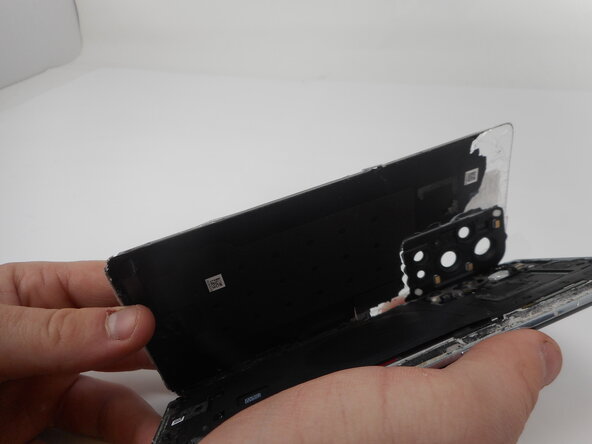
- Carefully lift the rear glass up and off of the phone.
- During reassembly secure the rear glass with pre-cut adhesive or double-sided adhesive tape. After installing the rear glass, apply strong, steady pressure to your phone for several minutes to help the adhesive form a good bond—a stack of heavy books works well.
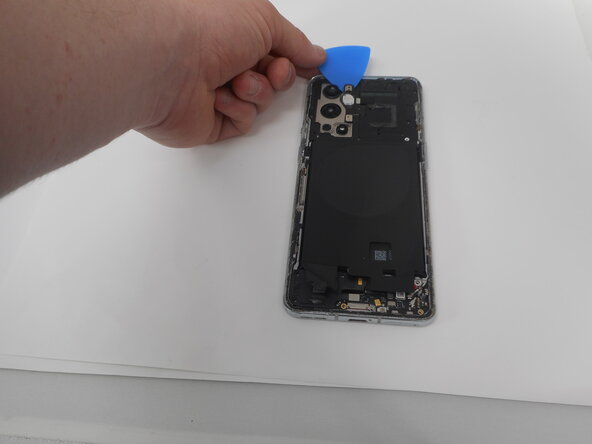
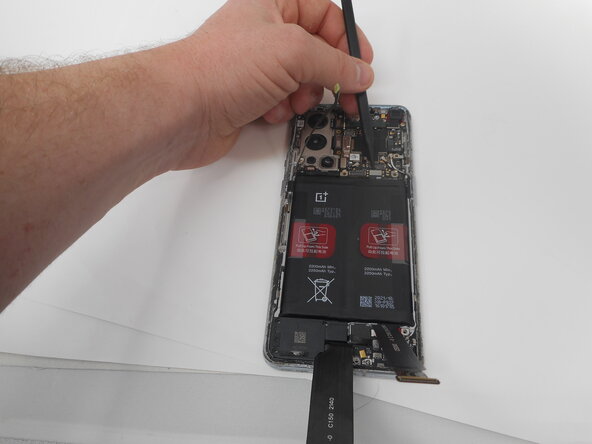
- Use one of the opening picks to remove the adhesive on the lower part of the wireless charging cable
- Unplug the press connector ribbon cable attached to the flash module by inserting a spudger under the bottom edge and prying straight up.
- Use an opening pick to remove the flash module by the camera.
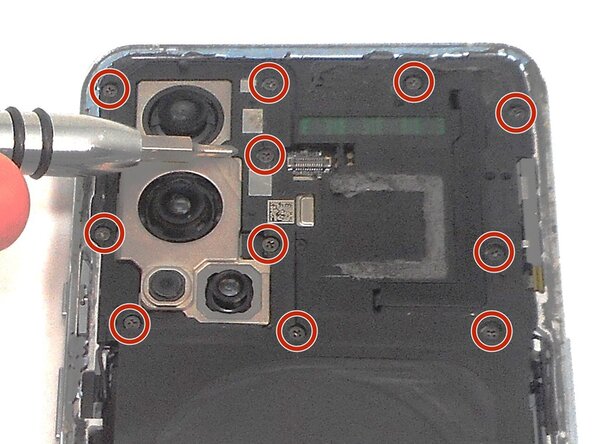
- Use a Phillips #000 screwdriver to remove the eleven 4.9 mm-long screws holding the motherboard cover to the phone.
- Use an opening pick to pry off the motherboard cover.
- Use a Phillips #000 screwdriver to remove five screws that secure the lower daughterboard cover.
- Two of the screws have a white head and are 4.8 mm-long. They go in the bottom right corner of the daughter and mother board.
- The other three screws are black and are also 4.8 mm-long.
- Disconnect the two interconnect cables by inserting a spudger under each lip and prying straight up.
- Remove the three screws from the loudspeaker using a Phillips #000 screwdriver.
- Use the spudger to pry up and remove the loudspeaker.