ASUS ROG Spatha X Mouse Cover Removal
ID: 185343
Description: Use this guide to remove the upper case off of...
Steps:
- Make sure the mouse is unplugged and the power switch on the underside is set to the off position.
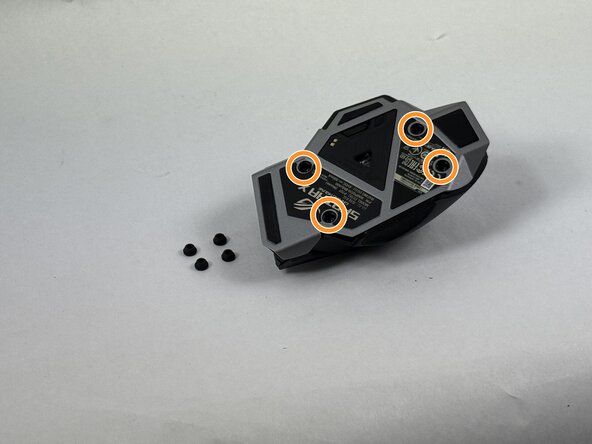
- Use the pointed edge of a spudger to remove the four soft rubber covers on the underside of the mouse.
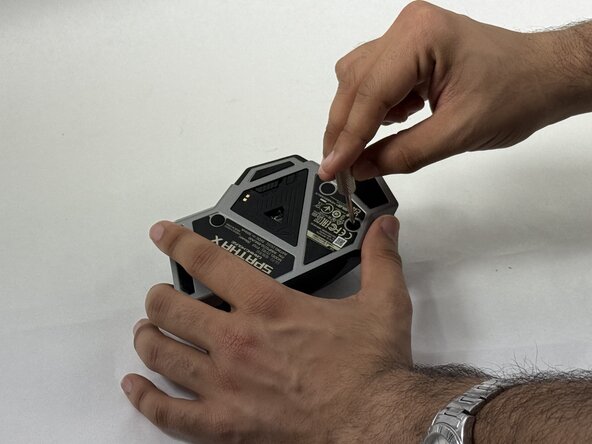
- Use the included Torx screwdriver, or a T3 Torx screwdriver, to remove the four 4 mm screws.
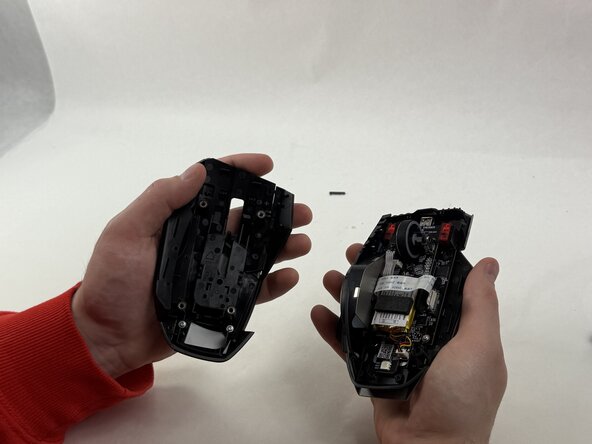
- Lift the upper mouse cover up and off.