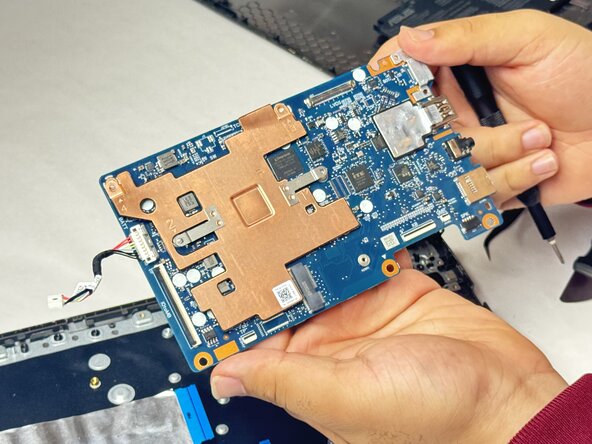
Asus Chromebook CM1402CM2A-DS44 Motherboard Replacement
ID: 186030
Description: This guide will walk you through the process of...
Steps:
- Remove the twelve screws from the back of the Chromebook using a Phillips #1 screwdriver.
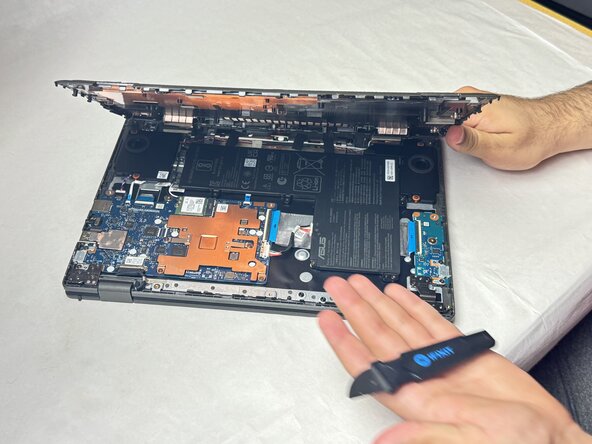
- Use a Jimmy to detach the clips along the edges of the Chromebook.
- Remove the bottom cover from the laptop.
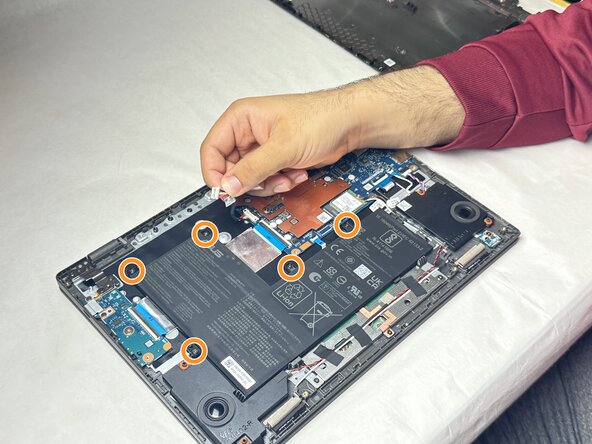
- Detach the battery's cable connector from the motherboard.
- Remove the five screws from the battery using a Phillips #1 screwdriver.
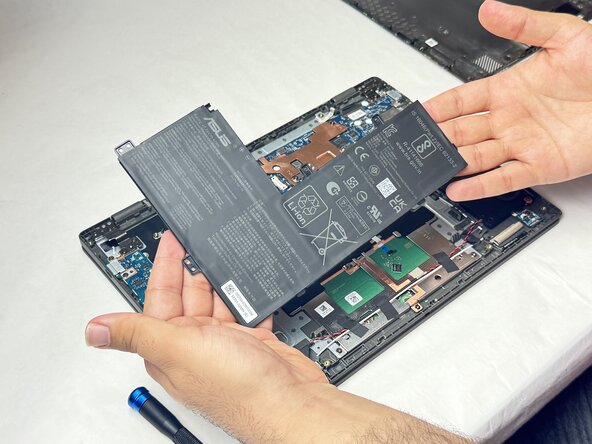
- Remove the battery from the laptop.
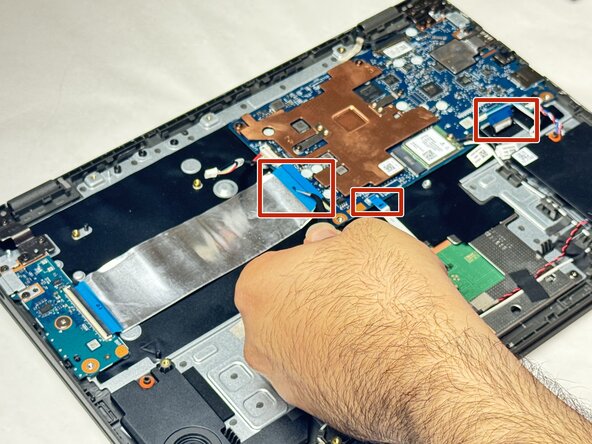
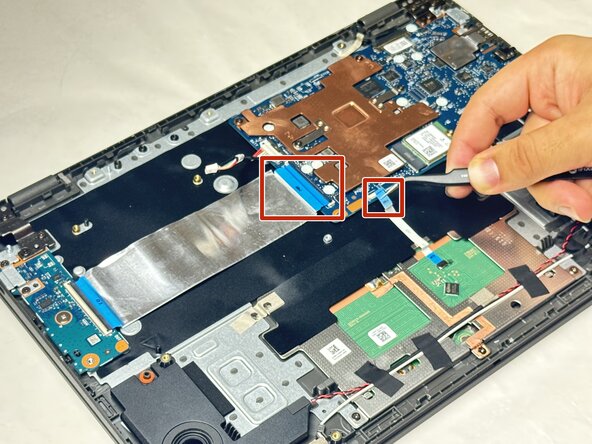
- Disconnect the three ribbon cables connecting the motherboard to the other components of the Chromebook using a pair of tweezers.
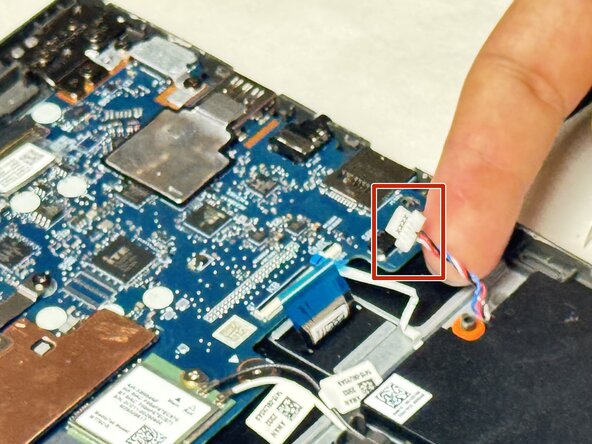
- Unplug any external components such as the speaker and other cables.
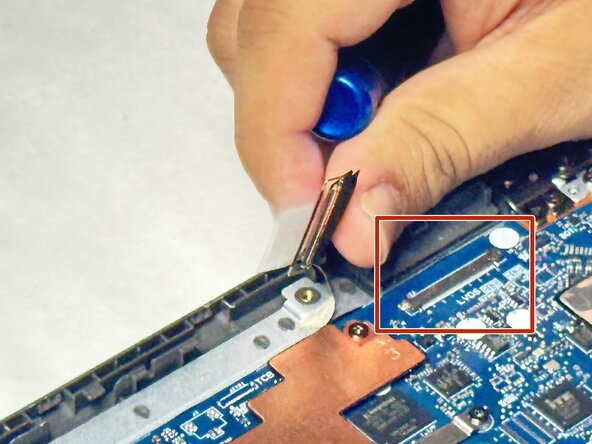
- Remove the screws from the display hinges using a Phillips #1 screwdriver.
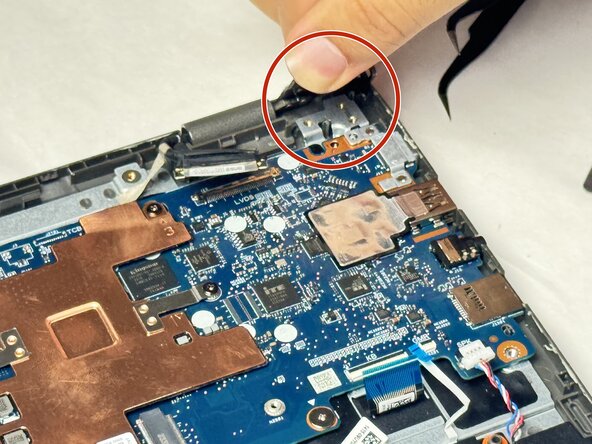
- Lift the hinges up.
- Remove the five screws from the motherboard using a Phillips #1 screwdriver.
- Remove the motherboard from the laptop.