Samsung Galaxy Watch 6 Battery Replacement
ID: 186096
Description:
Steps:
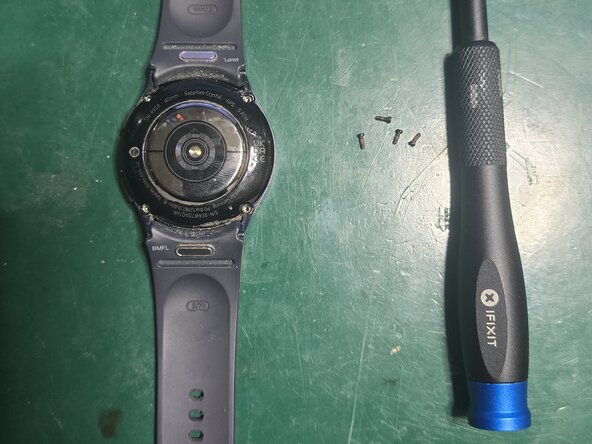
- Remove the 4 screws from the bottom with a PH000 screwdriver
- Once the 4 screws are removed, gently lift the lower part by inserting a thin metal tool 1 mm underneath the glass and prying.
- Disconnect and remove the ribbon cable connected to the logic board
- Disconnect the display cable and the small cable to its left from the logic board
- Remove the Phillips screw securing the logic board, lift it up, and gently extract it
- Apply a few drops of isopropyl alcohol to the four sides of the battery and let it sit for a couple of minutes
- While waiting for the isopropyl alcohol to work, lift the battery contact portion from the logic board.
- Insert a plastic tool between the frame and the battery from the side and gently pry to lift and remove the battery.
- Follow the steps in reverse order to reassemble your device after installing the new battery