Lenovo ThinkPad P50 SSD Replacement
ID: 186145
Description: If you notice slow performance, frequent...
Steps:
- Slide the battery latch to the left to unlock it and remove the battery.
- Loosen the six 12.6 mm captive screws that secure the lower case with the Phillips #00 screwdriver.
- The screws will not come all the way out; do not attempt to remove them from the case.
- Pull up the notch with your fingernail or a spudger.
- Lift the lower case up and off of the chassis.
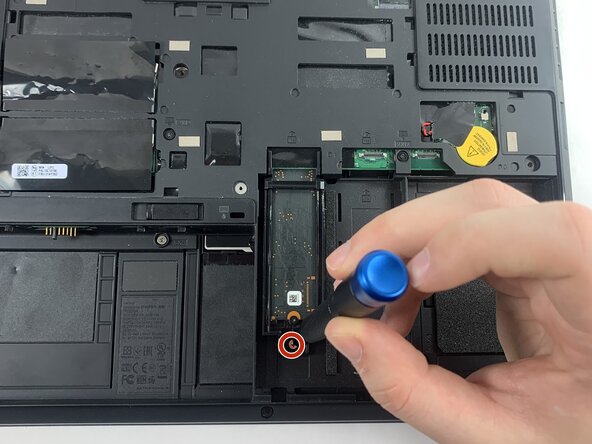
- Remove the 4.4 mm Phillips #00 screw securing the SSD.
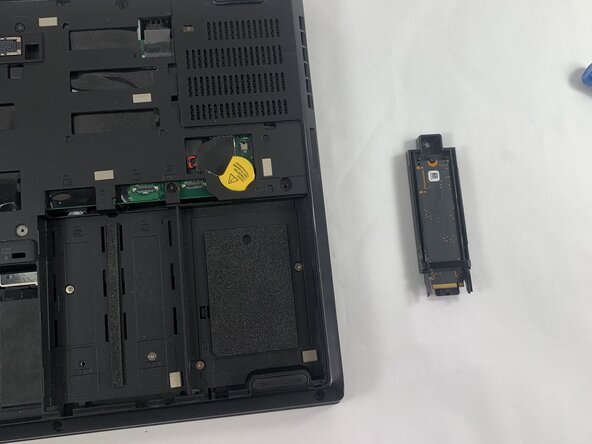
- Slide the harness backwards, then pull it out.
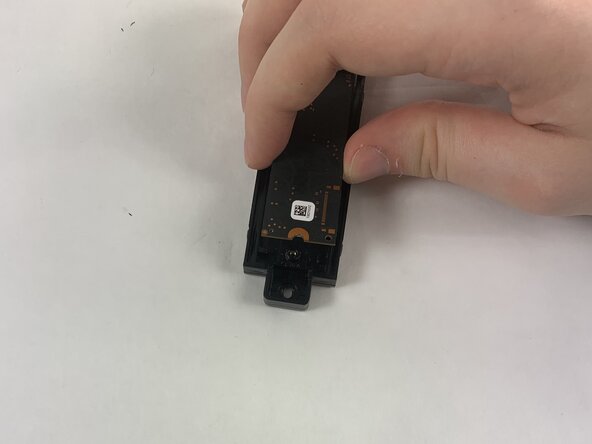
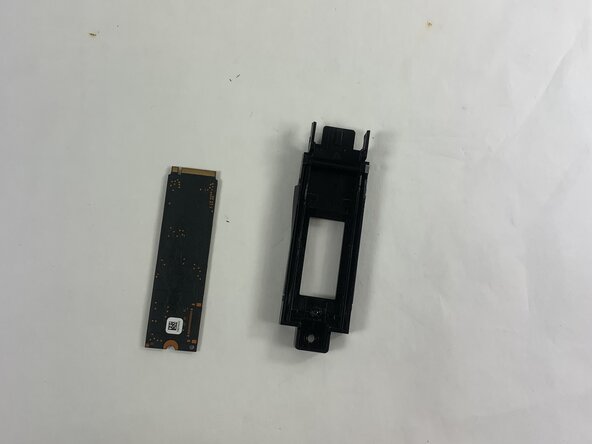
- Remove the 3.7 mm screw securing the SSD to the harness with a Phillips #00 screwdriver.
- Lift the drive up at about a 35 degree angle and pull out to remove it from the case.