JBL Xtreme 4 Passive Radiator Replacement
ID: 186154
Description: The JBL Xtreme 4 has two passive radiators to...
Steps:
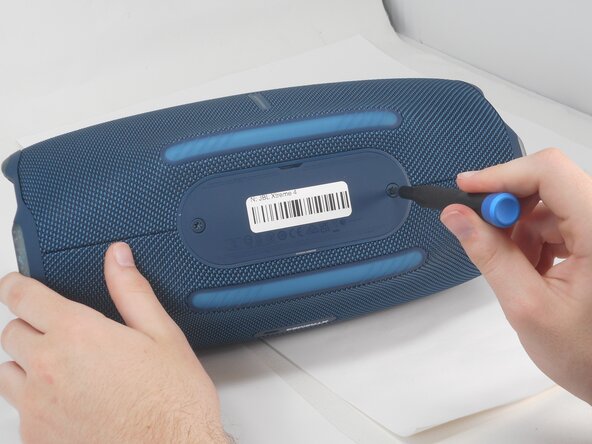
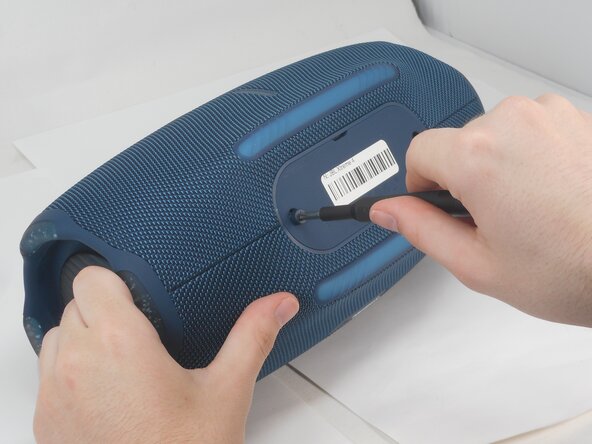
- Use a T20 Torx screwdriver to remove the two 12.5 mm screws that secure the battery cover.
- Using your fingernail or a spudger, pry open the battery cover.
- Remove the battery by pinching the orange ribbon and gently pulling the battery upwards and out of its slot.
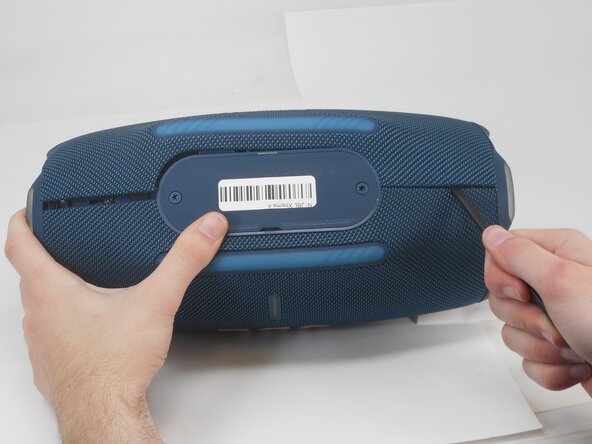
- Insert the flat end of a spudger into the mesh cover seam beside the battery compartment.
- Pry on both sides of the battery compartment until the mesh cover releases.
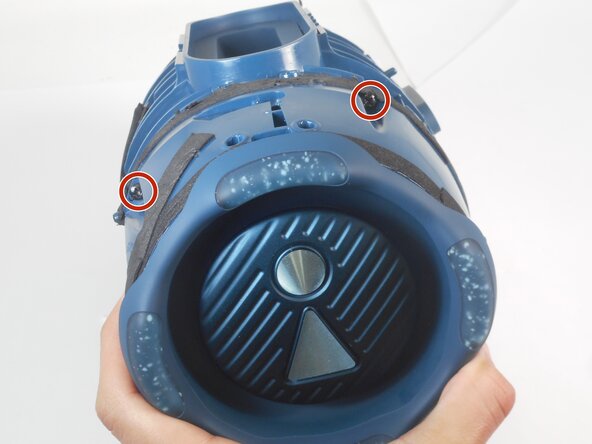
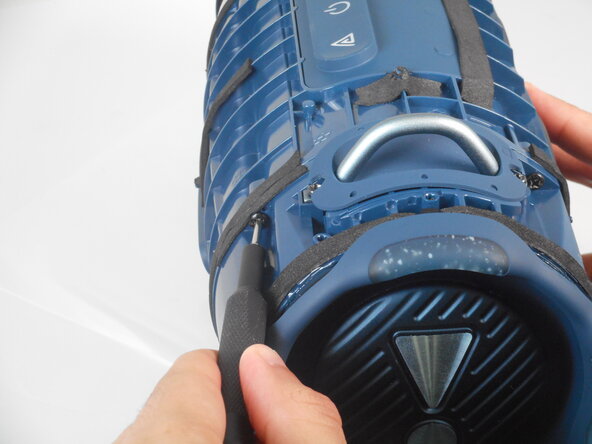
- Use a Phillips screwdriver to remove the two 8.5 mm screws on either side of the battery compartment.
- Lift the speaker out of the cover.
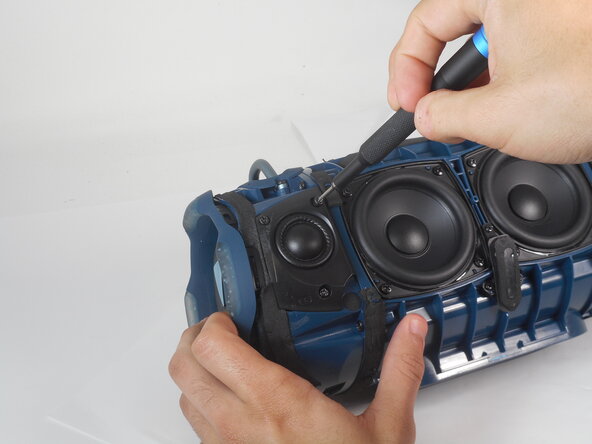
- Use a Phillips screwdriver to remove the three 8.5 mm screws on the tweeter.
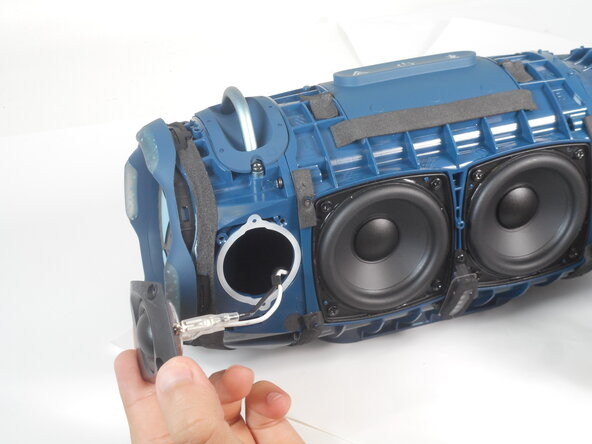
- Pull the tweeter out from the device.
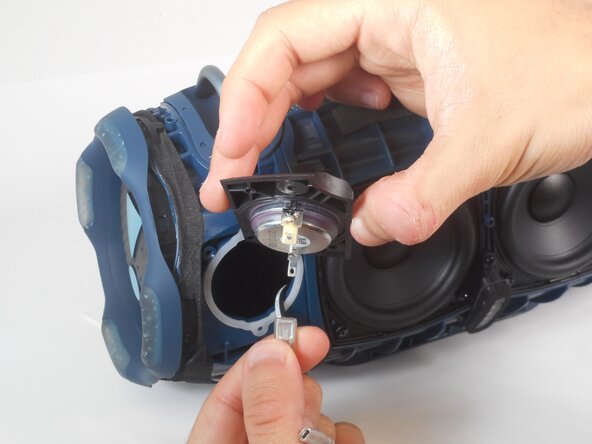
- Pinch the cable connection for the tweeters and pull off.
- Repeat the previous bullet for the second cable.
- Use a Phillips the four 12.4 mm screws that secure the passive radiator.
- Remove the passive radiator from the body of the speaker.