Behringer Powerplay P16-M IO/Processing circuit board removal
ID: 190577
Description: The I/O and processing board of the P16-M has...
Steps:
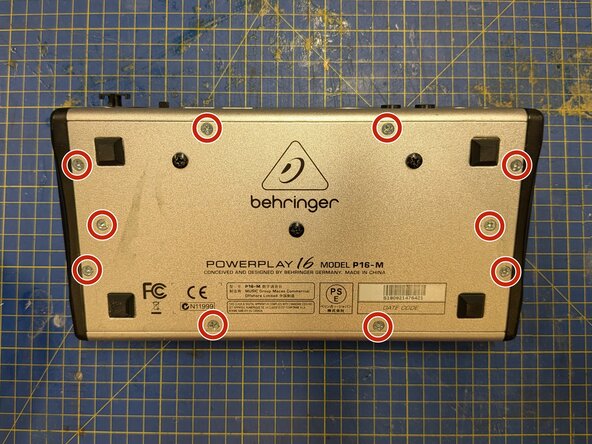
- Remove 10 Phillips #2 screws from around the edges of the bottom plate
- Some of these screws are longer than others, so it's worth keeping track of which one came from where.
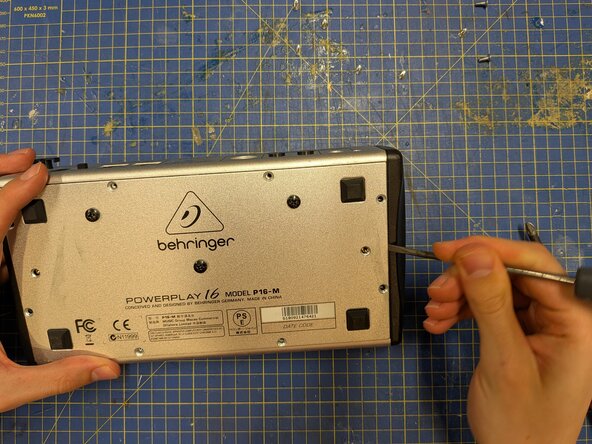
- Use a spudger or flathead screwdriver to lever the bottom plate free.
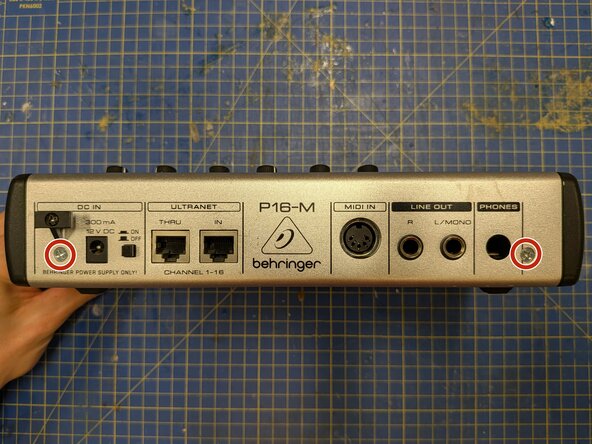
- Remove the two silver Phillips #2 screws from the back plate.
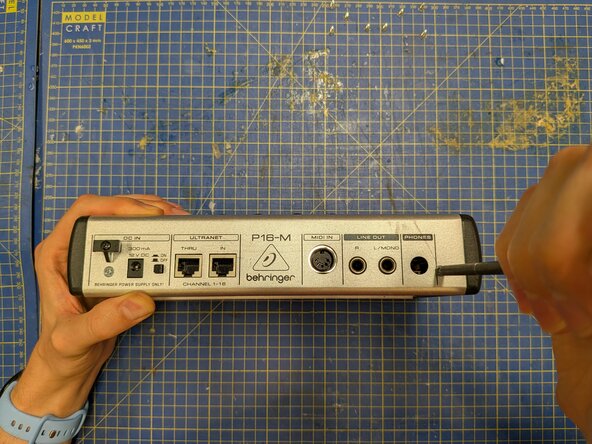
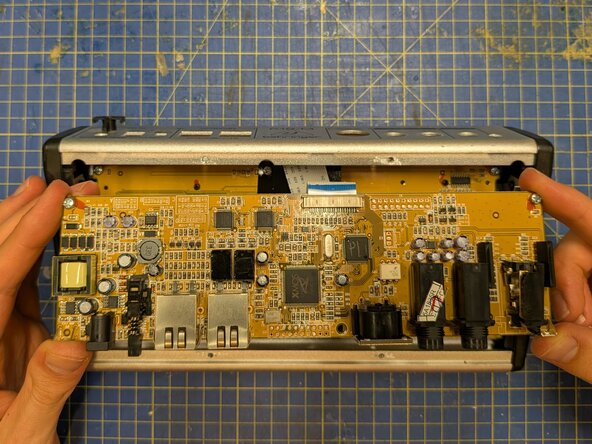
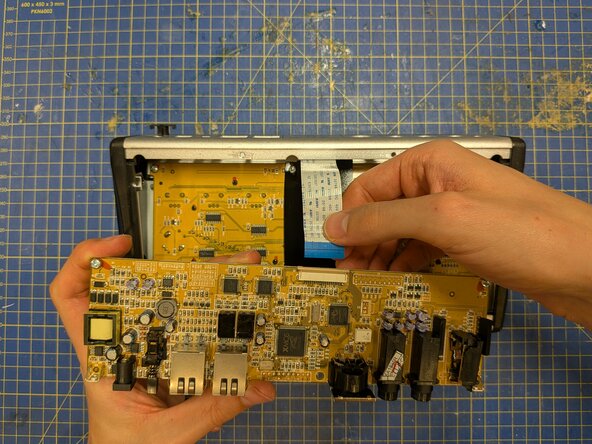
- With the P16-M face down on the table, ease the circuit board away from the back plate to free the connectors from their slots, then manoeuvre it out of the case.
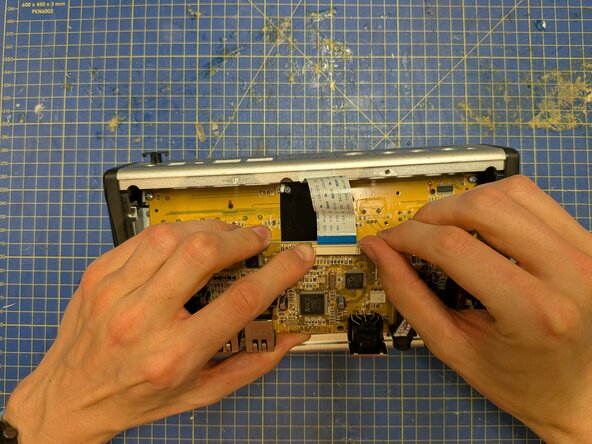
- Push on the plastic tabs either side of the ribbon connector to free the ribbon.
- Pull on the ribbon cable to remove it. This should barely require any force.