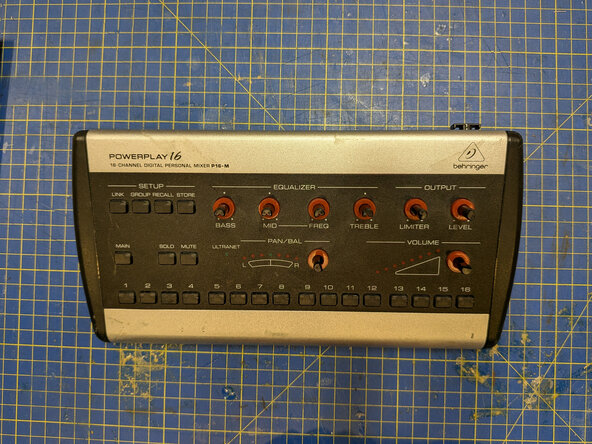
Behringer Powerplay P16-M button and controls board removal
ID: 190580
Description: The button and controls board has all the...
Steps:
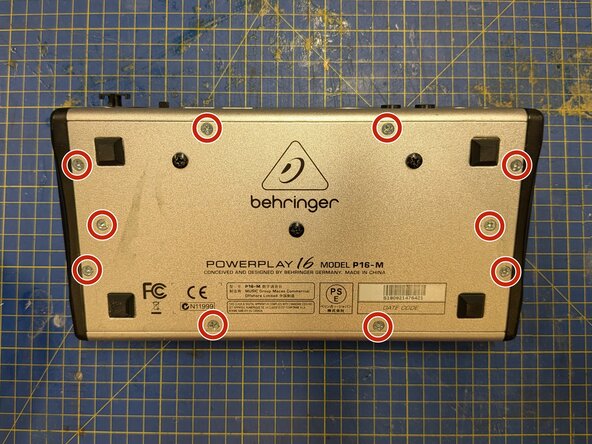
- Remove 10 Phillips #2 screws from around the edges of the bottom plate
- Some of these screws are longer than others, so it's worth keeping track of which one came from where.
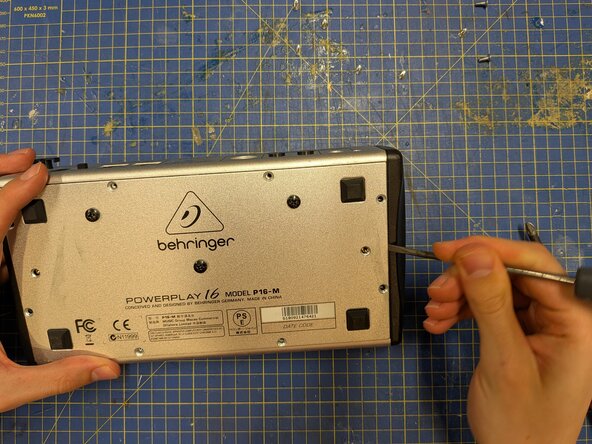
- Use a spudger or flathead screwdriver to lever the bottom plate free.
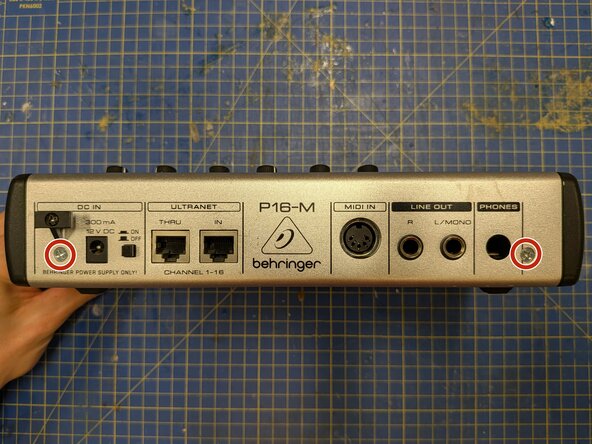
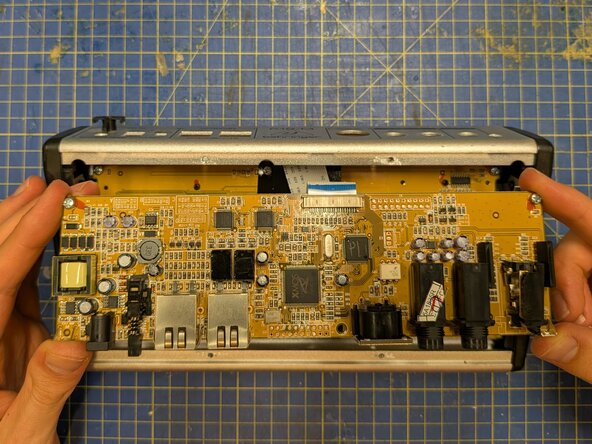
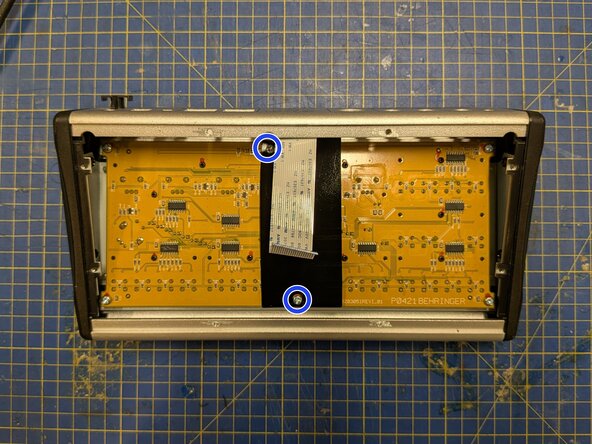
- Remove the two silver Phillips #2 screws from the back plate.
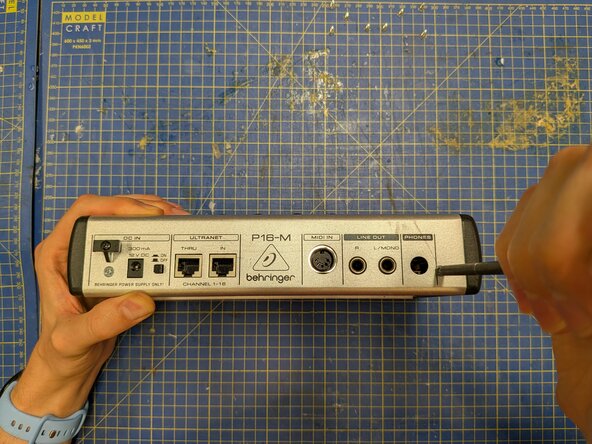
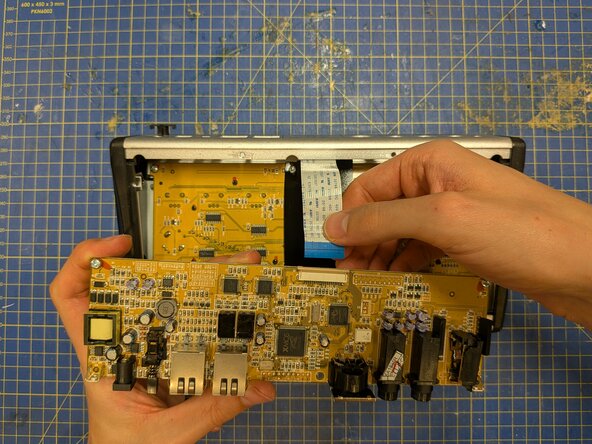
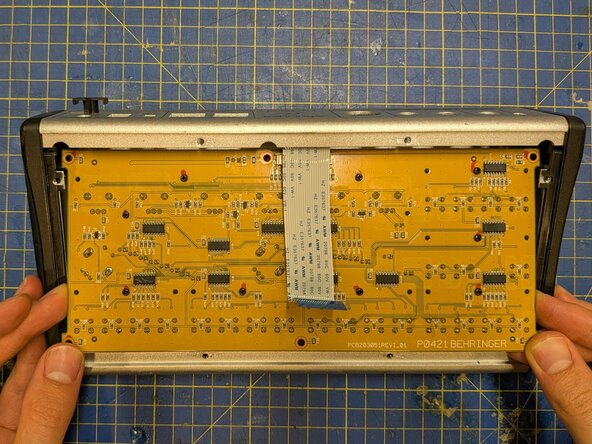
- With the P16-M face down on the table, ease the circuit board away from the back plate to free the connectors from their slots, then manoeuvre it out of the case.
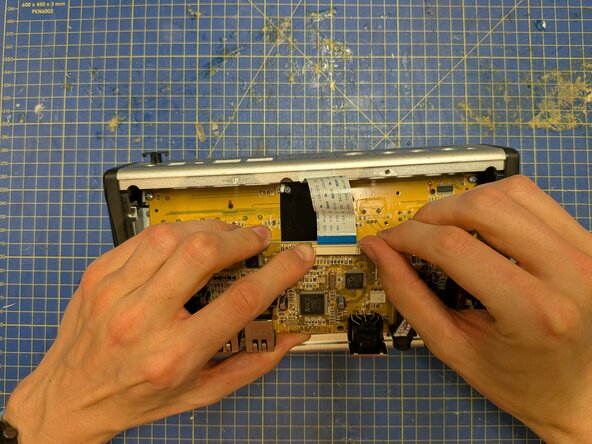
- Push on the plastic tabs either side of the ribbon connector to free the ribbon.
- Pull on the ribbon cable to remove it. This should barely require any force.
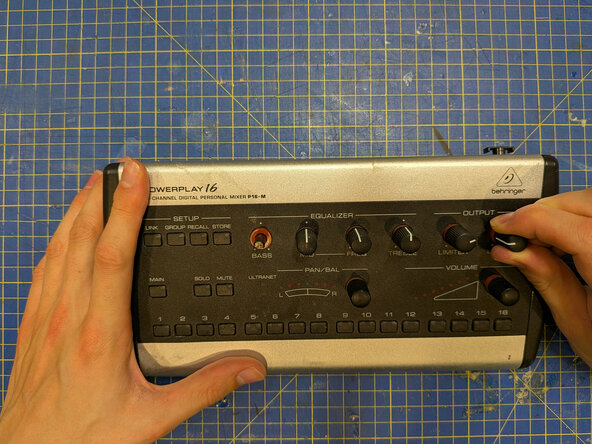
- With the P16-M flat on the table, remove all the knobs from its front panel. To do this, grip each knob and pull it straight up. This may require some force.
- When reassembling and putting the knobs back on, it's probably worth supporting the circuit board with a finger behind each one to prevent it from bending (though avoid touching the components on the circuit board).
- Remove the two screws holding the plastic piece down.
- Put the plastic piece aside.
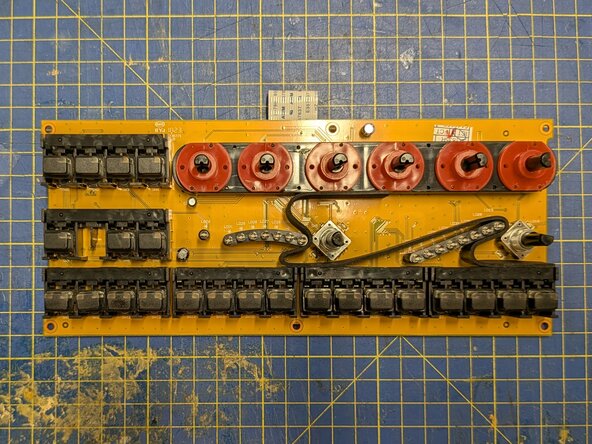
- Remove the remaining four screws from the corners of the board.
- Manoeuvre the board out of the casing.