Framework Desktop Expansion Card Cables Installation
ID: 191084
Description:
Steps:
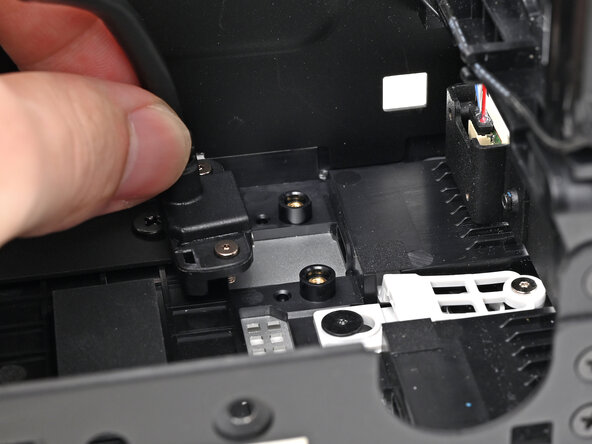
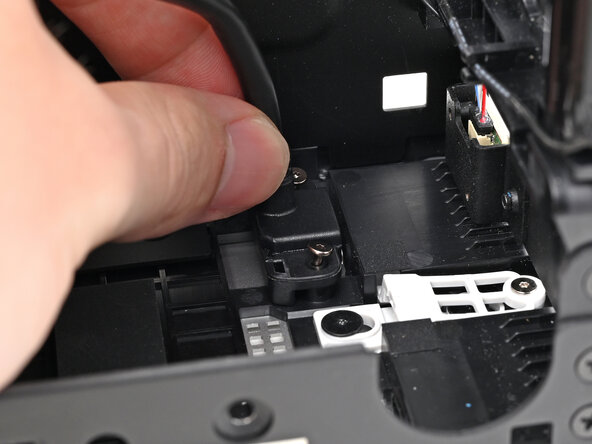
- Insert the the Expansion Card cable into its slot and align it over its two screw pegs.
- Repeat for the other Expansion Card cable.
- Use your Framework Desktop Screwdriver to install the four captive T5 Torx screws securing the two Expansion Card cables.