Lenovo G570 Battery Replacement
ID: 192601
Description: Use this guide to remove the battery of the...
Steps:
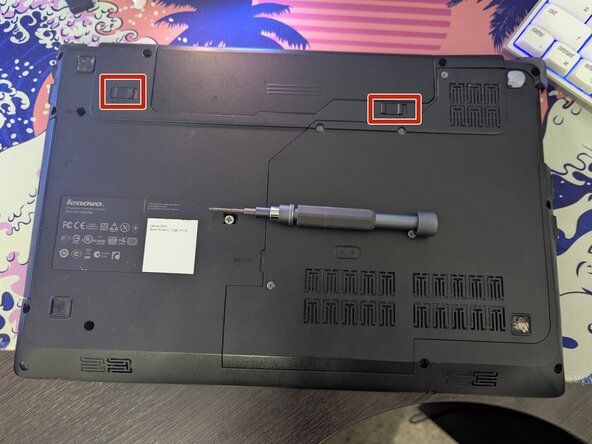
- Flip your laptop to its back side.
- At the top of the laptop you will see two switches, keeping the battery in place.
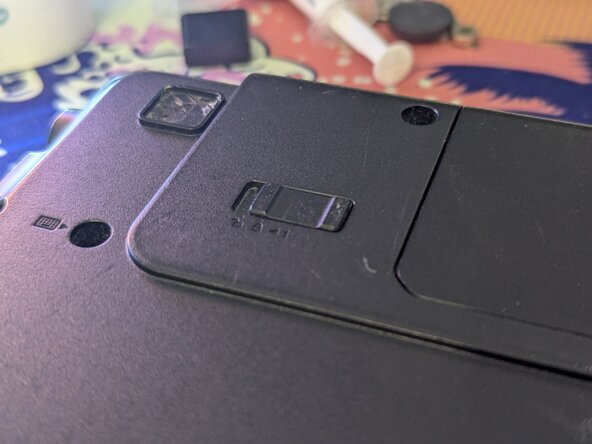
- Pull the left switch outwards with your thumb, towards the unlocked lock.
- Do the same thing for the right one. Do not remove your thumb now though, as this switch is spring-loaded.
- While holding the right switch at the unlocked position, slide the battery out.
- And you're done! You can now replace the old battery with a new one if you need to.