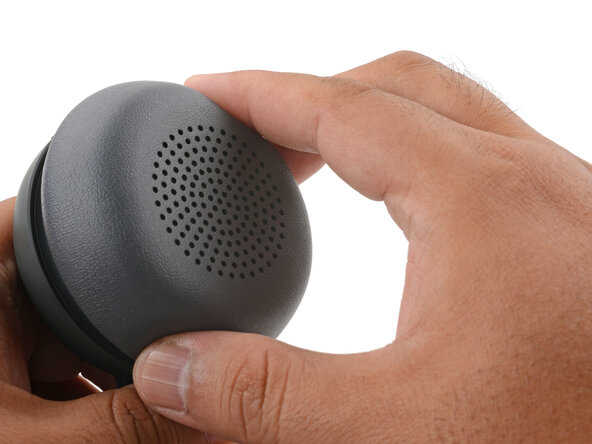
Logitech Zone Wireless 2 Ear Pad Replacement
ID: 192807
Description: This guide shows how to remove and replace one...
Steps:
- Power off the headset and unplug all cables.
- If you're replacing the battery, you only need to remove the ear pad from the side that doesn't have the boom mic.
- With one hand, firmly hold the ear cup steady.
- With your free hand, twist the ear pad counter-clockwise until it feels loose.
- Remove the ear pad.
- To install the ear pad:
- Align the ear pad's notches to the tabs on the ear cup.
- Press the pad onto the cup.
- Twist the pad clockwise until it locks in place.