Framework Laptop 16 Expansion Bay Shell Removal
ID: 199443
Description: Use this guide to remove the expansion bay in...
Steps:
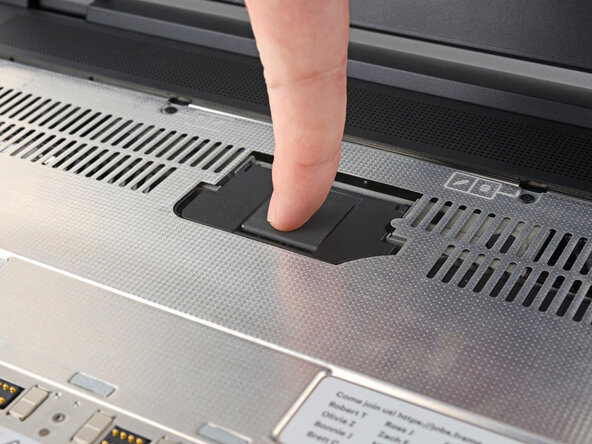
- Lift the interposer door by its black pull tab and let it rest upright.
- Use your Framework Screwdriver to loosen the three captive T5 Torx screws securing the interposer.
- Lift the interposer by its pull tab and remove it.
- Use your Framework Screwdriver to loosen the two captive T5 Torx screws securing the Expansion Bay Shell.
- Close the interposer door before continuing.
- Close your laptop and flip it over.
- Slide the Expansion Bay Shell out of the laptop and remove it.
- The shell should slide out easily. If you feel any resistance, check that the screws holding it in place are fully loosened.