Google Pixel 10 Pro Front Camera Removal
ID: 199533
Description:
Steps:
- Let your Pixel's battery drain below 25% before starting this repair. A charged lithium‑ion battery may catch fire if damaged.
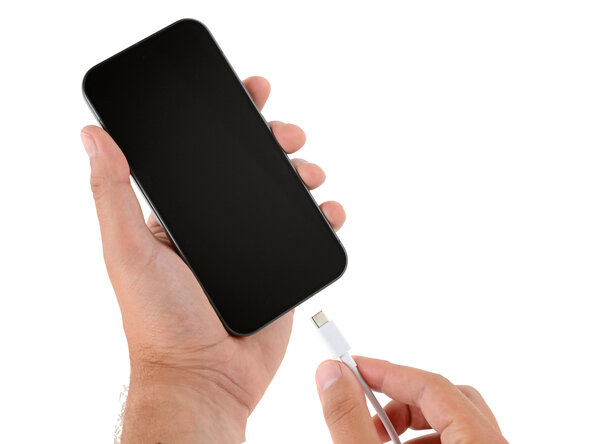
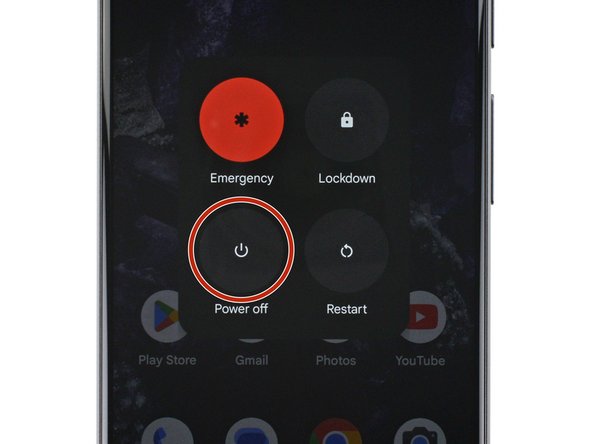
- Unplug all cables and completely power down your phone.
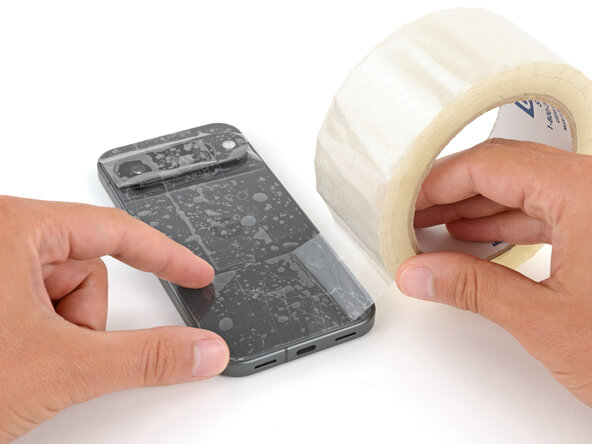
- Glass shards can complicate disassembly—or worse, cause injury. If your phone's back glass is cracked, follow this step.
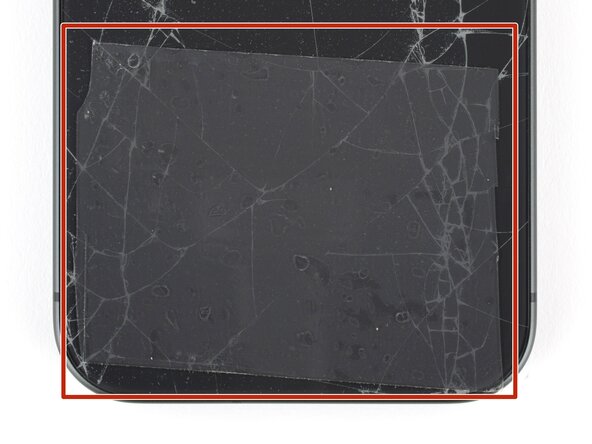
- Apply strips of packing tape to the cracked glass until it's completely covered—this will help keep the glass contained and allow the suction cup to stick.
- Make sure there's a single strip (not overlapping) of tape across the bottom edge, big enough for a suction cup to fit on.
- Only cover the glass itself—don't stick any tape to the frame.
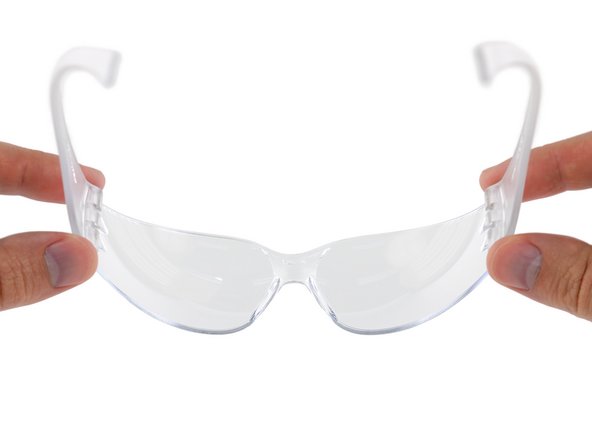
- Consider wearing safety glasses to protect your eyes from any glass shaken free during the repair.
- Adhesive secures the back glass to the frame. Heating the glass softens the adhesive, making it easier to separate.
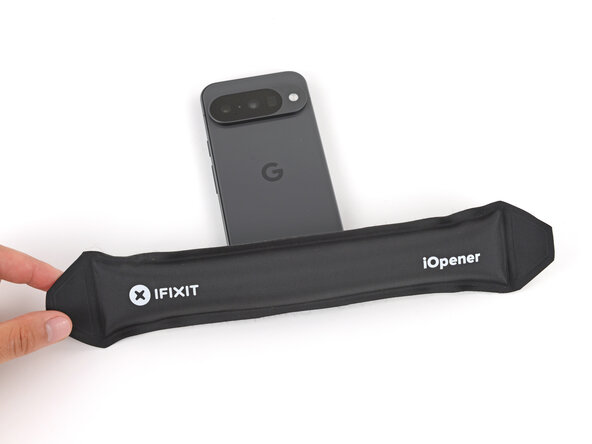
- Heat an iOpener and lay it on the bottom edge of the back glass for two minutes.
- Alternatively, you can use a hair dryer or heat gun to heat the back glass.
- Improper use of a heat gun can destroy the display and/or battery—follow the linked instructions carefully.
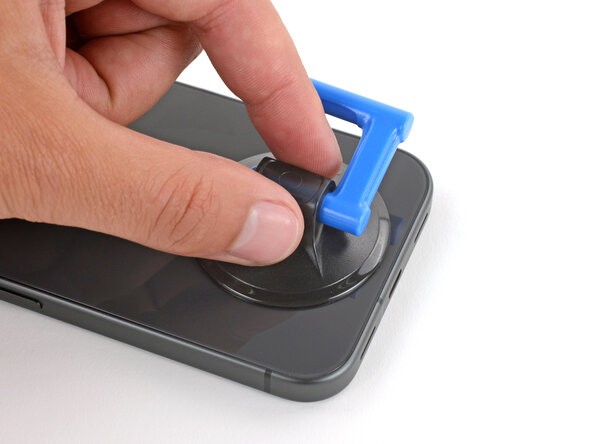
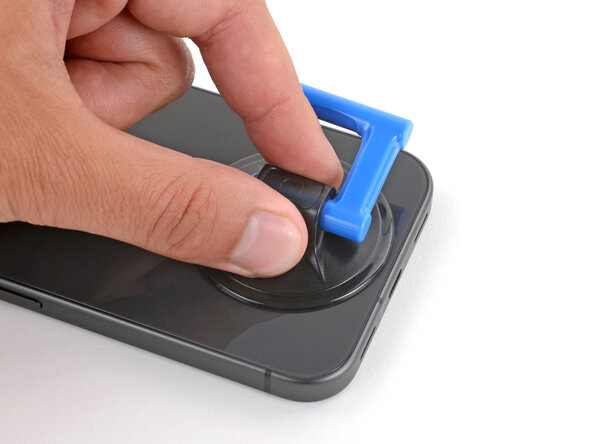
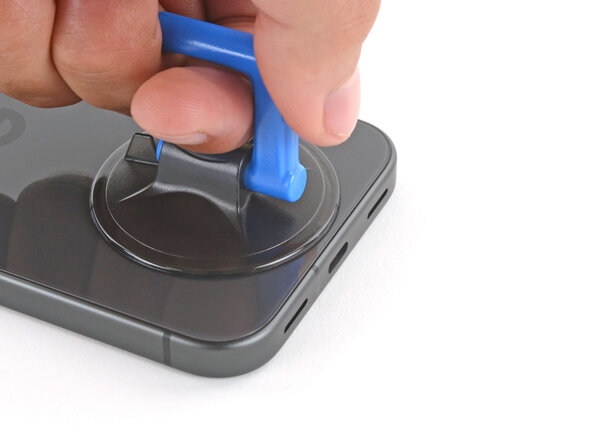
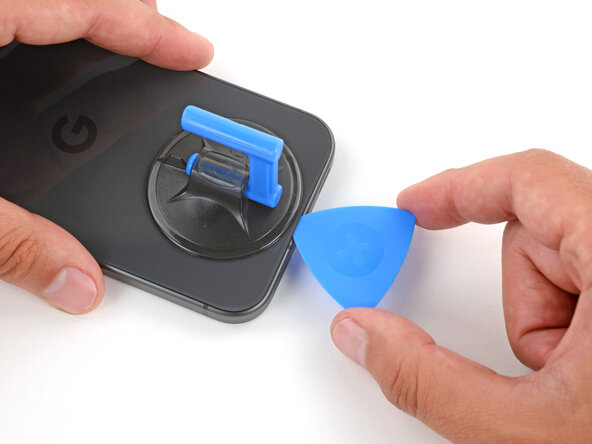
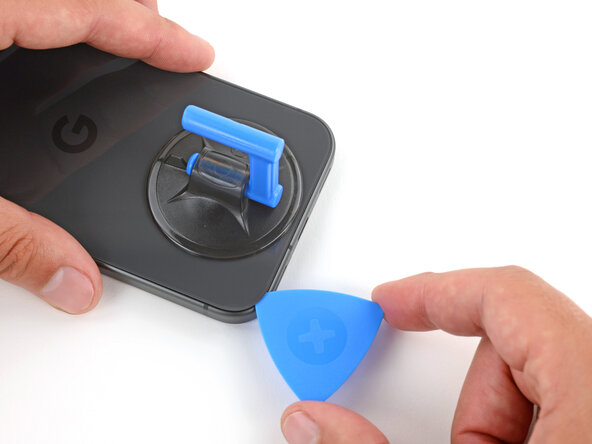
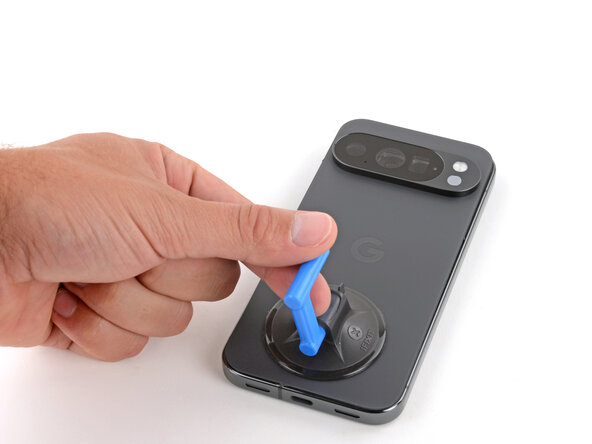
- Apply a suction handle to the center of the back glass's bottom edge, as close to the edge as possible.
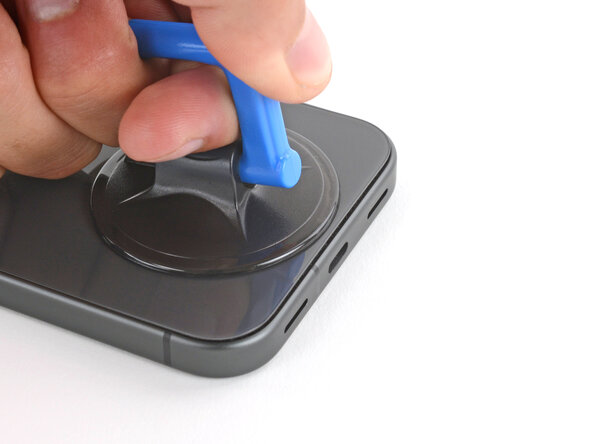
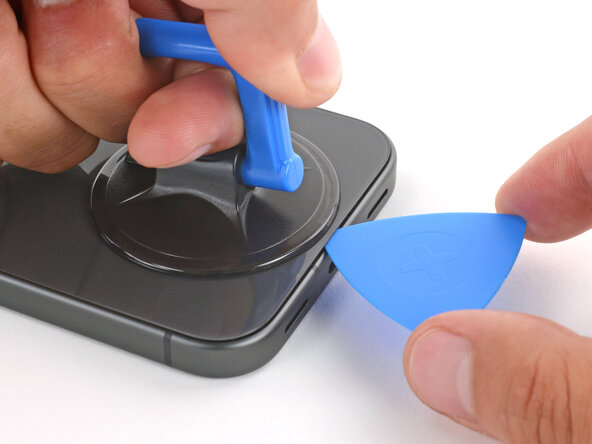
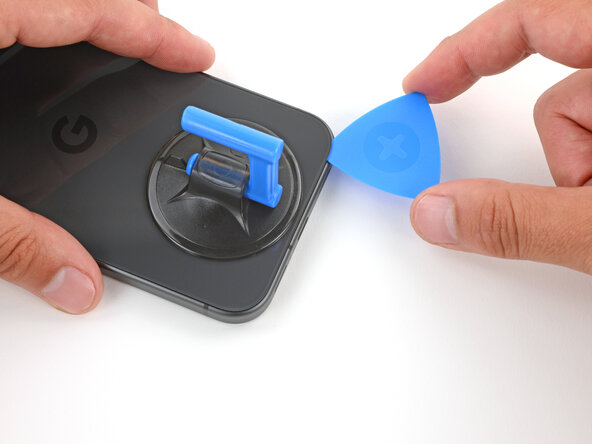
- Pull up on the suction handle with strong, steady force until a gap forms between the back glass and frame.
- Insert the tip of an opening pick into the gap.
- The back glass is secured with adhesive around the perimeter of the frame. Use this picture as a reference while you separate the adhesive.
- A cable connects the back glass near the power button. Don't insert your pick here to avoid damaging the cable.
- If the back glass feels stuck at any point during the next few steps, apply heat to the area and try again.
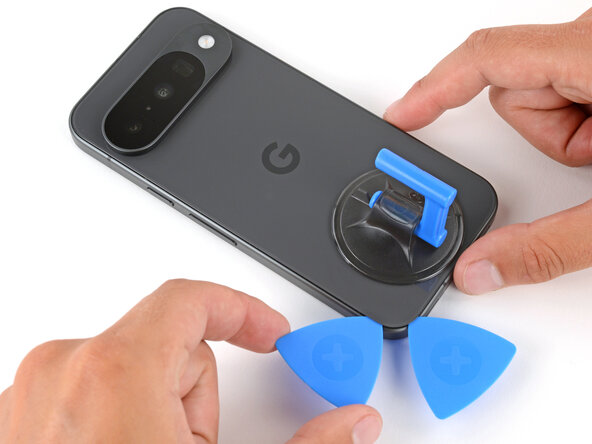
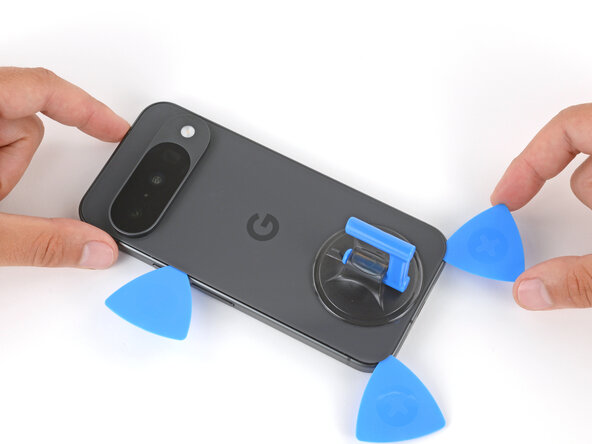
- Slide the opening pick along the bottom edge to separate the adhesive.
- Leave the pick inserted under the bottom left corner to prevent the adhesive from re‑sealing.
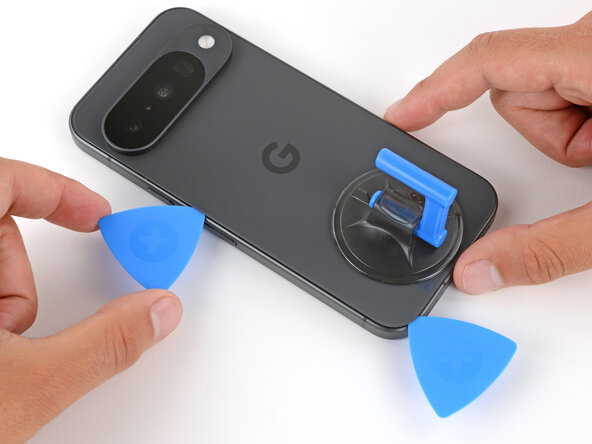
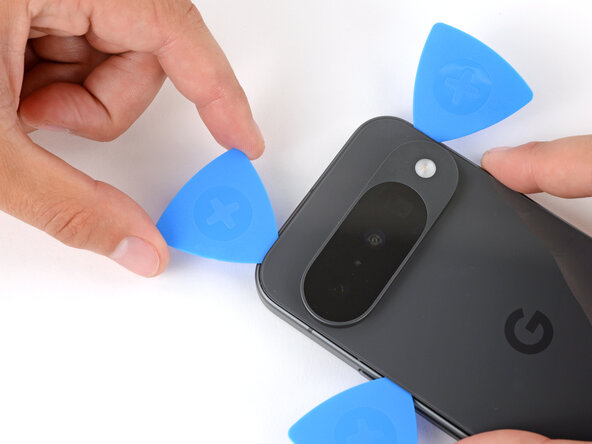
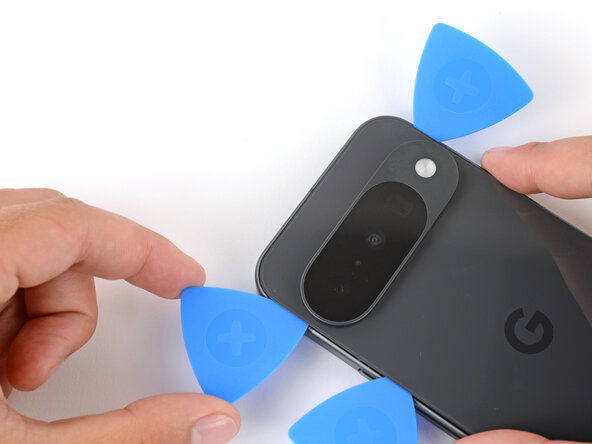
- Insert a second pick under the bottom left corner and slide it up the left edge, stopping at the power button.
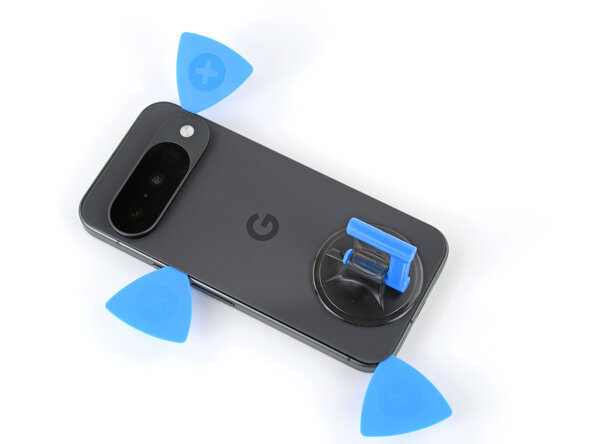
- Leave the pick inserted to prevent the adhesive from re‑sealing.
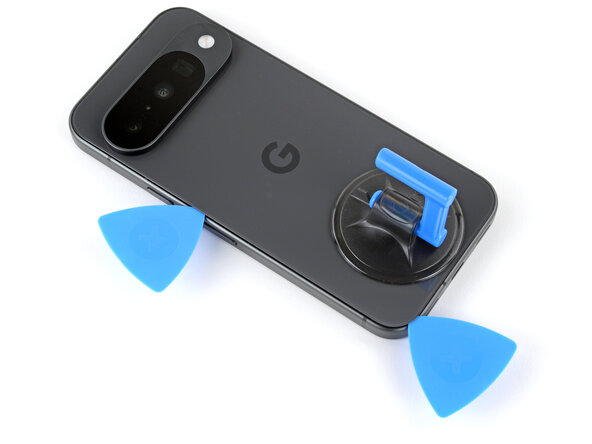
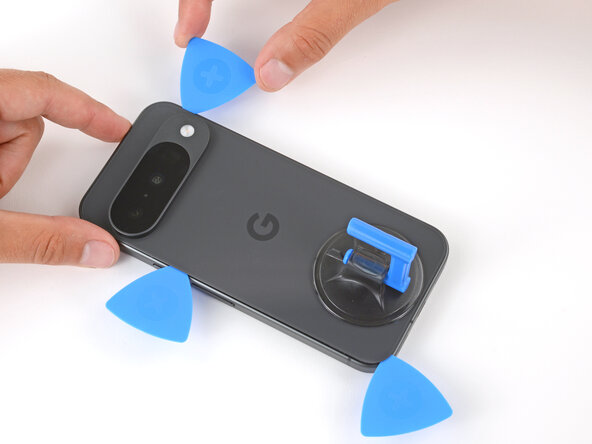
- Insert a third pick under the bottom right corner of the back glass and slide it up the right edge.
- Leave the pick inserted under the top right corner.
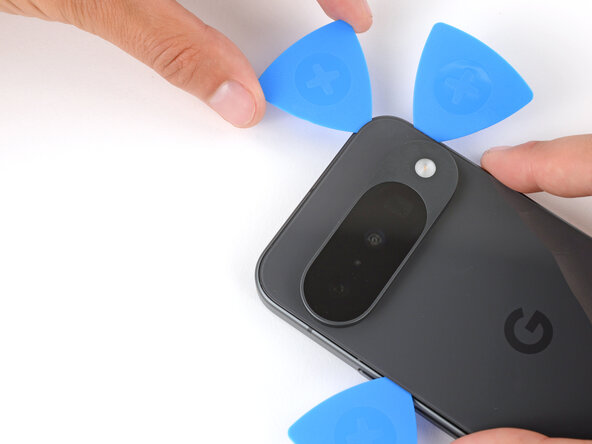
- Insert a fourth pick under the top right corner.
- Slide the pick along the top edge and slightly around the top left corner, stopping at the bottom of the camera bump.
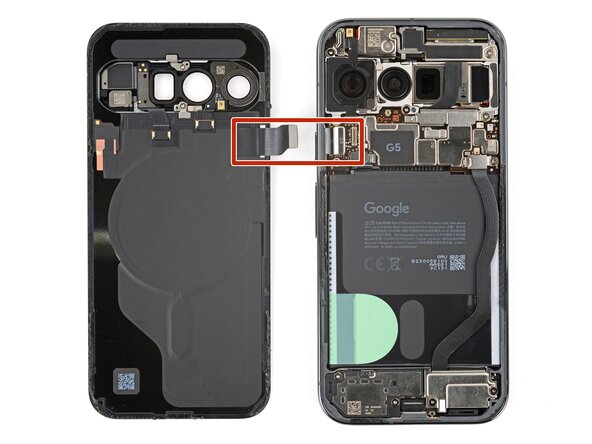
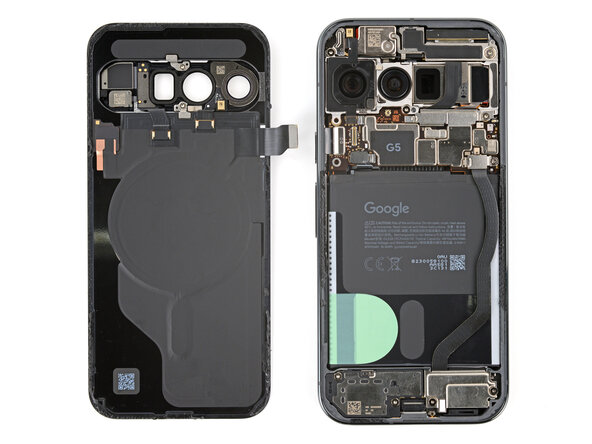
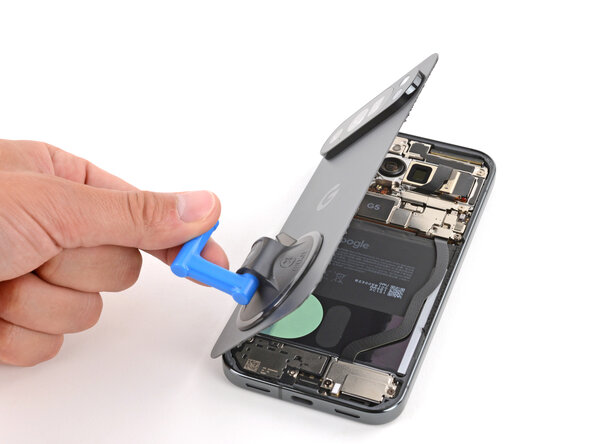
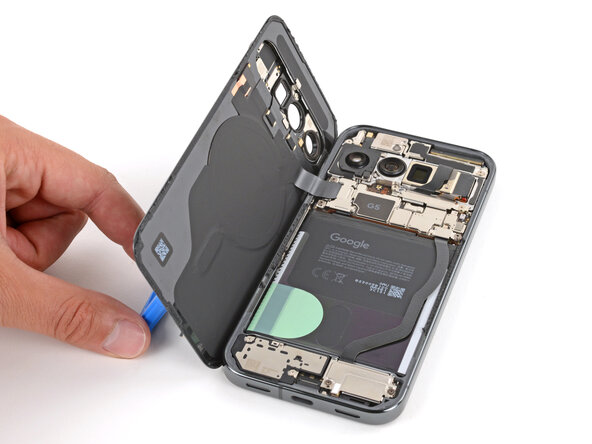
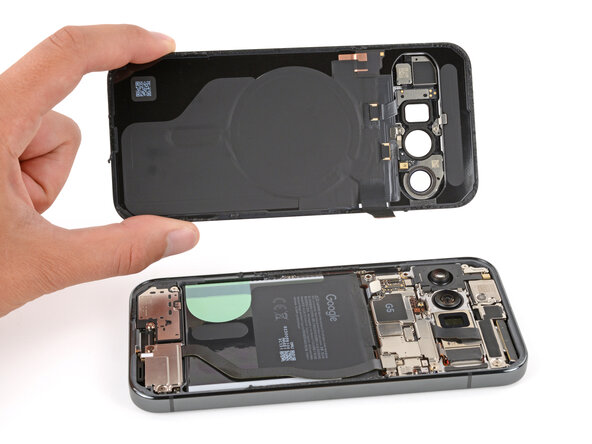
- Don't try to fully remove the back glass yet, as it's still connected by a ribbon cable.
- Flip the back glass over the left side of the phone and use the suction handle (or a sturdy object) to prop it up.
- If the back glass still feels stuck, go back around the perimeter with an opening pick and separate any remaining adhesive.
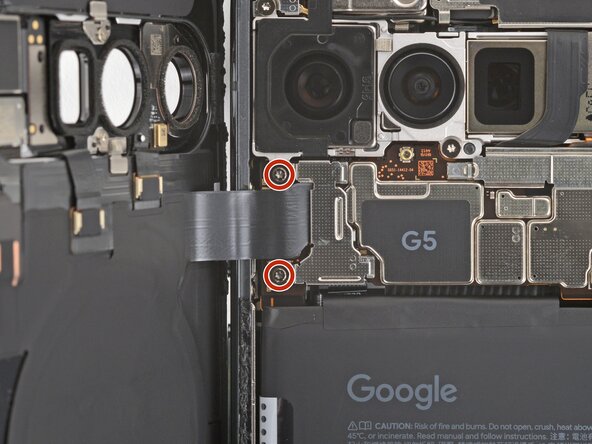
- Use a Torx Plus 3IP screwdriver to remove the two 5.8 mm‑long screws securing the back glass connector bracket.
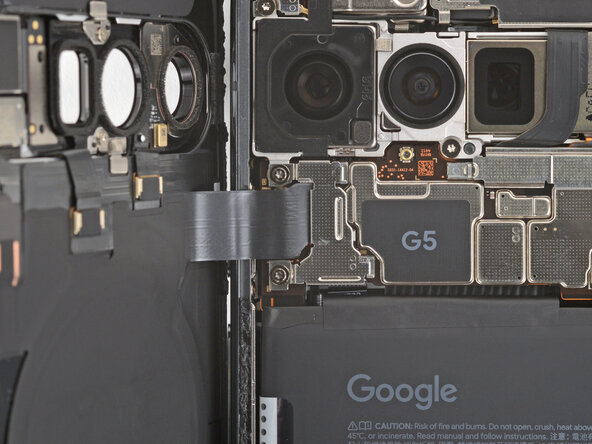
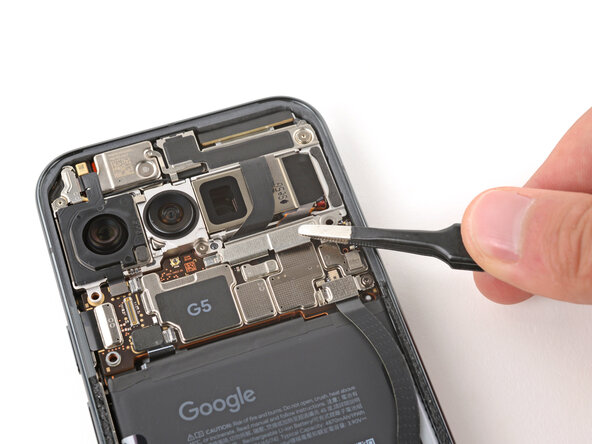
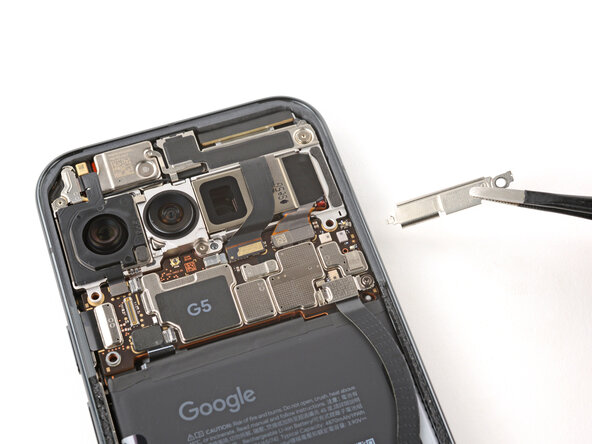
- Use tweezers to slide the cover towards the center of the phone to unhook the tabs and remove it.
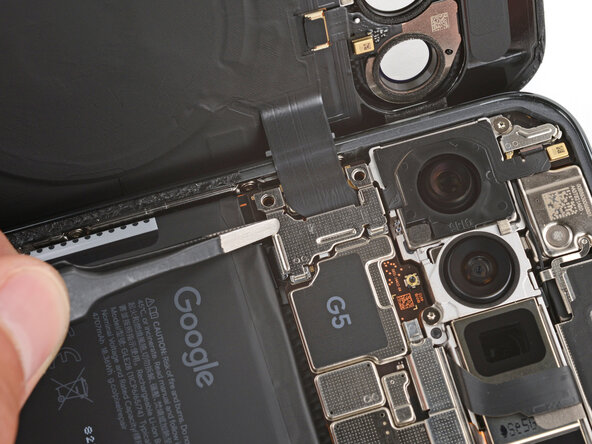
- Be careful not to damage the battery or rear cameras.
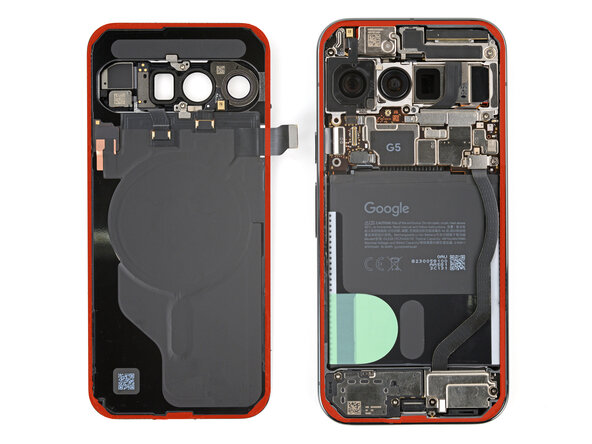
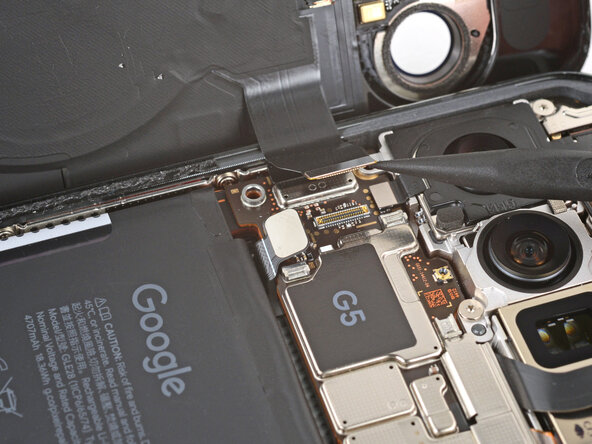
- Use the point of a spudger to pry up and disconnect the battery and back glass press connectors.
- Remove the back glass.
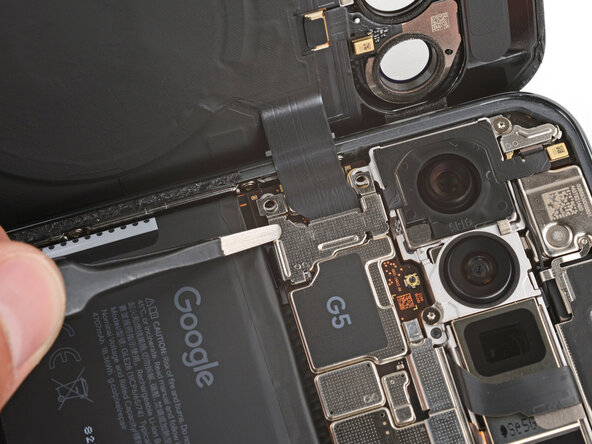
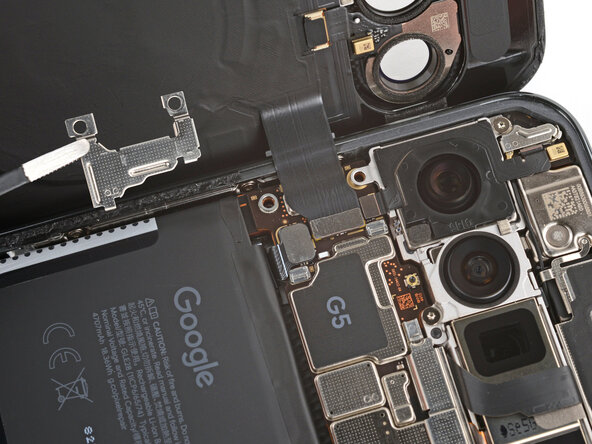
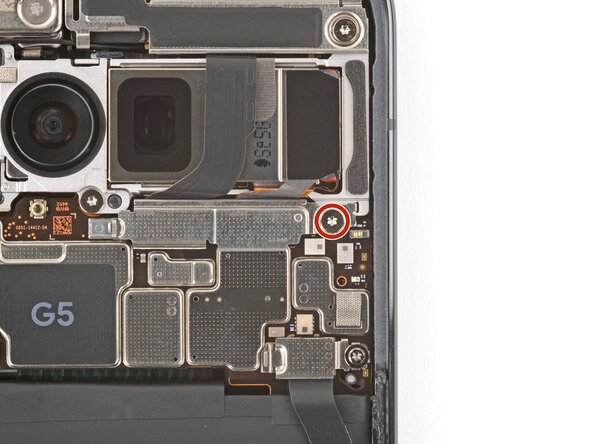
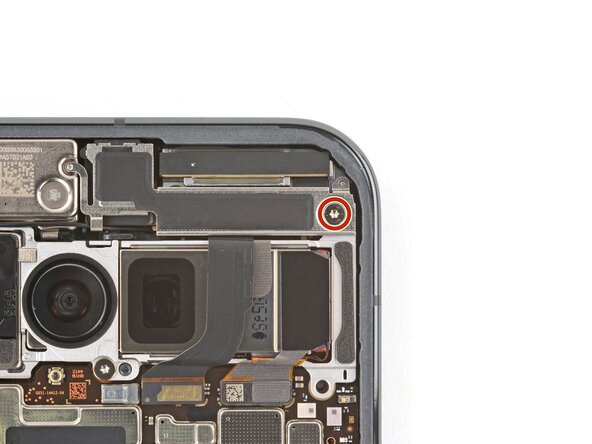
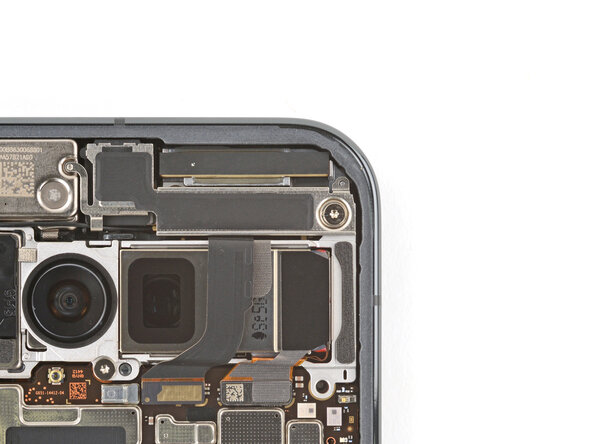
- Use a Torx Plus 3IP screwdriver to remove the 5.7 mm‑long screw securing the front camera connector cover.
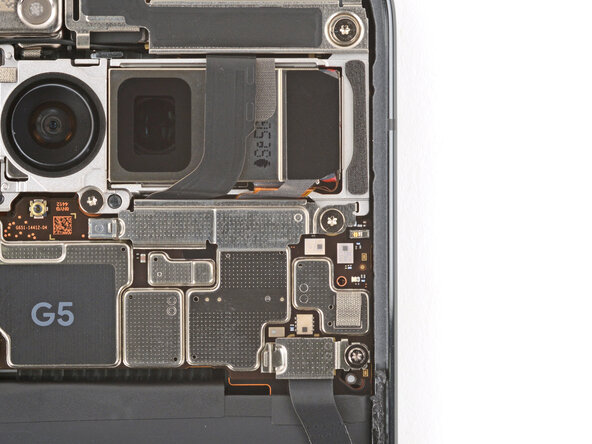
- Remove the cover.
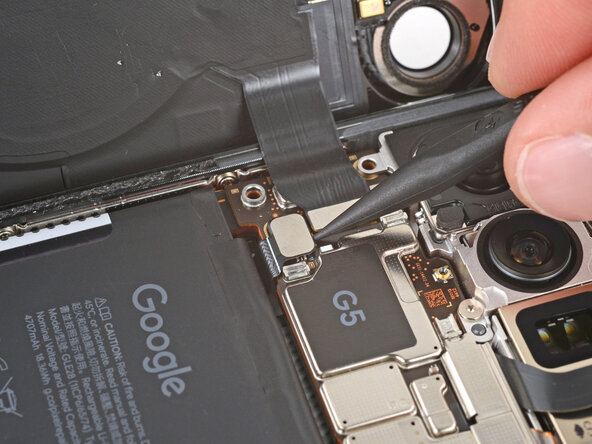
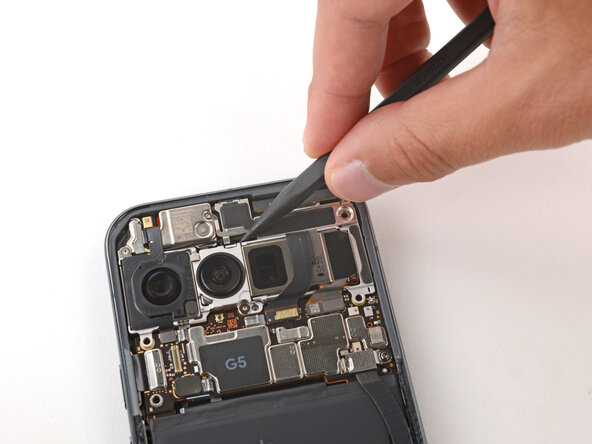
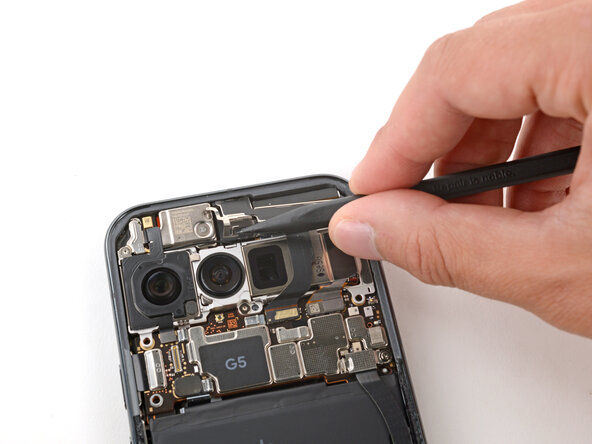
- Use a Torx Plus 3IP screwdriver to remove the 5.7 mm‑long screw securing the front camera bracket.
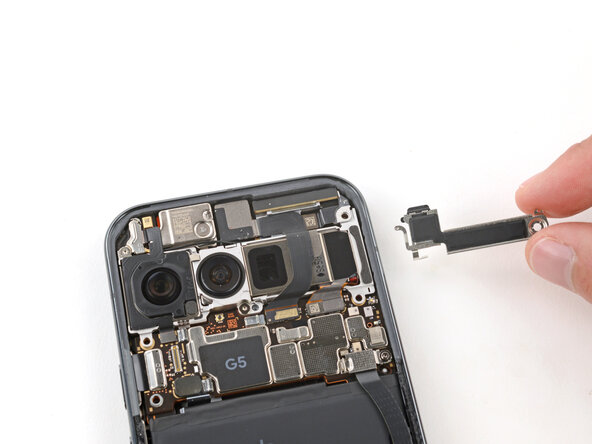
- Use the point of a spudger to push the front camera bracket's clip in and up to release it.
- Remove the bracket.
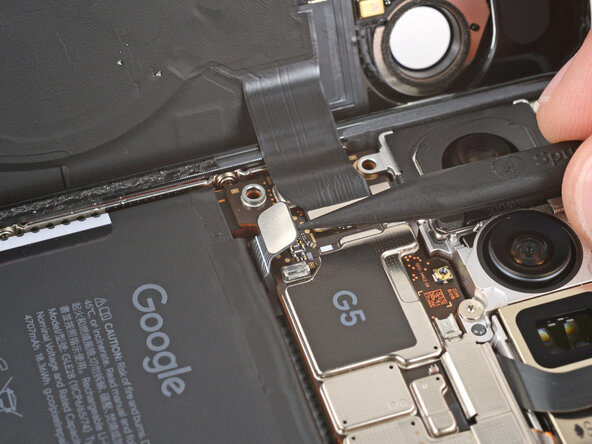
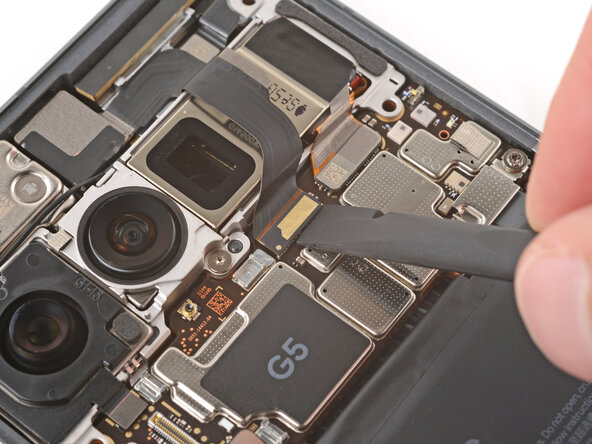
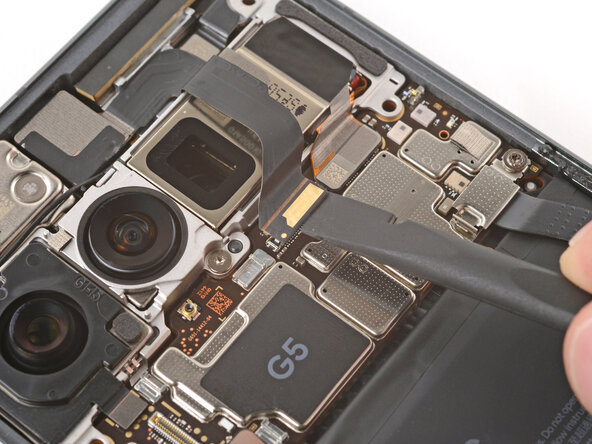
- Use a spudger to pry up and disconnect the front camera press connector.
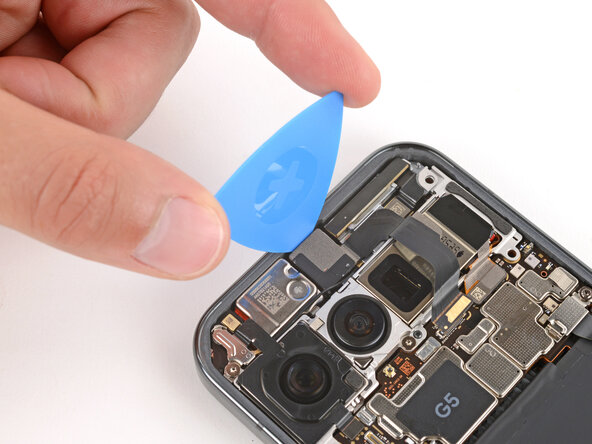
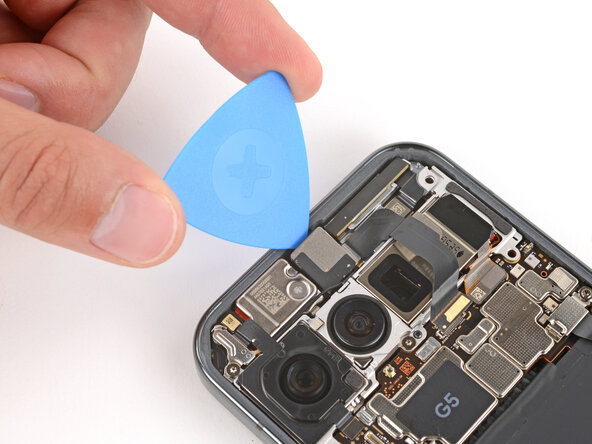
- Adhesive secures the front camera in its recess.
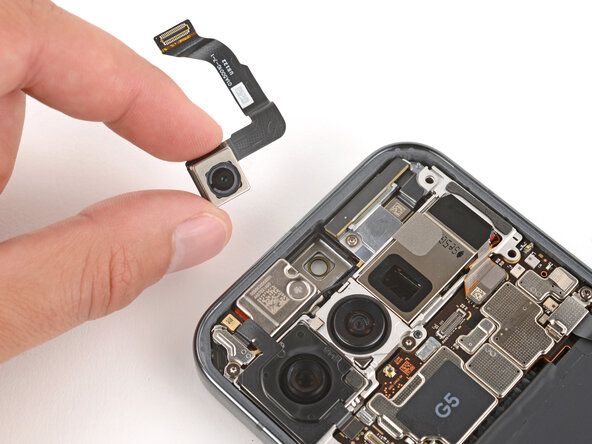
- Use the tip of an opening pick to gently pry the front camera up from the top edge and remove it.