Logitech G305 Mouse Left Clicker Replacement
ID: 199581
Description: If the left clicker on your Logitech G305 mouse...
Steps:
- Remove the battery cover by pressing the top of the cover and pulling it downwards.
- Remove the battery.
- Carefully use a box cutter to follow the grooves of the mouse skate pads and slowly lift them off.
- Use a Phillips #00 screwdriver to remove the four screws.
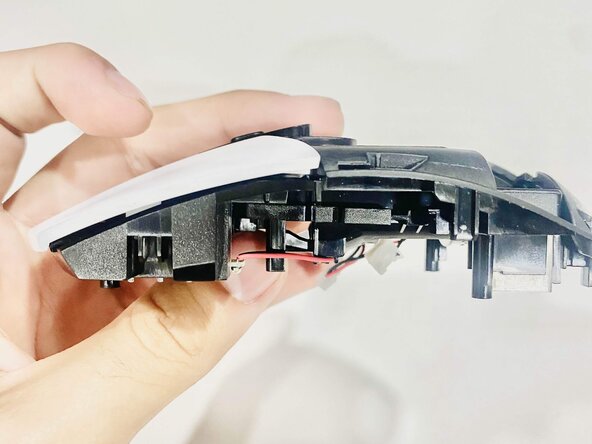
- Use a spudger to carefully separate the two halves of the mouse near the battery compartment.
- Open the compartment and slowly separate the halves until the internal wires are exposed.
- Carefully disconnect the two wires by hand from the base.
- The wires are fragile and require careful handling.
- Remove the three screws from the center battery compartment using a Phillips #00 screwdriver.
- Remove the two screws securing the left clicker.
- Lift the battery compartment to gain easy access to the clicker.
- Lift the battery compartment with care because of fragile wires.
- Remove the left clicker.
- Insert the replacement component and slide it into position until it securely clicks into place.