HP EliteBook 725 G3 Battery Replacement
ID: 200031
Description: If your HP EliteBook 725 G3 is having trouble...
Steps:
- Remove the ten 2.5 mm-long Phillips #0 screws securing the lower case.
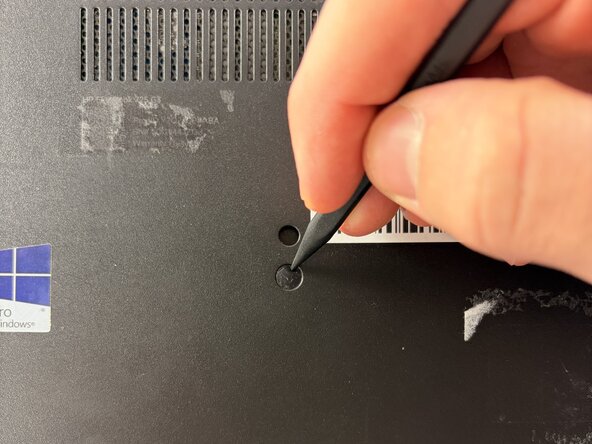
- Use the pointed tip of a spudger to remove the rubber stoppers on the lower case.
- Remove the remaining 2.5 mm-long Phillips screws that secure the lower case.
- There should be 11 total 2.5 mm-long Phillips #0 screws when you're done.
- Thelower has a click-release mechanism that is shown in the photos where the SD card is inserted.
- Push in on this mechanism and remove the lower case.
- Remove the two 2.5 mm Phillips #00 screws securing the battery.
- Lift and remove the battery.