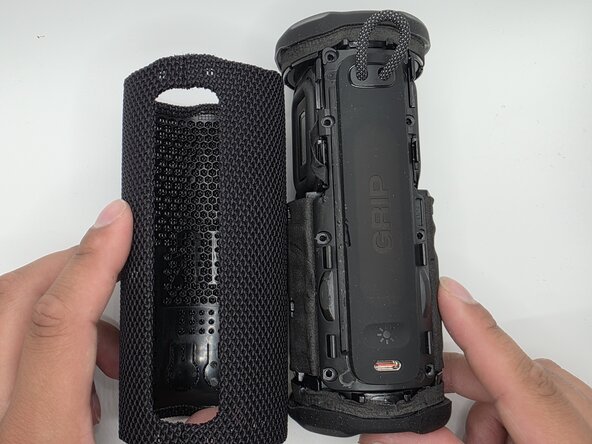
JBL Grip Charging Port Replacement
ID: 212246
Description: This guide will walk you through safely...
Steps:
- Slide the Jimmy along the seam to separate the case.
- Caution: Do not bend or puncture membrane.
- Unlatch the membrane from the rest of body.
- Remove the eight 6mm screws securing the panel with a Phillips #2 screwdriver.
- Flip up the black latches securing the two blue cables connected to the panel.
- Caution: Do not pull the cables by force. Ensure the latches are fully lifted.
- Remove the four 3 mm screws with a Phillips #2 screwdriver.
- Lift the charging port from its slot.