Screen Components Install
ID: 213311
Description:
Steps:
- Before installing the screen board, make sure you know how it will be oriented. The cables need to line up with their sockets.
- Gently press the board into place on the replacement screen.
- The residual adhesive should be sticky enough to reuse. If the board isn't staying in place, use thin double-sided tape to secure it.
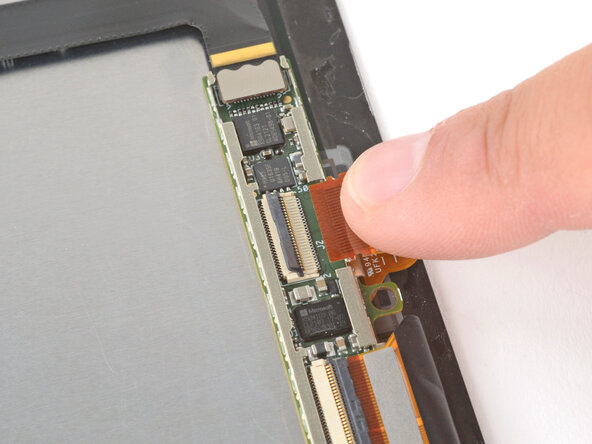
- Use your finger to slide one of the screen board cables fully into its socket.
- If the cable isn't sliding in, make sure the locking flap is flipped up.
- Hold the cable in place, and flip the locking flap down to secure the cable.
- Repeat the process to reconnect the other cable to the screen board.
- Set the board's metal cover in place and press down around the perimeter to secure it.
- Lay the screen cable in place so the bend lines up with the other screen cable.
- If the cable is positioned the wrong way, you won't be able to reconnect the screen.
- Use your finger to press down and reconnect the screen cable press connector, starting on one side and moving to the other.
- Set the cable's metal cover in place and press down around the perimeter to secure it.