Before You Begin (Discharge)
ID: 212636
Description:
Steps:
- Before starting this repair, allow your Surface Pro's battery to drain below 25%. A charged battery may catch fire if damaged.
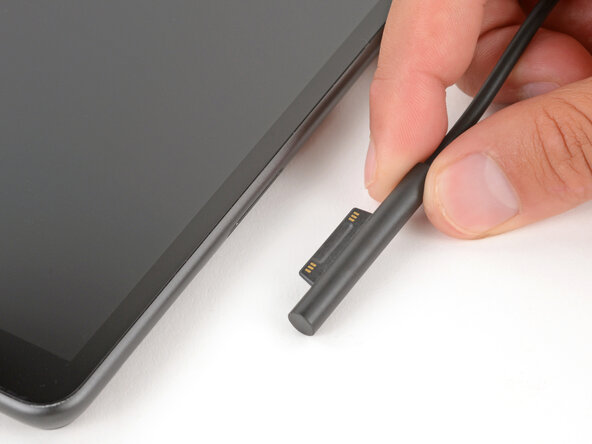
- Unplug all cables and fully shut down your tablet.
- If you have a keyboard attached, remove it.