How to Add a Fan to Cool Down Overheating Projector
ID: 213335
Description: This is my guide on improving projector cooling...
Steps:
- Turn the projector off.
- Unplug the projector from power source.
- Let the projector cool before handling.
- Find the air intake vent.
- Find air exhaust vent.
- Measure air vent with ruler.
- Place the fan near the air intake vent.
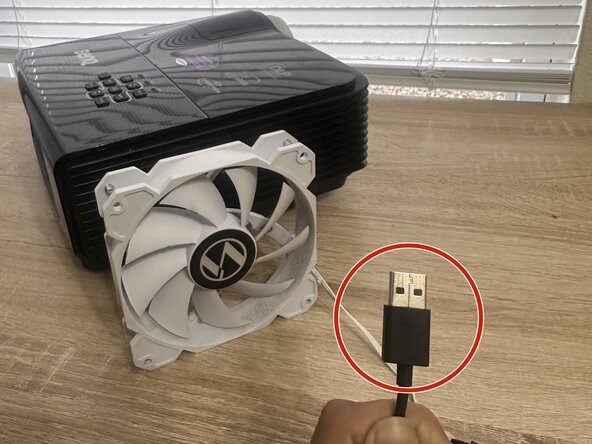
- Locate the USB wire.
- Connect USB wire into power bank.
- Confirm wire is secure in the power bank.
- Turn on power bank.
- Place hand in front of fan to check airflow.
- Turn the projector back on.
- Confirm cooling enhancement is working.