Framework Laptop 13 Pro Input Cover Installation (SO-DIMM)
ID: 218759
Description:
Steps:
- Position the Input Cover, keyboard down, on top of the laptop so it just covers the Battery.
- This allows the Touchpad Cable to be folded over and reconnected without straining it.
- Insert your finger into the Touchpad Cable press connector loop.
- Align the press connector over its socket and press down with your finger.
- You should hear it "click" into place. If you're having trouble, reposition it and try again. Don't try to force the connector into place.
- Flip the Input Cover over the laptop and align the bottom edges.
- Lay the Input Cover over the laptop and let the magnets snap it into place.
- The bottom right corner of the Input Cover won't sit flush with the laptop until you tighten its screws.
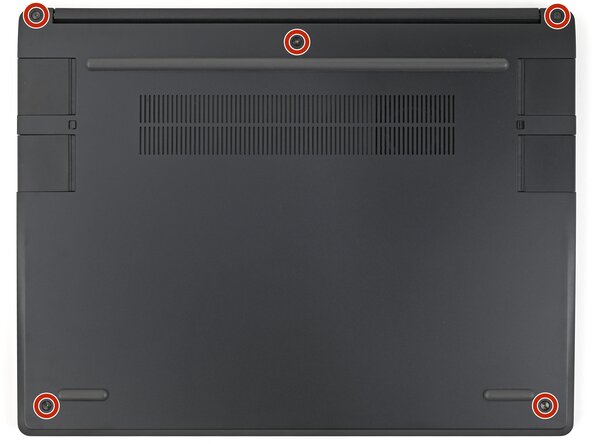
- Close the laptop and flip it over.
- Use your Framework Screwdriver to tighten the five captive T5 Torx screws securing the Input Cover.
- Don't overtighten the screws—just make sure they're snug.