HP Pavilion 15-eg0021nr Lower Case Replacement
ID: 220968
Description: Use this guide to replace the lower case on a...
Steps:
- Completely power off and unplug the charger and any peripheries before beginning.
- Close the display and flip the laptop upside-down.
- Remove the two rubber feet on the lower case.
- If you intend to reuse the feet, lightly heat them with a hair dryer and take care not to warp or tear them as your remove them.
- Remove the following screws securing the lower case with a Phillips #1 screwdriver:
- Four 6 mm-long
- Two 5.5 mm-long
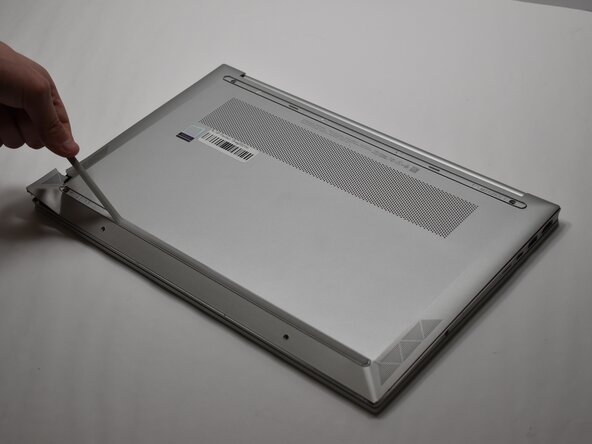
- Insert an opening pick into the seam between the lower case and chassis,
- Pry around the entire perimeter until the lower case fully releases.
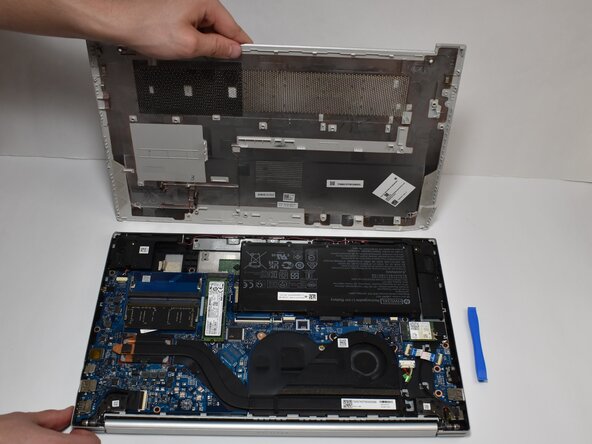
- Remove the lower case.