Beats Solo 2 Wireless Teardown
ID: 75217
Description:
Steps:
- You will need the following tools:
- A pry tool or a knife blade
- A PH00 screwdriver
- Insert you knife blade or pry tool in the centre of the seam
- Follow the seam. You should hear a snap sound of the clips loosening up.
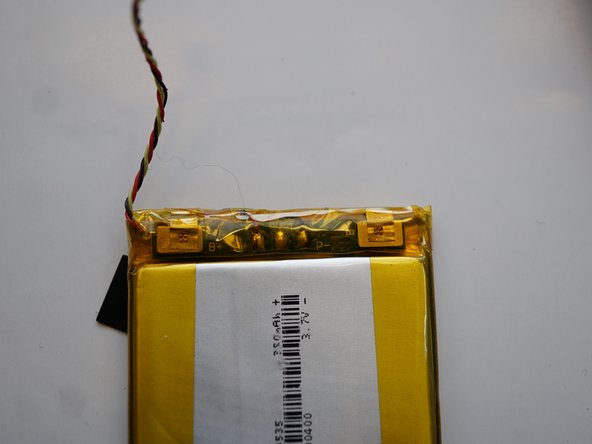
- Disconnect the battery before continuing
- Watch out for the On/Off button!
- You can take the battery out by using a plastic card such as a credit card
- PCA9536: s I/O Expander
- BQ2407:y Li-Ion Battery Charger and Power-Path Management IC
- BQ27425: Battery Fuel Gauge
- TCA6507: 7-Bit I 2C and SMBus LED Driver
- TPS782: Ultra-Low Quiescent Current Low-Dropout Linear Regulator
- DMMT3904W: Matched Pair NPN Small Signal Transistor
- This is the place where the wireless magic happens.
- CSR8670: Audio System-On-Chip (SoC)
- 2 Microphones
- AMS AS3561 Class-H Stereo Headphone Amplifier
- The Solo 2 wireless uses a lot of TI parts. That means that you can find replacement IC's
- The battery can be easily replaced, and it's not soldered in.