Samsung BD-H5100 Power Cord Replacement
ID: 75218
Description: The Blu-Ray Player will be opened and the power...
Steps:
- Use the Phillips Head #2 screwdriver to remove the three 10mm screws on the back panel.
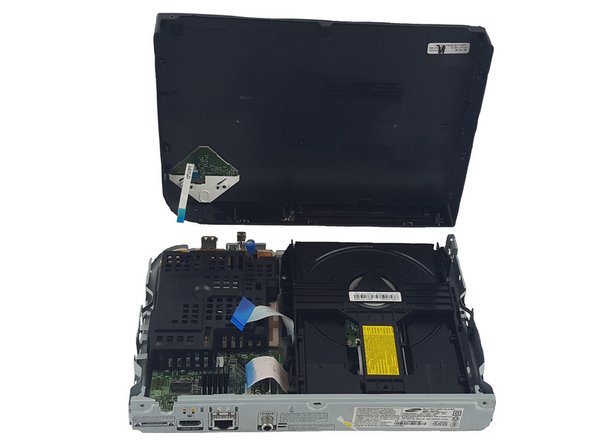
- Use the plastic spudger to pry open the top panel.
- Be careful not to break the ribbon connecting the motherboard on the bottom panel to the top panel.
- Pull the ribbons gently from one corner by the blue tabs to remove it.
- Use a Phillips Head #2 to remove the two 7.5mm screws on the black cover.
- Remove the black cover.
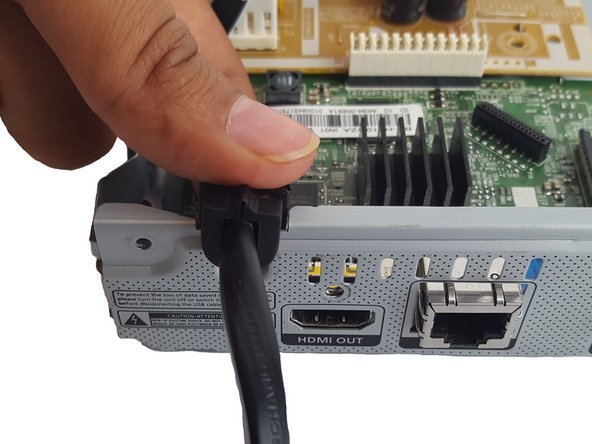
- Pinch the white clip and pull straight up on the power cord.
- Remove power cord.