Macbook 2009-2010 Unibody White Disassembly
ID: 75223
Description: Removing a white Unibody MacBook disk drive and...
Steps:
- Remove the six Phillips head screws with J00 bit.
- Then Unplug the battery using a ESD Safe prying tool.
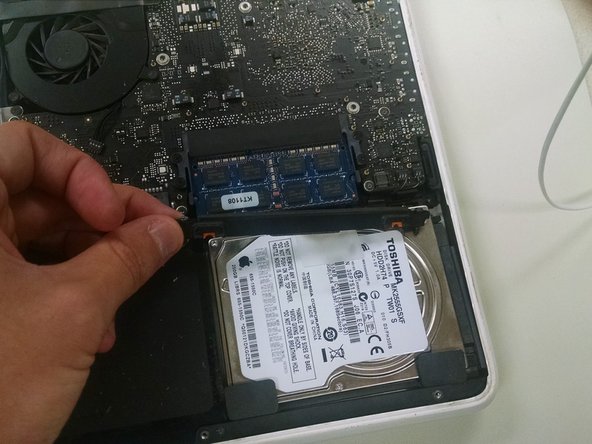
- Once battery is unplugged, remove two Philips head screws using J00 bit.
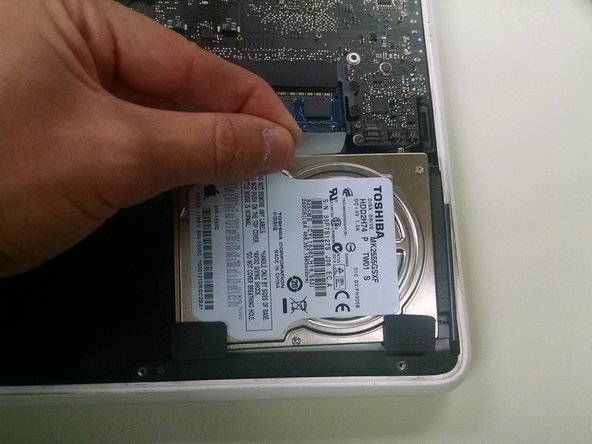
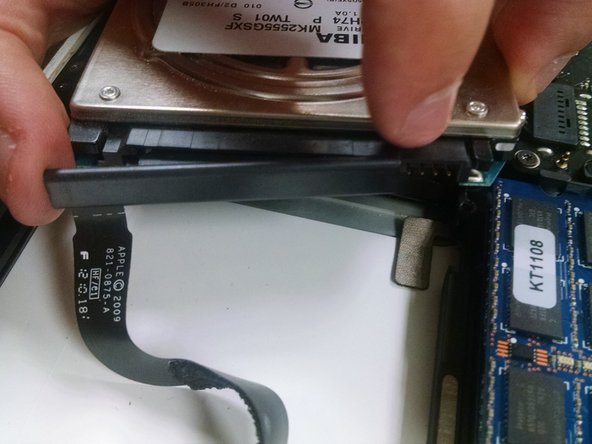
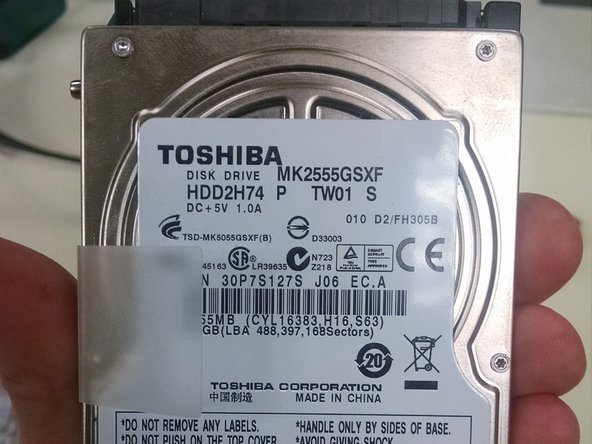
- After removing the screws and plastic cover piece, remove the hard drive then unplug from Logic Board.
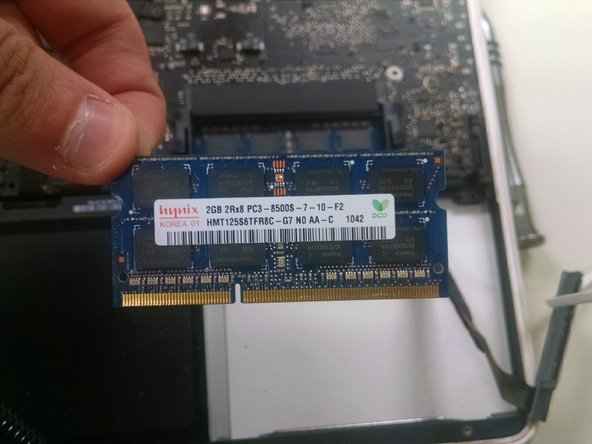
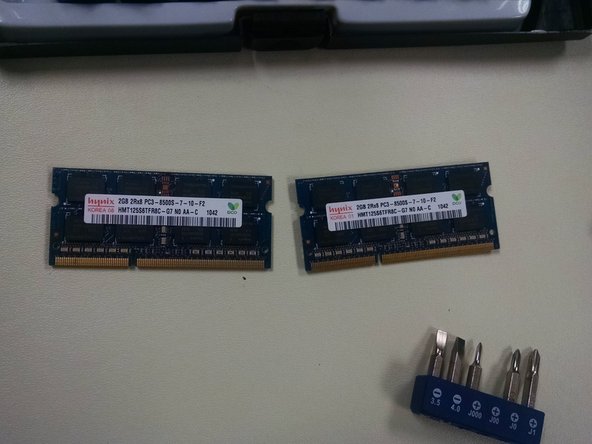
- Locate the RAM Directly above the Hard Drive. Gently push the two snaps away from the RAM cards and gently pull the ram out. You Will do this step again to remove the Second card beneath the first.