ZTE Grand X Max Plus Motherboard Replacement
ID: 98903
Description: Follow the steps on this guide to replace the m...
Steps:
- Make sure you turn off your phone before starting.
- Heat the phone using a heating pad, heat gun, or hair dryer to loosen the glue. You just need to heat the back of the phone.
- You can also use a hair dryer or a heating gun for this step.
- After the phone is heated, use the blue plastic opening tool on both sides of the phone.
- Don't apply too much pressure because the cover can crack easily.
- To avoid that your cover cracks, you can add tape to back cover.
- You can use a suction cup to help remove the battery.
- Carefully remove the cover from the phone.
- Use a plastic opening tool to pry the battery off.
- The battery will be held down securely by glue, so it'll take quite a bit of sliding underneath to separate it from the compartment.
- Pull up the piece that is connected to the motherboard. You can pull it using your nails.
- Remove the battery.
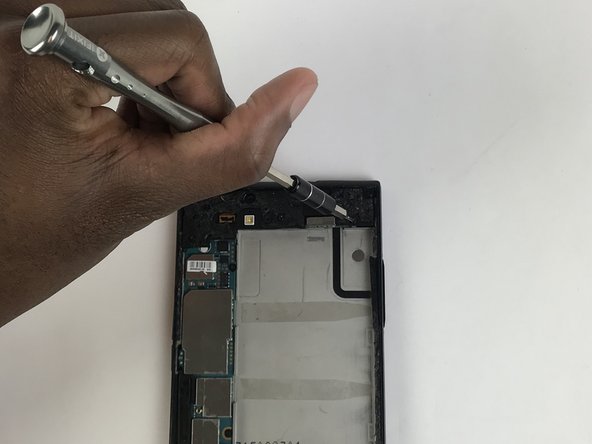
- Use a screwdriver with a JIS #000 head to remove the (8) eight screws.
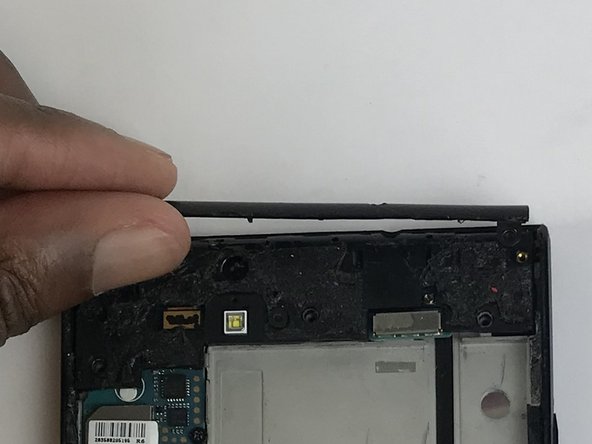
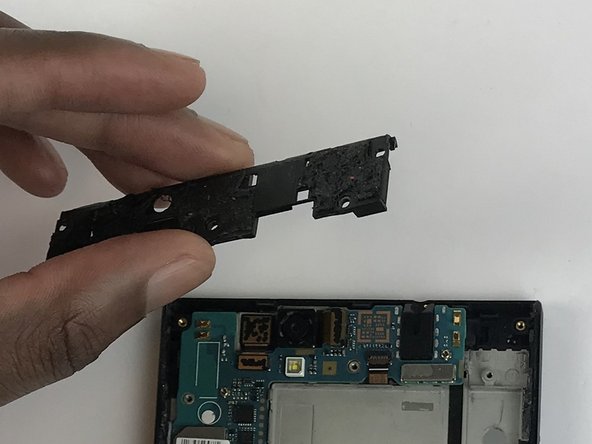
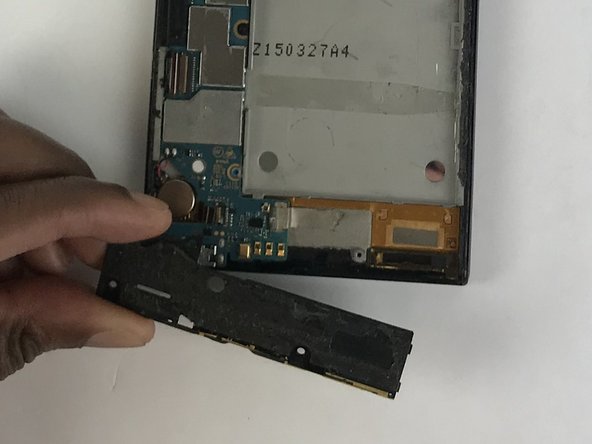
- Use a plastic opening tool to remove the plastic piece in the upper part of the phone.
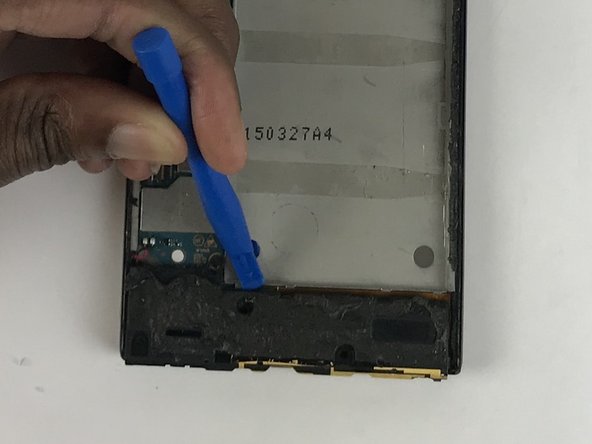
- Use the same tool to pry off the plastic that is covering the motherboard.
- Repeat the same steps for the bottom part.
- With the same screwdriver, remove the two screws from the motherboard.
- There are three clips holding the motherboard.
- Unclip the motherboard from the phone with the plastic opening tool.
- Remove the motherboard from the phone.